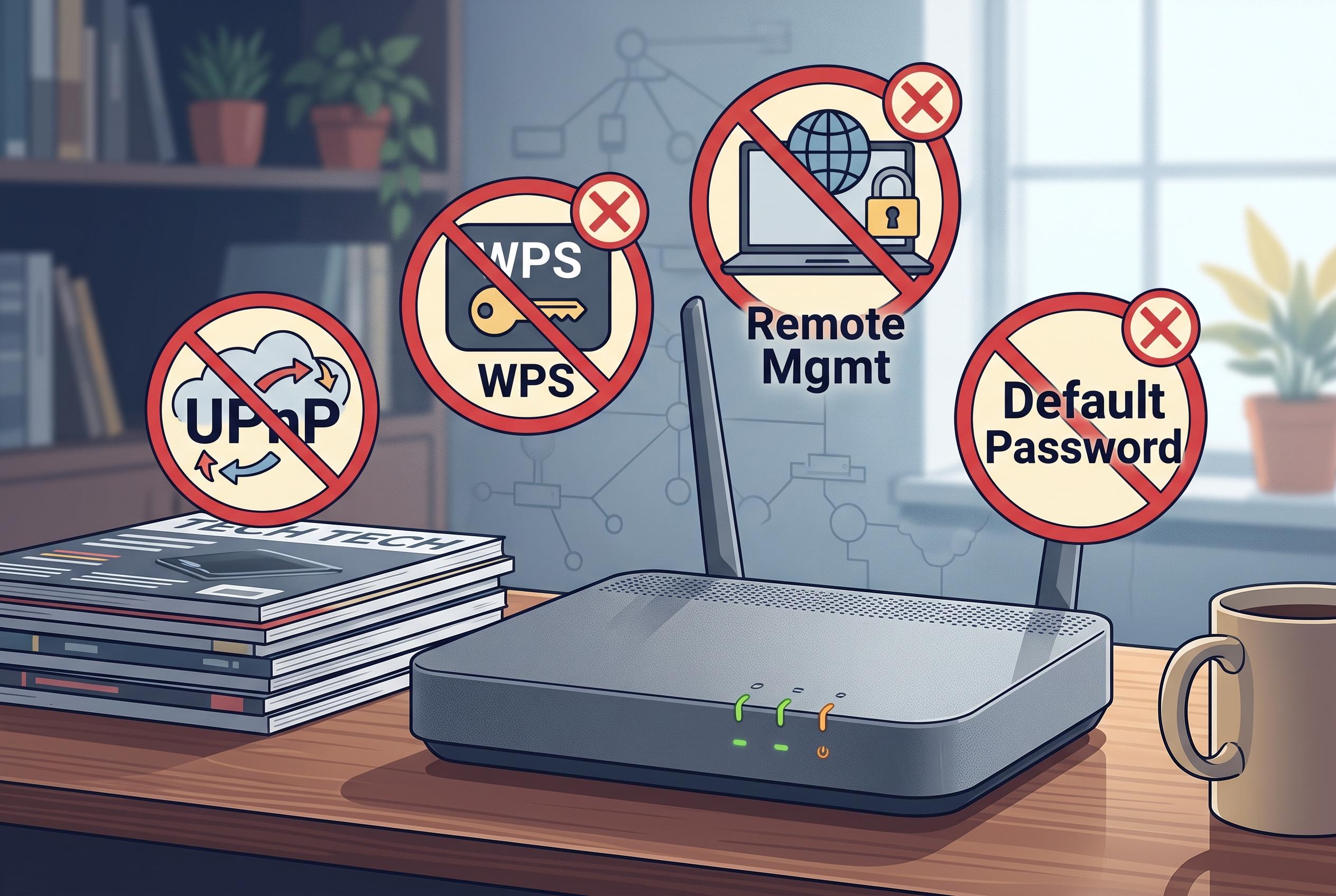

Security experts advise disabling common router features such as UPnP, WPS, and remote management to reduce exposure to cyber threats, emphasising that simplicity can enhance safety in home networks.
Home routers are designed for convenience, but convenience often comes at the cost of exposure. How-To Geek argues that several common settings should remain disabled unless there is a clear, specific need for them, because the defaults are not always the safest fit for a home network. That advice aligns with security guidance from the UK government, which warns that features such as Universal Plug and Play can let devices alter router behaviour without enough oversight.
Universal Plug and Play, usually shortened to UPnP, is among the most useful and the most easily misused router functions. It allows devices to open ports automatically so that consoles, televisions and other appliances can connect with minimal setup. But security analysts have repeatedly warned that the protocol has no real authentication, which means any device on the local network can request access. TechTarget says attackers have used UPnP flaws to misuse home routers, while the UK government’s vulnerability advisory notes that exposed services can be opened to the internet without an administrator’s direct approval.
That risk is not theoretical. Reporting cited by TechTarget says hundreds of router models across dozens of brands have been affected by UPnP-related weaknesses, and older research covered by Computerworld described tens of millions of networked devices as vulnerable to remote abuse through flawed implementations. The practical advice is straightforward: if a console or application genuinely needs a port opened, it is usually safer to forward that port manually than to leave UPnP enabled across the board.
Wi-Fi Protected Setup, or WPS, is another feature best treated with caution. It was created to make wireless pairing easier, either by pushing a button or entering a PIN, but Tom’s Hardware has reported that the PIN method remains vulnerable to brute-force attacks in some devices, including products that shipped with old firmware still susceptible to the Pixie Dust exploit. The point is not that WPS is always broken, but that its convenience can weaken the security of an otherwise strong password.
The same logic applies to remote management, DMZ hosting and forgotten port-forwarding rules. These settings can solve a problem for a small number of users, but they also widen the attack surface of the router and any device exposed through it. A DMZ host, in particular, places a machine much closer to the open internet than most homes need, while stale port rules can leave doors open long after the original purpose has disappeared. Features such as USB file sharing, media servers and remote cloud access are also worth disabling when unused, both because they create more services for an attacker to target and because they can slow down modest router hardware.
The underlying rule is simple: if a setting is on and you cannot explain why, it probably does not belong there. A stronger administrator password and current firmware remain essential, but turning off unnecessary features reduces the number of ways a router can be abused. For most households, the safest network is not the one with the most functions enabled, but the one with the fewest exposed.
Disclaimer: This content is intended for informational purposes only. Readers are advised to exercise their own judgement, conduct due diligence, or consult a qualified expert before acting on any information provided.