

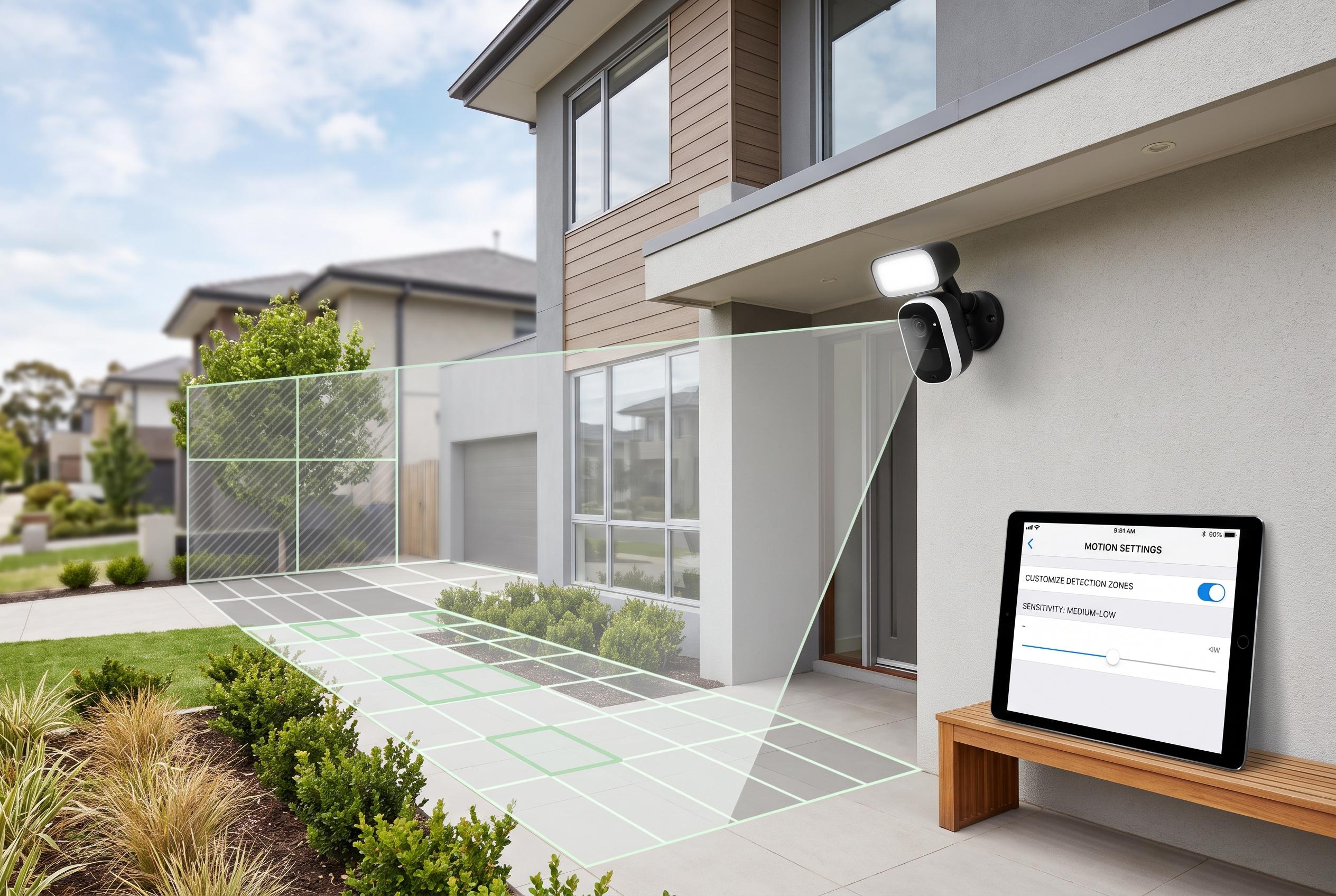

Many homeowners struggle with unnecessary notifications from security cameras but learning to fine-tune motion zones, sensitivity, and placement can make alerts more reliable and less disruptive.
A security camera is meant to provide reassurance, not a stream of needless notifications. In practice, many homeowners discover that the default motion settings are too broad, so the app flags ordinary activity such as moving branches, passing cars, animals in the yard, changing light and people walking past the property.
That problem is usually caused by leaving the camera on factory settings after installation. Once the alerts start arriving too often, users often respond by muting the device, disabling notifications or reducing sensitivity so far that the system becomes far less useful. According to Analytics Insight, the better approach is to adjust the camera properly from the start.
The most effective fixes are usually simple. Security specialists say motion zones should be narrowed so the camera watches only the areas that matter, rather than the full frame. Motion sensitivity should then be reduced gradually, because settings that are too high tend to trigger alerts from minor movement, while settings that are too low can miss genuine incidents. Some systems also let users apply detection filters for people or vehicles, which helps separate real security events from routine movement.
Other guides on CCTV systems recommend adding a minimum motion duration, so brief flashes of movement do not trigger alerts. They also advise careful camera placement, since headlights, reflective surfaces, rain, insects near the lens and shadows can all cause false alarms. The aim is not to suppress alerts entirely, but to make them specific enough that users trust them and keep them turned on.
Disclaimer: This content is intended for informational purposes only. Readers are advised to exercise their own judgement, conduct due diligence, or consult a qualified expert before acting on any information provided.



