

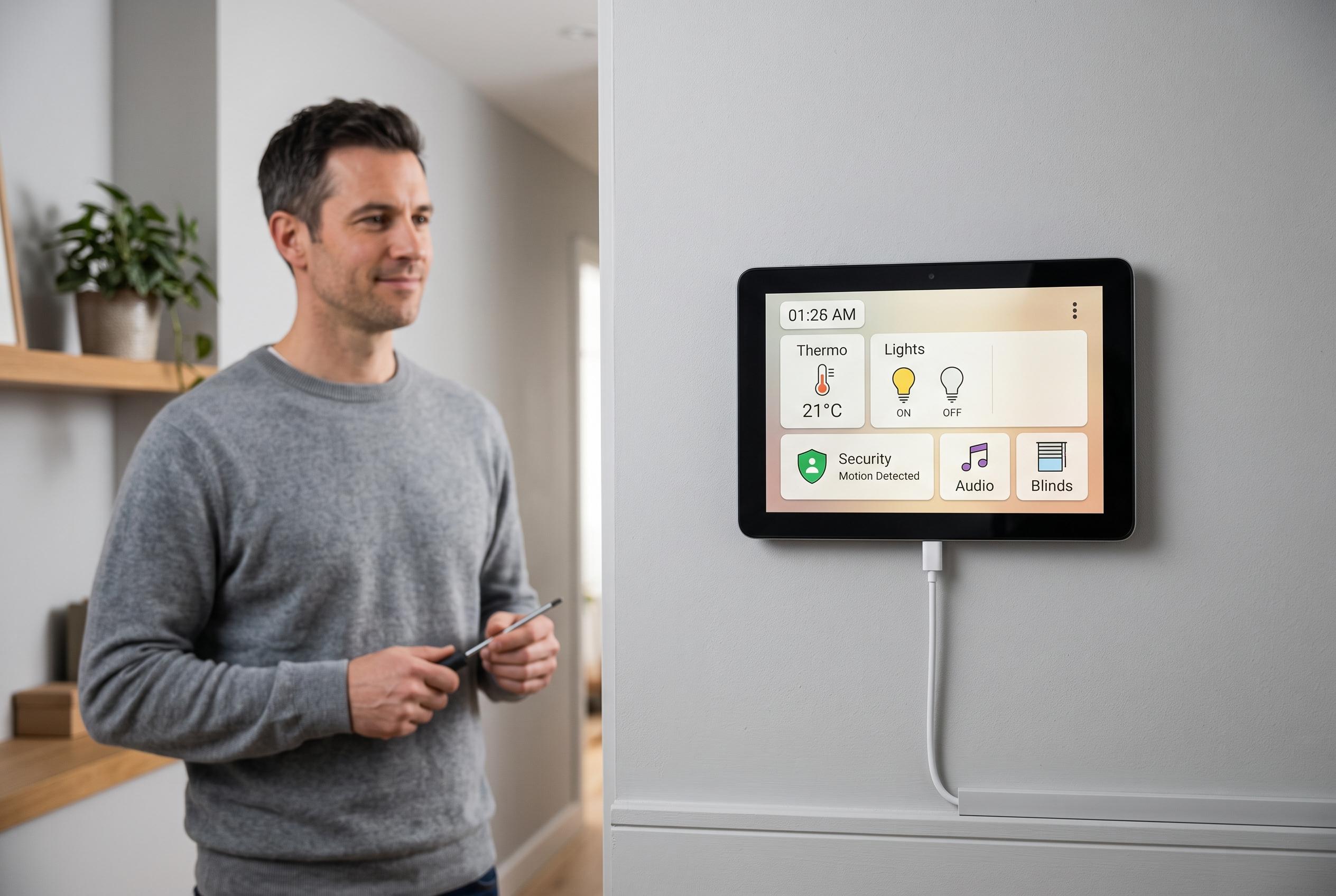

A Russian hobbyist has expertly repurposed a used Android tablet into a custom smart-home wall panel, leveraging motion-based wake features and open-source tools for a cost-effective automation solution.
A Russian hobbyist has built a practical Home Assistant wall panel from a used Android tablet, stripping out the battery, hard-wiring power and adding motion-based wake features to make the device behave more like a purpose-built smart-home display. The aim was simple: keep thermostat controls, camera feeds and automations visible on the wall without relying on a phone, while avoiding the cost of a commercial panel.
The first attempt went wrong in a familiar way for bench testing. After removing the battery from an older Android 4 tablet, the builder connected it to a laboratory power supply and adjusted voltage while the tablet was still attached. A brief spike was enough to destroy the power-management controller on the board. The second tablet, a Lenovo TB-X103F, fared better because its power requirements were measured on an unpowered setup first, then reproduced with a cheap LM2596S step-down converter fed from a 5V supply. A USB-C socket was added for cleaner power input, and a 3D-printed stand gave the tablet a permanent home on a desk, with wall mounting still planned.
The project then ran into a more subtle limitation. The Lenovo model has no ambient light sensor at all, so Android hides auto-brightness controls entirely. To work around that, the developer used the front camera as a proxy light meter, sampling low-resolution preview frames and averaging their luma values. That same stream was also used for motion detection, which turned out to be more useful than brightness estimation. By comparing successive frames, the app can wake the screen only when someone is actually close to the tablet, rather than merely present somewhere else in the room.
That distinction matters. A single motion threshold proved too sensitive, so the logic was split into two zones: one for general presence, which keeps the display on, and a higher threshold for “nearby”, which is what wakes the panel. In practice, this gives the system a crude but effective distance estimate based on how much of the frame changes. According to the builder, that simple approach worked well enough to become the main feature, with auto-brightness a useful side effect.
Technical choices were kept modest to suit low-end hardware. The app uses the older Camera1 API rather than Camera2, because the tablet’s chipset runs Camera2 in legacy mode and adds little benefit. Preview resolution is held to 160×120 to reduce CPU load, and frame buffers are reused so that garbage collection does not slow down a device with limited memory. The software is also designed to survive the realities of 24/7 use: it restarts the camera if frames stop arriving, recreates the controller if the camera stack freezes, and can recover from service kills or reboots.
The finished app does more than wake a screen. It reports light level, brightness, motion and display state to Home Assistant through a REST API, exposes quiet-hours controls, supports proximity sensors where available and includes diagnostics such as graphs, logs and CSV export for tuning thresholds. It can also be driven from outside through ADB broadcasts, with settings export and import for easier setup. The camera feed is never stored or sent onwards; only derived values are transmitted. That makes the project a notable example of how older Android tablets can be repurposed into dedicated smart-home panels, alongside open-source tools such as WallPanel and Superdash, which pursue the same wall-panel idea with their own mixes of kiosk mode, motion sensing and Home Assistant integration.
Disclaimer: This content is intended for informational purposes only. Readers are advised to exercise their own judgement, conduct due diligence, or consult a qualified expert before acting on any information provided.



