

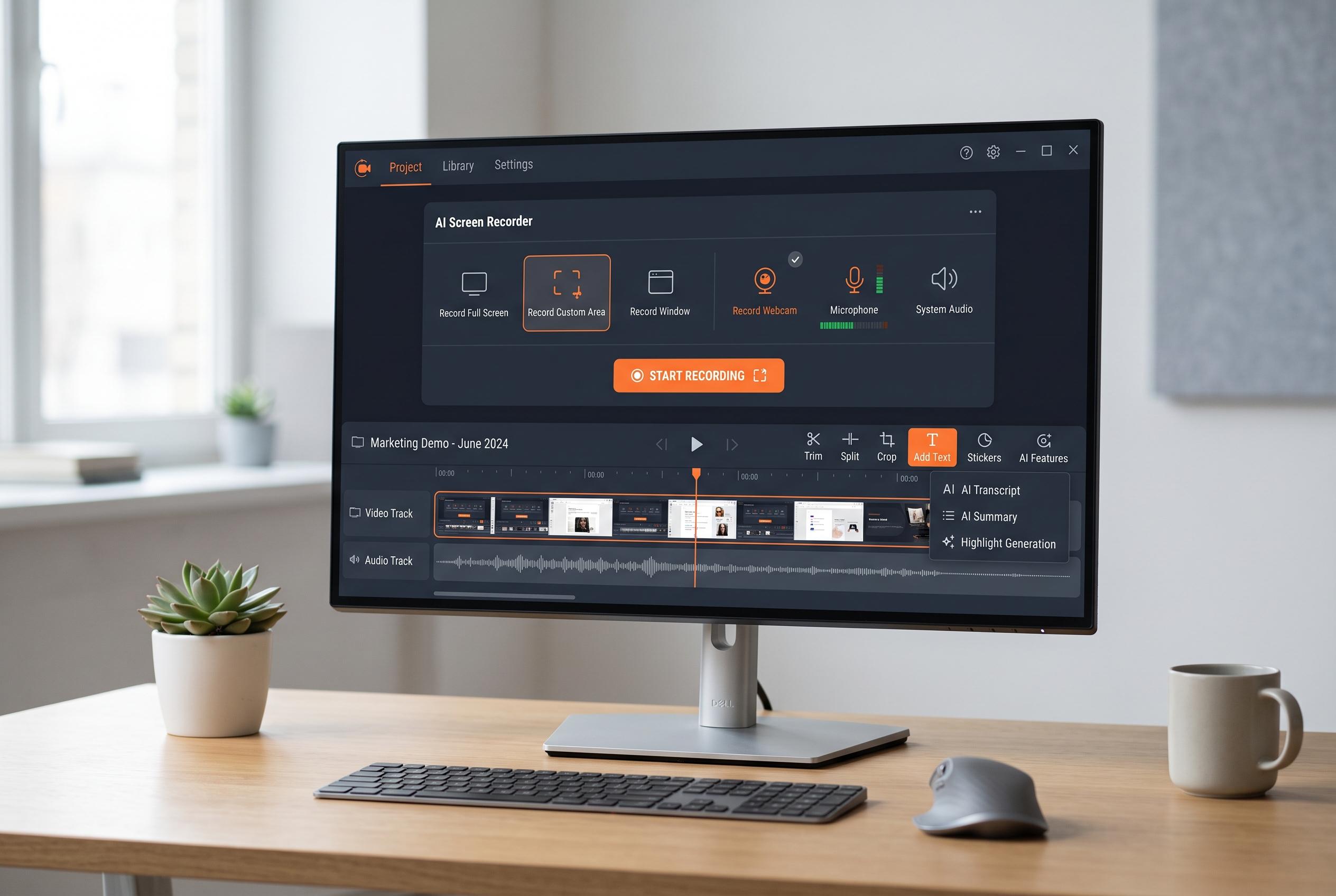

The AI Screen Recorder, a free, open-source tool supporting Windows, macOS and Linux, aims to streamline tutorial creation by combining recording and editing into a single, cost-effective workflow, disrupting traditional post-production processes.
The creator behind AI Screen Recorder says the project was built to cut out one of the most time-consuming parts of making tutorial content: post-production. The tool records a screen session and then applies edits automatically, including cropping to the active area, adding transitions and marking mouse activity for viewers. It is presented as free, open source and cross-platform, with support for Windows, macOS and Linux.
That pitch fits into a broader wave of browser-based and native recording tools that are trying to remove manual editing from screen capture. Capscreen, for example, also focuses on free, open-source recording across major desktop operating systems, but leans more heavily on simple capture and smaller exports. Screenrec, by contrast, emphasises auto-zoom and cursor effects for cleaner tutorials on Windows. ScreenKite takes the idea further on macOS by combining recording with AI-assisted editing, while Coherence Studio and OpenReelio add captions, trimming and other creator-focused features.
What makes AI Screen Recorder distinct is its promise to package recording and finishing work into a single flow without subscriptions or watermarks. According to the project description, it is licensed under MIT and hosted using Vercel and GitHub Pages, which the creator says keeps running costs low. The stack is built with React, TypeScript, Vite, Tailwind CSS and Zustand, signalling a relatively modern web-based application rather than a heavy desktop install.
The timing also reflects a crowded but expanding niche. Several competing tools now advertise auto-zoom, cursor smoothing, transcription-driven editing or GPU-accelerated export, suggesting that the market is moving away from raw capture alone and towards faster production of publishable clips. For creators making software demos, lessons or product walkthroughs, the practical appeal is clear: less time spent trimming footage and more time publishing usable video.
Disclaimer: This content is intended for informational purposes only. Readers are advised to exercise their own judgement, conduct due diligence, or consult a qualified expert before acting on any information provided.



