

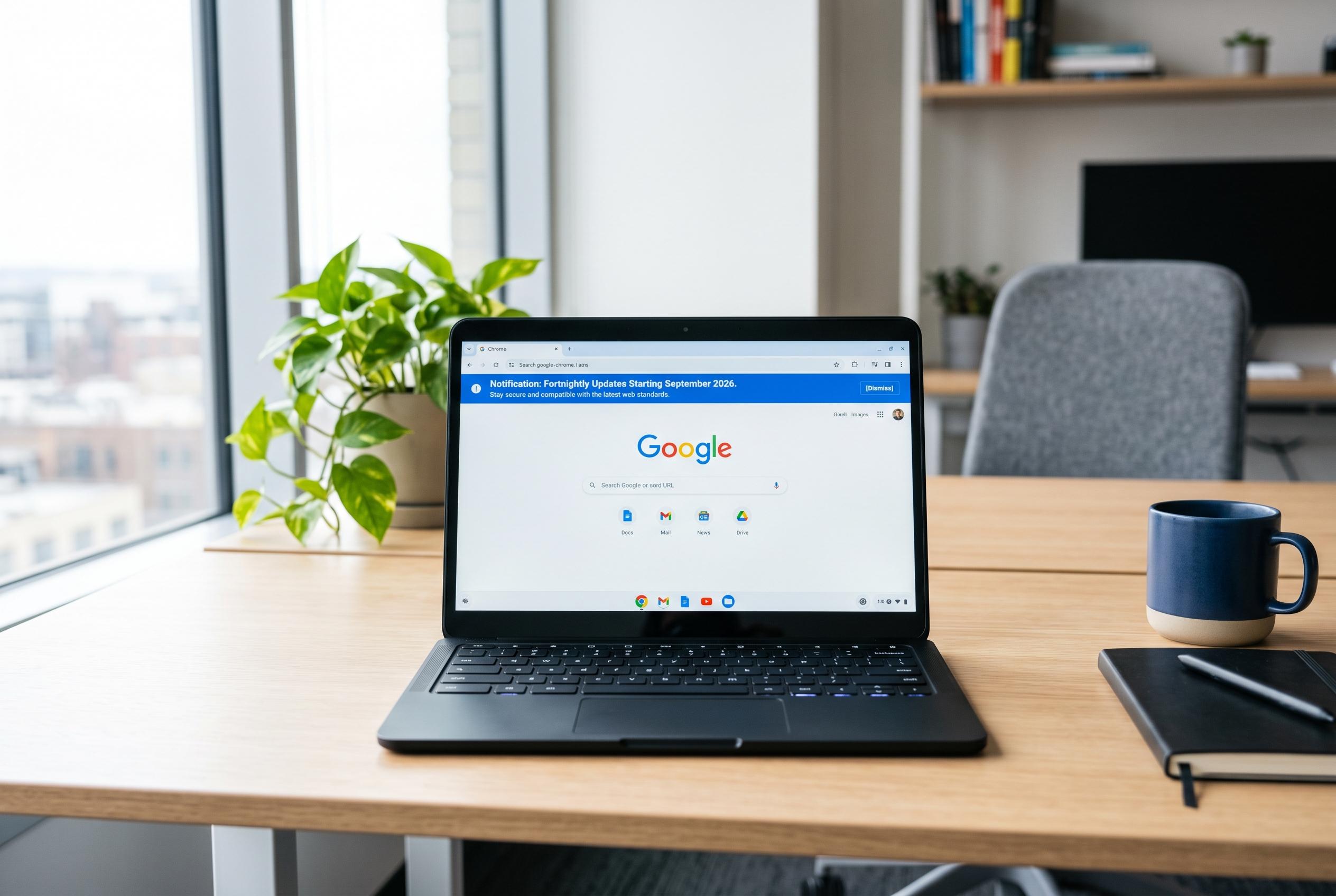

Google is revamping Chrome’s update process, moving to a fortnightly release cycle from September 2026, to bolster security, performance, and web standards compliance amid rising digital threats.
Keeping Google Chrome updated is no longer a routine maintenance task so much as a basic security measure. The browser sits at the centre of most online activity, which makes it a high-value target for attackers and a critical line of defence for users. Google says Chrome updates routinely include security fixes, performance changes and new features, and its security guidance advises users to apply every update promptly rather than waiting for a major release.
That urgency matters because browser flaws are often discovered and exploited quickly. According to Chromium’s security update guidance, Chrome’s security team is built to respond rapidly and users should not try to judge which fixes matter most; the safest approach is to install all updates as soon as they are available. Google has also been using more automation and AI-assisted analysis to find vulnerabilities faster, with Android Authority reporting that the company has identified and fixed more than 1,000 vulnerabilities across recent milestones.
The update cadence itself is changing. Google says Chrome will move to a two-week release cycle from September 2026, replacing the current slower rhythm for major releases. In parallel, PCWorld reported that Chrome has also been pushing weekly security updates to close the gap between a vulnerability being disclosed and a fix reaching users. Together, those changes point to a browser that is being maintained more aggressively than before.
For users, the practical benefit is not just stronger security. Regular Chrome updates can improve speed, memory handling and general stability. They also keep the browser aligned with the latest web standards, which reduces the chance of broken pages, failed log-ins or web apps that behave incorrectly. That compatibility layer matters more than many people realise, because modern sites often depend on current browser features to function properly.
Chrome’s security and privacy features have also become more active. Google has added Safety Check tools that can revoke old permissions, flag abusive notifications and alert users to risks. On some Android devices, Chrome can also help users unsubscribe from site notifications with one tap, while one-time permissions for camera, microphone and location give temporary access instead of permanent control. These changes make the browser less passive and more protective by default.
Updating Chrome on desktop remains straightforward. On Windows, macOS and Linux, users can open the browser, go to the three-dot menu, select Help and then About Google Chrome. The browser checks for updates automatically, downloads any available patch and asks for a relaunch once the new version is ready. Google’s support model is designed so that tabs and windows return after restart, which reduces the friction of staying current.
Mobile users should update through their app stores. On Android, Chrome updates come through the Google Play Store. On iPhone and iPad, they arrive through the App Store. That means the browser can remain current without any special action if automatic updates are enabled, but users who disable them to save data or storage should check manually from time to time.
If an update fails, the usual causes are mundane rather than serious: a poor connection, low disk space or a temporary system glitch. Restarting the device, checking storage and retrying the update will solve most cases. If problems continue, reinstalling Chrome from Google’s official download page is often the cleanest fix. What should not happen is rolling back to an older version, because that reopens security holes that have already been closed.
The broader point is that Chrome updates are not optional polish. They are part of the browser’s security model, its performance profile and its ability to keep pace with the modern web. With Google shortening release intervals and investing more heavily in automated vulnerability detection, the browser is becoming more dynamic. For users, that makes the simplest habit the most important one: check that Chrome is current and let it restart when it asks.
Disclaimer: This content is intended for informational purposes only. Readers are advised to exercise their own judgement, conduct due diligence, or consult a qualified expert before acting on any information provided.



