

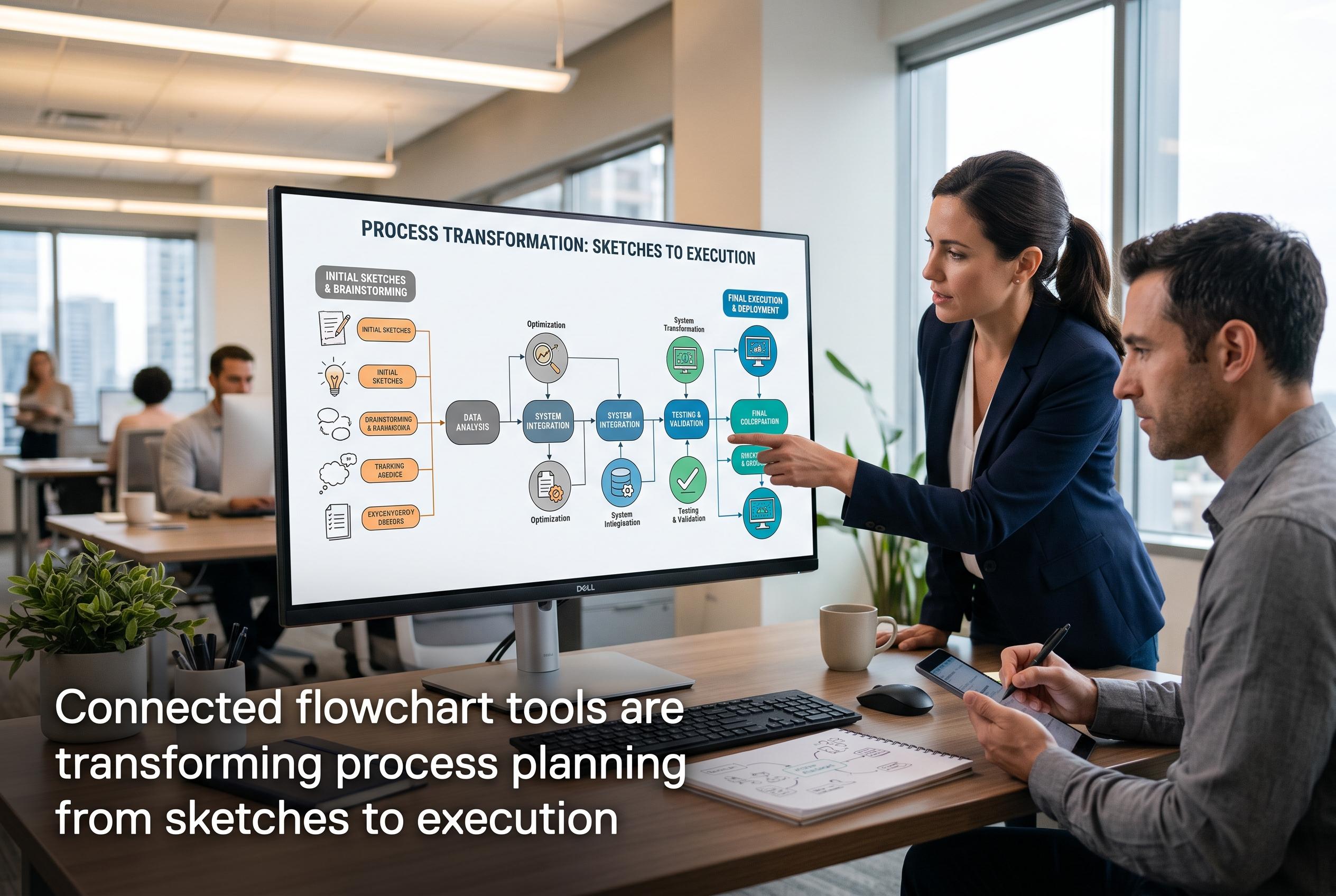

Modern flowchart platforms now seamlessly link design and delivery, boosting team collaboration and workflow visibility, with Miro, Lucidchart, and others leading the transformation.
Teams planning processes often still begin with something simple: a blank canvas. According to CEOWORLD, flowchart tools remain useful because they help turn ideas into defined steps, responsibilities and decisions before work begins. That matters because process mapping is not just about drawing boxes and arrows; it is about showing how a workflow should function in practice.
The case for visual planning is stronger when diagrams are linked to execution. CEOWORLD noted that one study found 85% of interviewees associated workflow visibility with performance gains. That helps explain why process mapping is increasingly paired with task planning and project management features. A chart on its own can describe a process, but a connected tool can also support the hand-off from design to delivery.
Among the platforms reviewed, Miro stands out for teams that want collaborative mapping plus task planning. TechRadar also ranked it as a top flowchart option, citing its broad template set, AI-assisted diagramming and team collaboration features. CEOWORLD highlighted its integrations with Jira and Asana, which can help teams move from brainstorming to assigned work without leaving the visual workspace.
For organisations that need more formal documentation, Lucidchart is a strong fit. TechRadar, TechRepublic and other reviewers describe it as a polished option for structured diagrams, while CEOWORLD emphasised its value for standardised process maps rather than open-ended ideation. Microsoft Visio remains a better choice for Microsoft 365-heavy environments, especially where data-linked diagrams and technical documentation matter more than collaboration. Diagrams.net, still widely known as Draw.io, remains the best-known free option for straightforward flowcharts, while Creately and SmartDraw appeal to teams that want templates, quick diagramming and varying degrees of collaboration.
The broader trend is clear: teams no longer need to choose between a whiteboard and a work plan. The better tools now connect the two. For some, that means a collaborative canvas that feeds directly into project tracking. For others, it means a reliable diagramming tool for clear documentation. The right choice depends on whether the immediate need is process design, formal records or a bridge between the two.
Disclaimer: This content is intended for informational purposes only. Readers are advised to exercise their own judgement, conduct due diligence, or consult a qualified expert before acting on any information provided.



