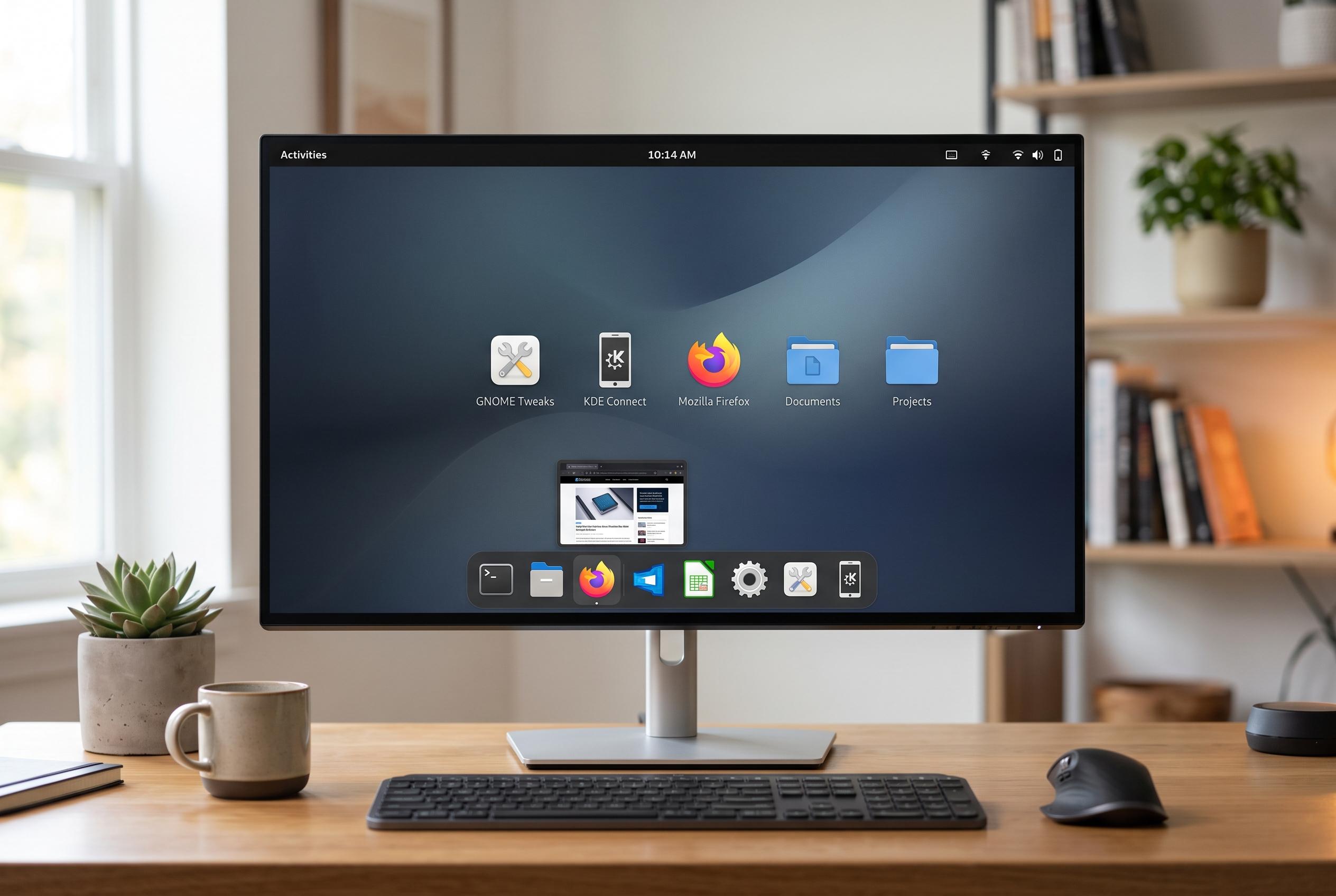

New Linux users can enhance their experience by installing key tools like GNOME Tweaks, KDE Connect, and alternative browsers, transforming a minimal system into a personalised, efficient workspace.
New Linux users often discover that the hard part is not installing the operating system, but shaping it into something comfortable to use. Many distributions deliberately arrive in a lean state, which keeps them fast and uncluttered but can leave newcomers without obvious tools for everyday work. How-To Geek’s guide argues that a handful of early installs can make the difference between a frustrating first week and a smooth start.
For users of GNOME-based desktops such as Ubuntu and Fedora, the first additions worth making are GNOME Tweaks and GNOME Extensions. Linux for Devices describes GNOME Tweaks as a practical customisation tool that lets users adjust fonts, title bars, themes and other interface details that GNOME keeps hidden by default. Together, the two tools open up far more control over the desktop, from appearance to startup behaviour and the installation of community-built extensions.
The same logic applies to device integration. How-To Geek recommends KDE Connect, or GSConnect on GNOME, as an easy way to link a Linux computer with a smartphone. Once paired, the setup can handle notifications, file transfers, media controls, remote input and even terminal commands. Linux Uprising also notes that the software can be used for functions such as remotely locking a desktop, although that depends on both devices being on the same network and on correct configuration. Support is strongest on Android, while iPhone compatibility is more limited.
Browser choice is another area where Linux users may want to move beyond the default. The article points out that while Firefox is a solid option and often ships with the system, some web apps behave better in Chromium-based browsers. That can matter for services such as Google Meet, Notion, Canva and streaming platforms that are tuned more closely to Chrome-style browser engines. Chromium itself, along with browsers such as Brave, Opera and Vivaldi, can usually be installed from a distribution’s own repositories and still support Chrome extensions.
For office work, the same article makes a case for OnlyOffice over the default LibreOffice on some systems, especially for people coming from Microsoft Office or collaborating with users of Word and Excel. It also recommends Flatpak as a simple way to access software that may not be in a distribution’s main repositories. With Bazaar for browsing Flatpak apps and Flatseal for managing permissions, it gives new users a more flexible route to software installation and control. The broader point is simple: the first few choices on a Linux machine often determine whether the experience feels sparse or fully usable.
Disclaimer: This content is intended for informational purposes only. Readers are advised to exercise their own judgement, conduct due diligence, or consult a qualified expert before acting on any information provided.