
Microsoft is enhancing Windows 11’s efficiency on low-memory devices by advising users to optimise startup applications and reduce background activity, alongside ongoing memory footprint reductions.
Microsoft is trying to make Windows 11 feel lighter on modest hardware, as the company continues work on performance improvements and memory use reduction. That effort matters because, as Microsoft has acknowledged, the operating system can be demanding on RAM, and devices with limited memory are more likely to feel the strain.
In the meantime, Microsoft has pointed users towards a basic but often overlooked fix: trimming the number of apps that launch at sign-in. On its official support channels, the company said too many startup apps can slow a PC and advised users to disable anything they do not need. The quickest route is through Settings, then Apps, then Startup, where individual switches can be turned off. Microsoft says this can reduce boot times and improve battery life on laptops.
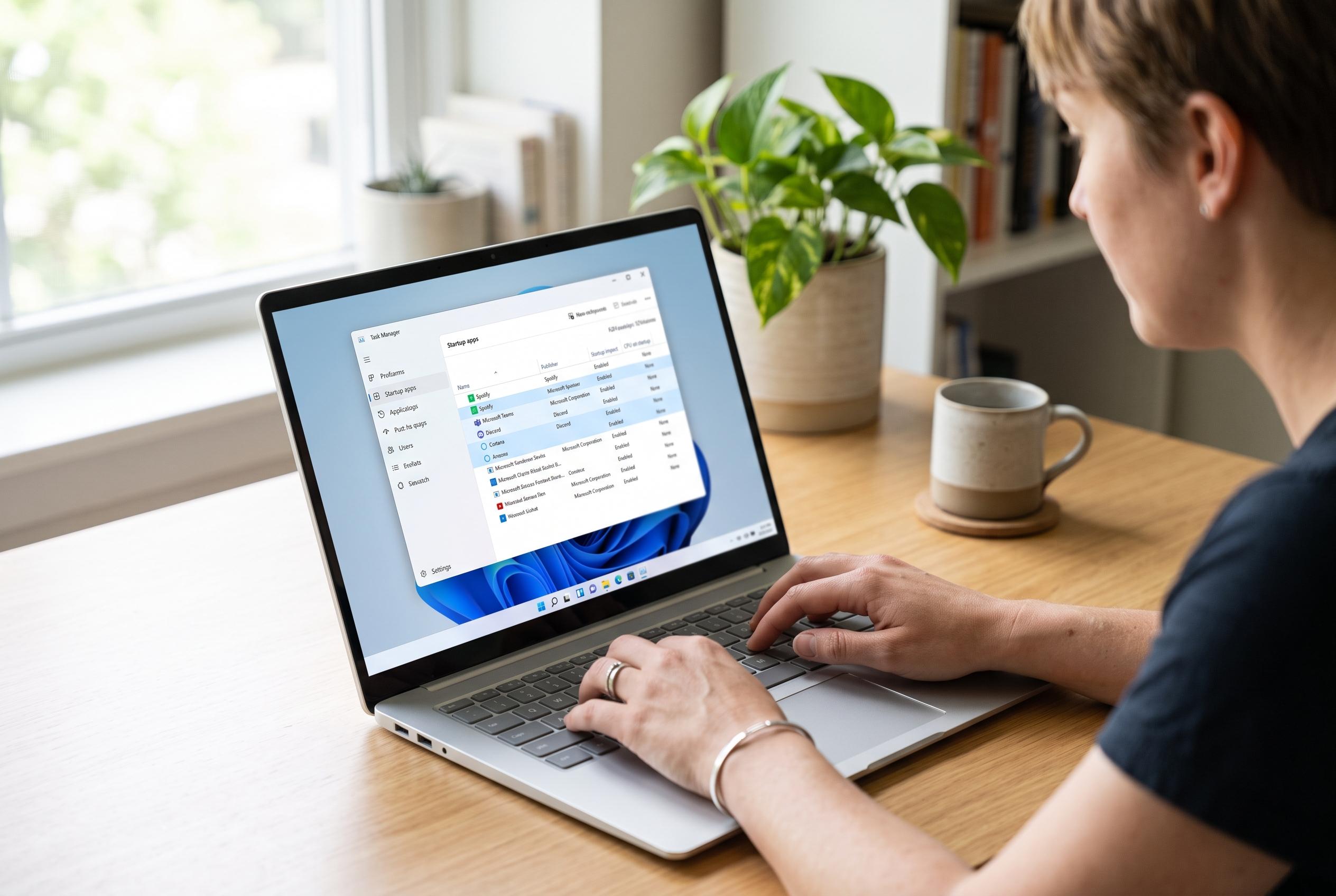
For users who want more detail before switching anything off, Microsoft also recommends Task Manager. Opening it from the Start menu context option or with Ctrl+Shift+Esc brings up the Startup apps list, which shows each programme’s estimated impact at launch. The labels range from Low to High, with None used for disabled items and Not measured shown when Windows does not have enough data. That makes it easier to identify which background launches are likely to be worth removing.
Microsoft also supports a more manual approach for those who want to add or manage startup entries through File Explorer, using the startup folders built into Windows. The same support material sits alongside broader performance advice, including removing unused apps, reducing background activity, adjusting visual effects and setting the power mode to best performance. According to Windows Central, Microsoft has been working more broadly on reducing the memory footprint of Windows 11, including improvements aimed at devices with 8GB of RAM or less. The practical message for users is simple: they do not need to wait for a future update to gain some speed back.
Disclaimer: This content is intended for informational purposes only. Readers are advised to exercise their own judgement, conduct due diligence, or consult a qualified expert before acting on any information provided.