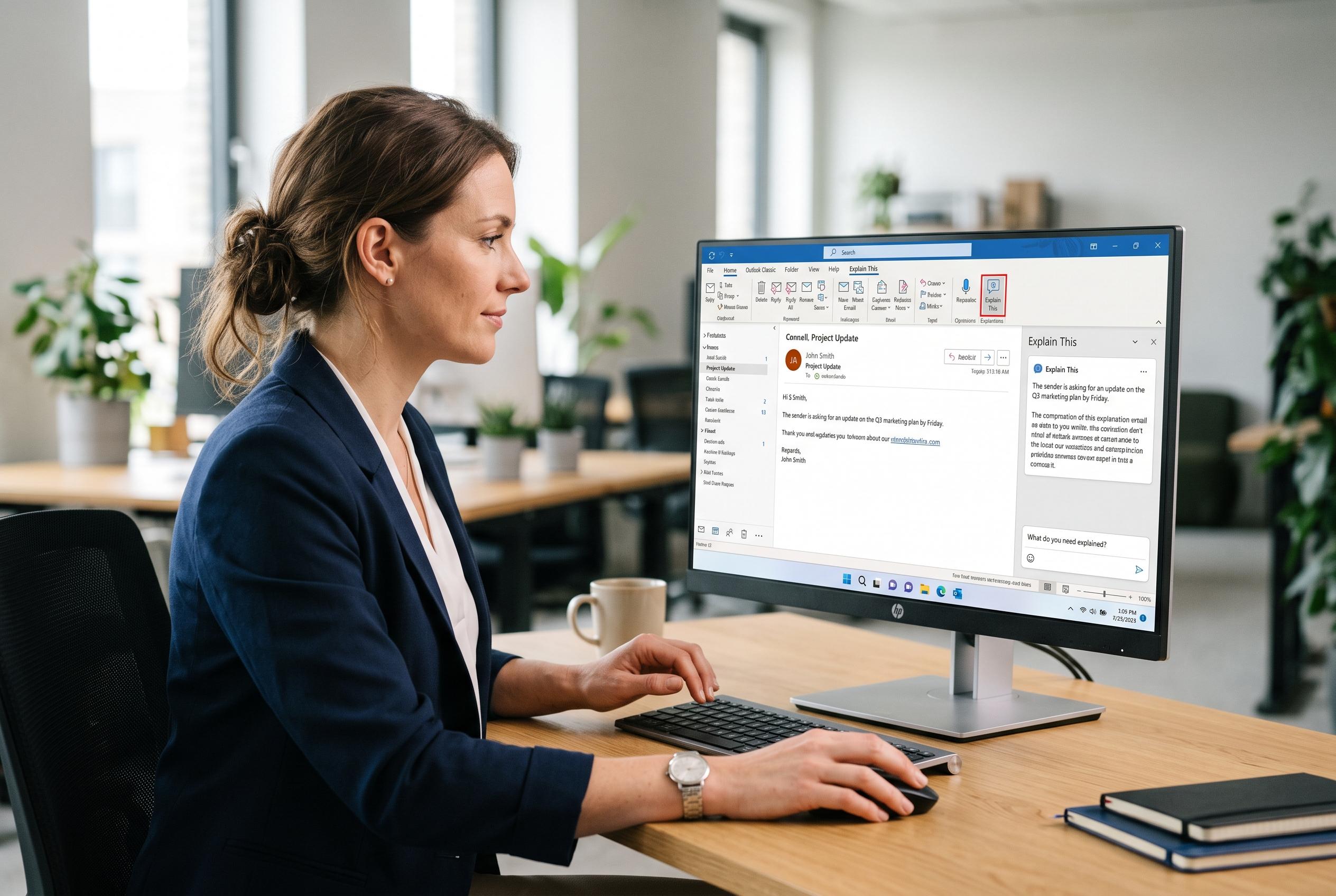

Microsoft is rolling out a new ‘Explain This’ feature in Outlook Classic, allowing users to ask for contextual explanations of email content. This addition underscores Microsoft’s focus on amplifying Copilot’s presence in legacy desktop applications while reinforcing the licensing tiers for AI-powered features, signalling a strategic shift in feature accessibility and product support.
Microsoft is adding a new on-demand explanation tool to Outlook Classic, extending its Copilot features in a desktop app that many enterprise users still rely on. The new “Explain This” command lets users highlight a term or passage in an email and ask for a contextual explanation based on the surrounding message, which should help when messages contain technical shorthand, unfamiliar procedures or dense instructions. According to 4sysops, the feature is due to begin rolling out in September 2026 and should reach general availability by the end of that month, with a Microsoft 365 Copilot licence required. Microsoft’s support material also shows that Copilot in Outlook is tied to paid licensing and connected experiences settings.
The addition is part of a broader push to make Copilot more visible inside Classic Outlook, even as Microsoft has pulled Copilot suggestions from the search box after complaints that AI results were making it harder to find messages. Microsoft has also expanded Copilot elsewhere in the app, including a larger ribbon button and AI-assisted composing tools. Windows Latest reported in July that the company was preparing to enable Copilot-based drafting across Outlook variants, including Classic Outlook, while Microsoft Support has described Copilot as a productivity layer that can help with inbox triage, drafting and meeting management.
Microsoft has also given users a clearer place to switch the assistant off. The Copilot Settings page is now available in Classic Outlook under File, with a master control for Copilot and Draft Instructions, which let users set preferences such as tone, length and greetings for generated messages. That matters because Microsoft has been tightening the link between Copilot and Outlook features. Its support pages say some Copilot functions are unavailable without the right licence, while a separate known-issues notice says Copilot buttons can disappear in Classic Outlook for users with only the basic Copilot Chat licence.
The result is a more explicit divide between standard Outlook functions and Microsoft’s paid AI layer. Microsoft’s support pages and recent product changes point to a product strategy in which classic desktop Outlook remains supported, but increasingly as a host for features that are either gated behind a Copilot licence or surfaced through separate settings and opt-out controls. At the same time, Microsoft has continued shifting some legacy tools behind Copilot, including a meeting-related feature that Windows Central said is being replaced with a Copilot-only experience in early September 2026.
Disclaimer: This content is intended for informational purposes only. Readers are advised to exercise their own judgement, conduct due diligence, or consult a qualified expert before acting on any information provided.