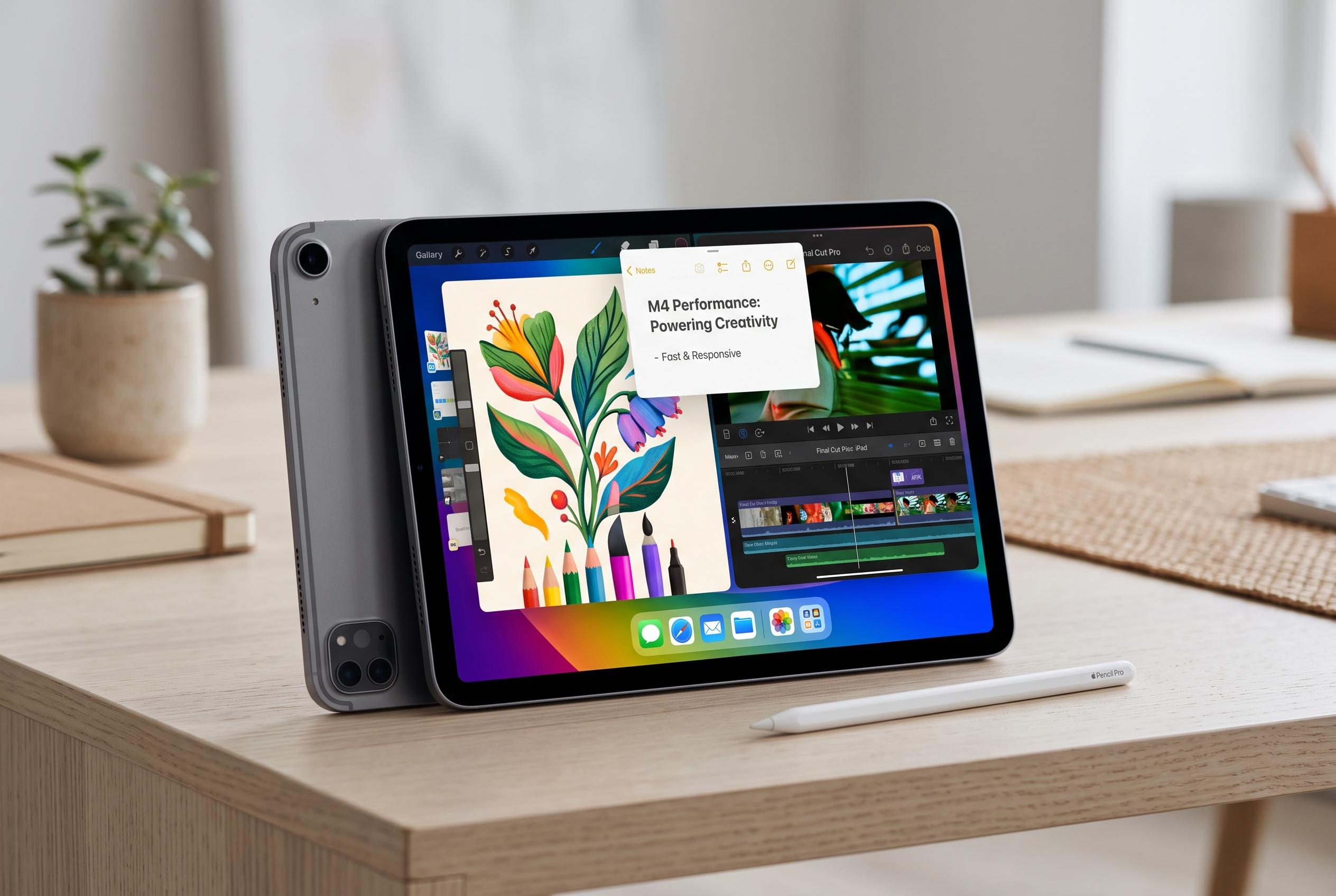

The latest iPad Air with the M4 chip enhances offline work capabilities, supporting multitasking, creative applications, and robust note-taking, solidifying its role as a versatile portable device for both work and leisure.
The iPad’s usefulness offline is often underestimated. Many owners rely on home or office Wi-Fi and use a smartphone as a tether when they are away from a hotspot, but the tablet’s larger storage and touch-first interface make it well suited to work that can be drafted, edited or organised without a live connection. Apple’s iPad Air range, including the 11-inch and 13-inch models, is positioned as a portable machine for everyday productivity, while recent reviews from TechRadar say the latest Air with the M4 chip has enough headroom for multitasking, creative work and serious app use.
For writing, Pages is still one of the strongest arguments for staying inside Apple’s software ecosystem. It is free on the iPad and supports the core tools most users need: rich formatting, tables, footnotes, templates and export options that include Word, PDF, TXT, RTF and EPUB. Apple also builds in Apple Pencil support, which makes it practical for marking up documents, sketching or presenting from a tablet without needing another app.
Image work is a different case, but the offline advice is similar. Pocket-lint recommends Pixelmator Classic as a lower-cost alternative to Adobe Photoshop for people who do not want to tie themselves to a subscription. Adobe’s current model means Photoshop users must keep paying, and the app checks subscription status regularly. Pixelmator, by contrast, can be bought outright and is capable enough for professional illustration and photo editing, while also handling Photoshop files and Apple Pencil features. TechRadar’s coverage of the new iPad Air suggests that the device’s performance gains and support for accessories such as Apple Pencil Pro and the Magic Keyboard make it a sensible base for that kind of work.
Notability fills the gap for note-taking, document annotation and classroom use. It combines handwriting, sketches, diagrams and typed text in one place, and its search tools can find both typed and handwritten material. It is especially well suited to students, but it can also serve workplace users who need to annotate PDFs or keep structured notes. The trade-off is that several of its more advanced functions, including transcription, handwriting recognition, iCloud sync, maths conversion and unlimited notes, depend on a paid subscription and, in some cases, an internet connection. That makes it less generous than Pages, but still useful when offline preparation matters more than cloud features.
Disclaimer: This content is intended for informational purposes only. Readers are advised to exercise their own judgement, conduct due diligence, or consult a qualified expert before acting on any information provided.