

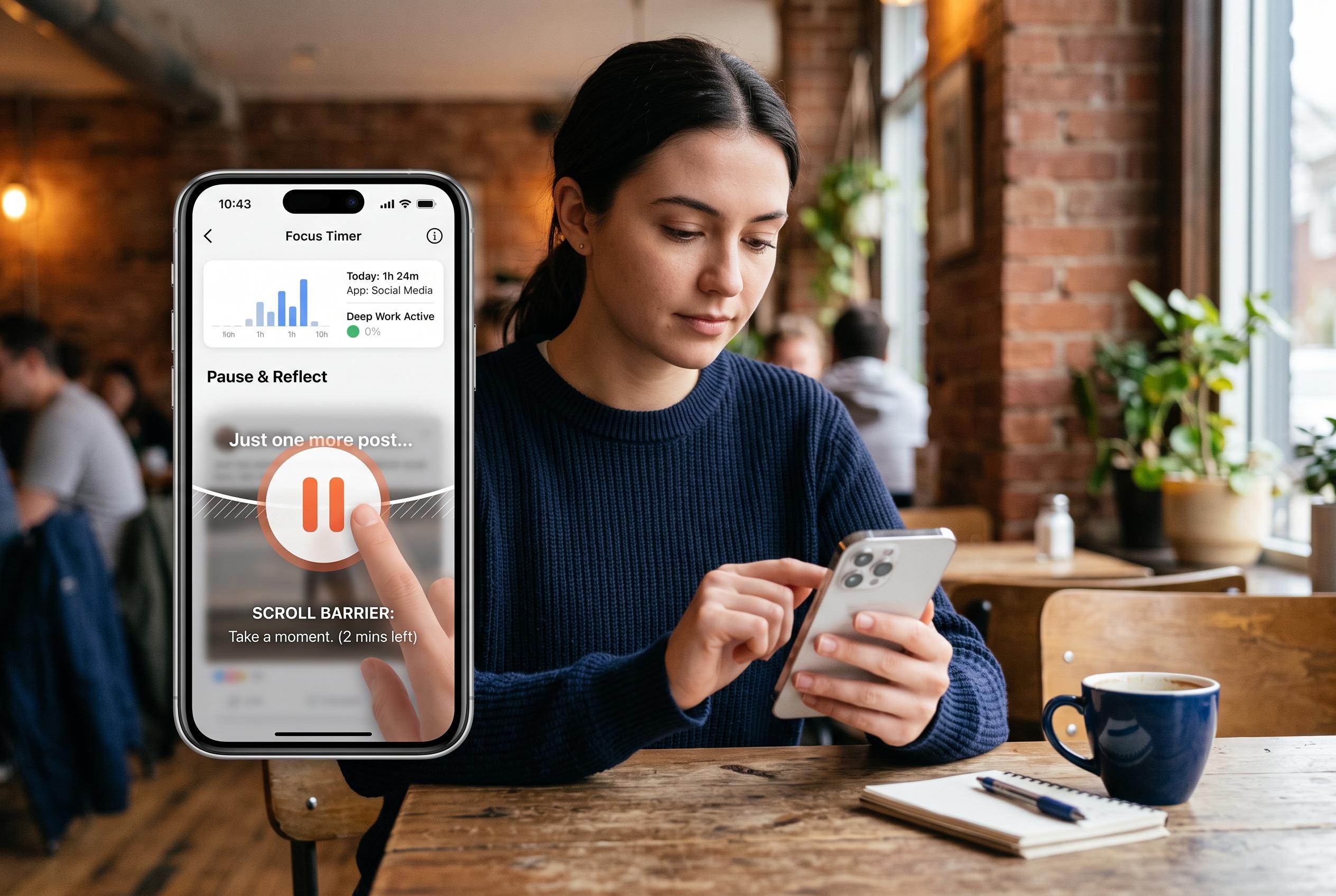

Innovative apps for managing screen time focus on creating friction and behavioural change, going beyond simple usage stats to effectively interrupt harmful scrolling habits.
The best screen time apps do more than count hours. The stronger ones interrupt the habit while it is happening: before a feed opens, after a session has run too long or when a user tries to override a limit they already set. That difference matters because doomscrolling is usually not a time-management problem alone; it is a reflex problem. Reviews from ScreenBuddy, Repscroll, The Spool and other comparison sites all point to the same divide between simple dashboards and tools that actually create friction.
For most people, one sec remains the most balanced choice because it inserts a brief pause without turning the phone into a locked box. It is aimed at the moment of impulse rather than the total collapse of self-control. ScreenZen is the strongest free option because it offers a wide set of controls without a subscription, including delays, session limits and schedules. Opal is a better fit for users who want a more polished hard blocker, while Freedom is more practical if the habit moves between a phone and a computer.
The most useful apps are the ones matched to the point at which your discipline fails. Some people need only a pause before Instagram opens. Others need a rule that ends a session once scrolling has gone on too long. A stricter blocker is useful when reminders are ignored and limits are dismissed on sight. That is why several 2026 round-ups classify these tools by method rather than by platform: awareness prompts, hard blocks, passive friction and gamified alternatives all solve different versions of the same problem.
One sec is strongest when the problem is automatic opening. It forces a short interruption, which can be enough to break an unconscious tap. ScreenZen takes a broader approach and is often the better free choice for people willing to spend time tuning rules. Opal suits users who want firmer enforcement and a cleaner interface. AppBlock is more aggressive still, making it difficult to undo restrictions once they are in place. That makes it better for people who already know they are likely to disable softer controls.
For users whose problem is not just a phone but a whole digital environment, Freedom is the most practical option. It blocks apps and websites across devices, which matters when someone closes a social app on a handset only to reopen it in a browser minutes later. That cross-device design is a major reason it appears repeatedly in app round-ups. By contrast, Forest and No Scroll, which appear in some reviews, lean more towards habit shaping and simpler interruption rather than broad synchronised blocking.
Some of the newer tools try to change behaviour rather than merely restrict it. Repscroll, for example, requires exercise before screen time, which makes it closer to a replacement habit than a blocker. Other apps, such as ProveIt, go further and try to make bypassing physically difficult by tying access to a real-world task. Those approaches are less conventional, but they reflect the same lesson seen across the category: reducing scrolling often works best when the app adds enough effort that the user has time to reconsider.
Before downloading anything, it is still worth trying the tools already built into the phone. Apple Screen Time and Google Digital Wellbeing can set app limits, schedule downtime and show where time is going. For mild habits, that may be enough. If limits are extended every day, however, information is not the missing ingredient. At that point, the better answer is usually friction, accountability or a harder block.
The most sensible way to start is with one app and one rule. Choose a high-risk feed, set a clear boundary and decide what will replace the scroll. If the rule is ignored, increase friction. If it blocks something useful, narrow it. That is the practical test these apps must pass: not whether they reduce screen time in the abstract, but whether they interrupt the moment when scrolling stops being a choice.
Disclaimer: This content is intended for informational purposes only. Readers are advised to exercise their own judgement, conduct due diligence, or consult a qualified expert before acting on any information provided.



