

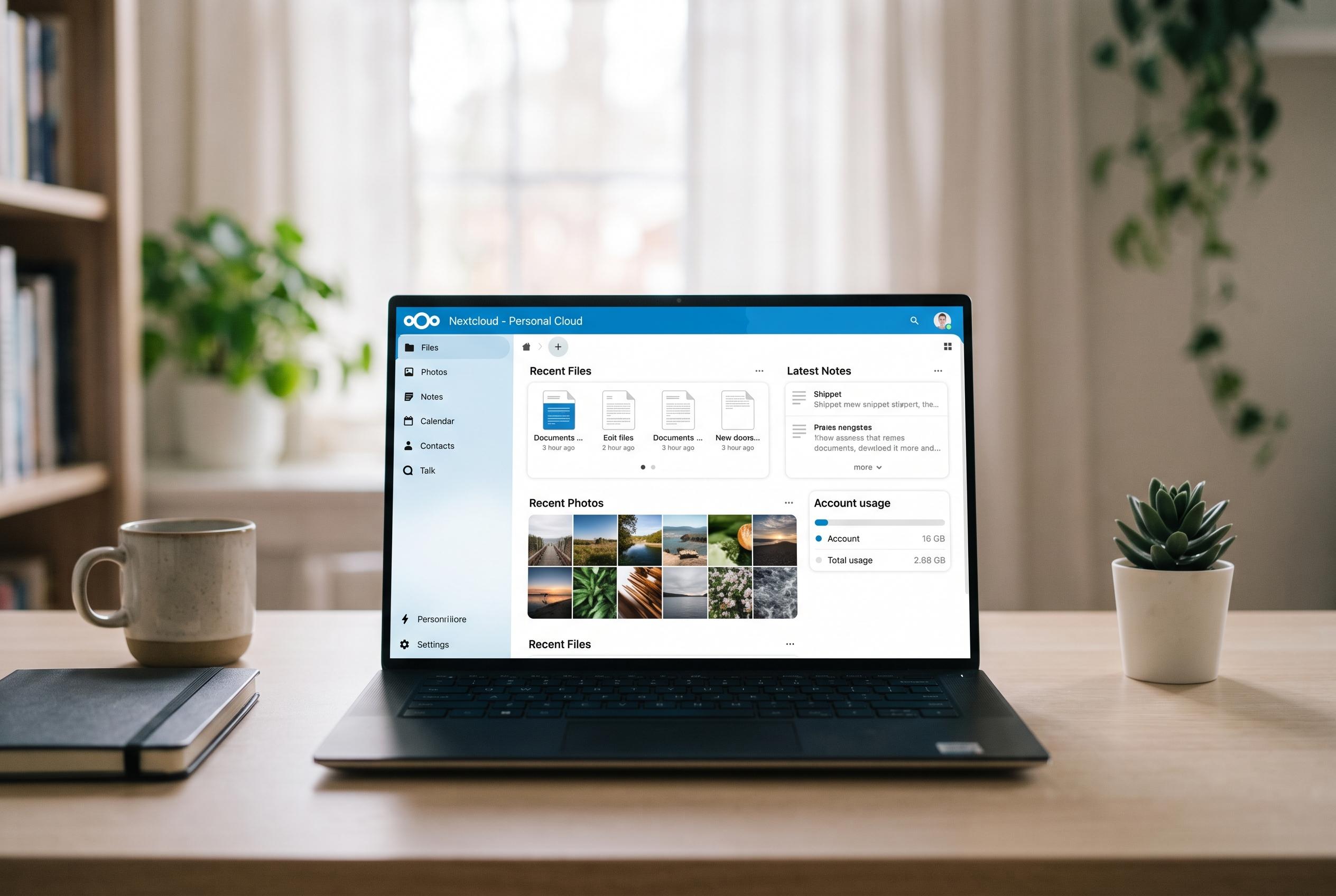

A self-hosted platform like Nextcloud offers a unified solution for file sharing, notes, and photo backup, challenging the reliance on multiple subscriptions while maintaining user control and privacy.
Subscription costs often seem manageable until they are lined up side by side. Cloud storage, note-taking and photo backup can each look inexpensive in isolation, but together they can become a steady drain on household budgets. One How-To Geek writer argues that Nextcloud, a self-hosted platform, can replace Dropbox, Notion and Google Photos while keeping data under the user’s own control rather than on a third party’s servers.
For file synchronisation, Nextcloud Files is presented as the closest stand-in for Dropbox. Tom’s Guide and IT Pro both describe its core sync and sharing features as mature, with desktop clients for Windows, macOS and Linux and a virtual files approach that keeps items visible without forcing them all to live on local storage. In practice, that means users can keep large libraries online, download only what they open and avoid paying for larger cloud tiers as their needs grow.
The larger difference is ownership. Rather than renting space month by month, self-hosting means the hardware is bought once and then controlled directly by the user. That avoids subscription creep, but it also changes the security model: files are stored on infrastructure the user administers, with fewer outside parties involved. Supporters of Nextcloud, including comparisons published by TAYURA and OSSAlt, frame that as the main appeal of the platform: open-source software, local control and no dependence on a single commercial provider.
The same logic extends to notes and lightweight project databases. Nextcloud Notes offers a plain Markdown editor for writing, while Nextcloud Tables provides structured, spreadsheet-like workspaces that can import CSV files and basic spreadsheets. Reviews from TrustRadius and other comparison sites note that these tools can cover much of what many people use Notion for, although they do not match Notion’s polished drag-and-drop interface or its more advanced relational database features. For users who value simplicity and privacy over visual flexibility, that trade-off may be acceptable.
Photo management is where the pitch becomes most practical. The How-To Geek article says Nextcloud Memories can automatically back up phone photos and videos, present them in a timeline and add features such as shared albums and map views. A companion app, Recognize, can run facial recognition, object detection and landmark identification on the user’s own server rather than sending images to a cloud provider. That makes the setup more demanding than signing up for Google Photos, but it also removes recurring storage charges and limits how much personal data is exposed to outside systems.
The limits are real. Initial setup takes time, the interface is less polished than major commercial services and some advanced Notion-style workflows still exceed what Nextcloud can do well. Even so, the broader case is clear: for users with spare hardware and enough technical confidence to run a small server, Nextcloud can replace several subscription products at once while keeping files, notes and family photos closer to home.
Disclaimer: This content is intended for informational purposes only. Readers are advised to exercise their own judgement, conduct due diligence, or consult a qualified expert before acting on any information provided.



