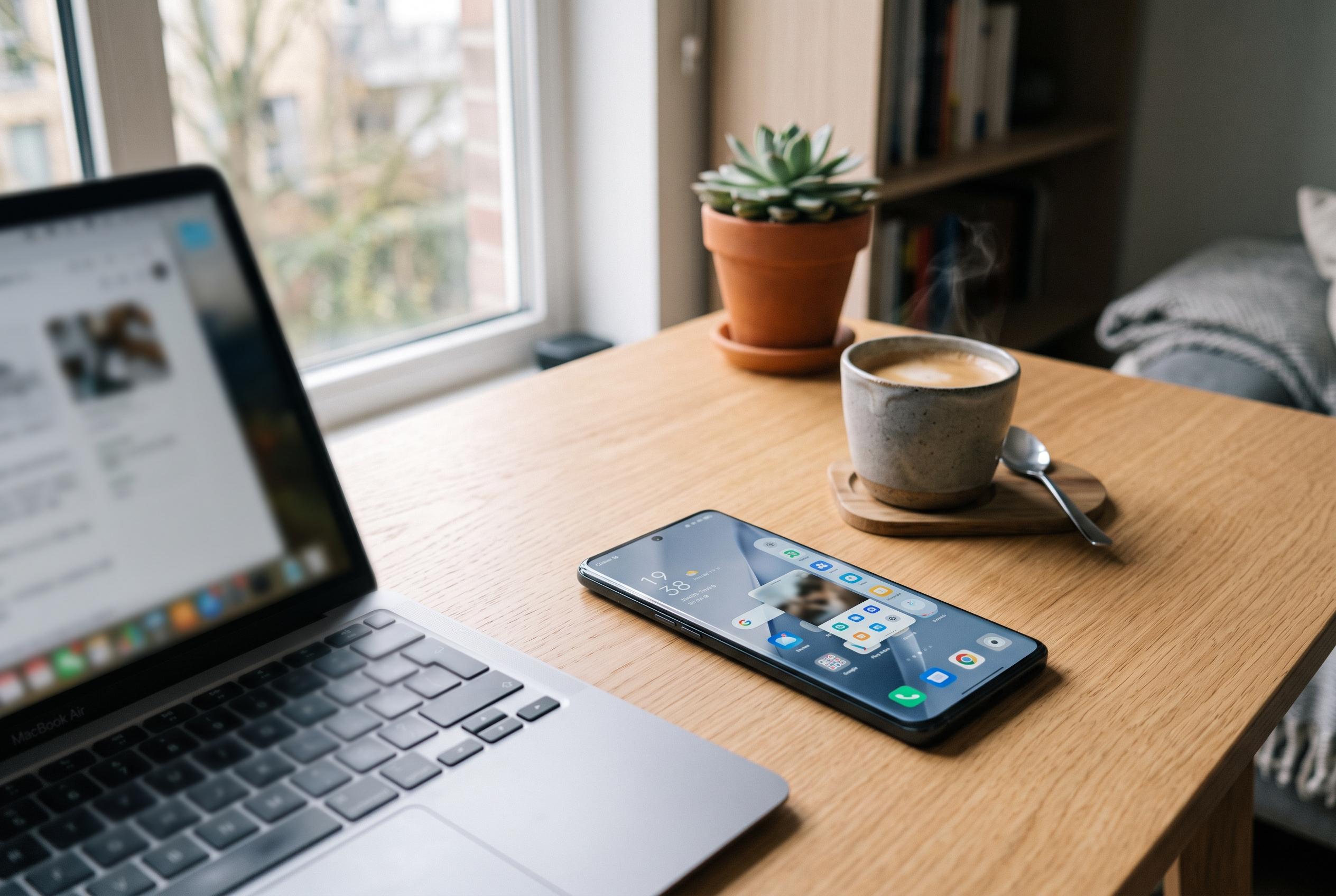

OPPO’s latest ColourOS 16 update refines multitasking capabilities, introducing a discreet smart sidebar with floating windows and improved responsiveness to enhance user workflow without screen clutter.
OPPO’s ColorOS 16 puts a stronger emphasis on keeping users inside their current task, rather than forcing constant app switching. The revised Smart Sidebar sits at the edge of the screen and is designed to surface shortcuts only when needed, letting people open tools, notes, messages or utilities without abandoning the app they are already using. Nokiapoweruser says the feature is aimed at reducing friction in everyday multitasking, while Smartprix’s review of the system on the Find X9 Pro found that the broader interface changes are built around smoother animations and more fluid app transitions.
The most visible change is the way the sidebar can launch apps in small floating windows. That means a user can, for example, check a message, run a calculation or copy information into a note without losing sight of the main screen. This is not just a visual convenience. It also matters for workflow, because floating windows can be moved, resized or minimised as needed, which makes the phone more practical for short, repeated tasks.
OPPO has also tried to make the sidebar less intrusive. According to TechBone’s guides, the handle can be adjusted so it sits more discreetly at the edge of the display, which helps when watching video or playing games. The same guides explain that the sidebar can be enabled or disabled from the device settings, and that users can edit what appears in it. That includes app shortcuts as well as quick tools such as screenshots, screen recording and other device functions, depending on region and model.
ColourOS 16 also appears to be part of a wider push to make the interface feel more responsive under load. Smartprix reported that the operating system’s rendering and animation engines keep app changes smooth even with several applications open, while OPPO’s Project Breeze is intended to carry similar performance gains to cheaper phones. Beebom’s report on the newer ColorOS 16.1 update suggests the company is extending that direction further, with support for up to five active windows and additional interface refinements such as more transparency effects and a lock-screen activity area called Live Space.
Taken together, the changes point to a clear design goal: make multitasking quicker without making the screen feel cluttered. The Smart Sidebar is not a new idea in itself, but ColorOS 16 gives it a more useful role by combining floating apps, quick-access tools and tighter gesture controls. For users who regularly move between reading, messaging, translating and note-taking, that can make the phone feel less like a sequence of separate apps and more like one continuous workspace.
Disclaimer: This content is intended for informational purposes only. Readers are advised to exercise their own judgement, conduct due diligence, or consult a qualified expert before acting on any information provided.