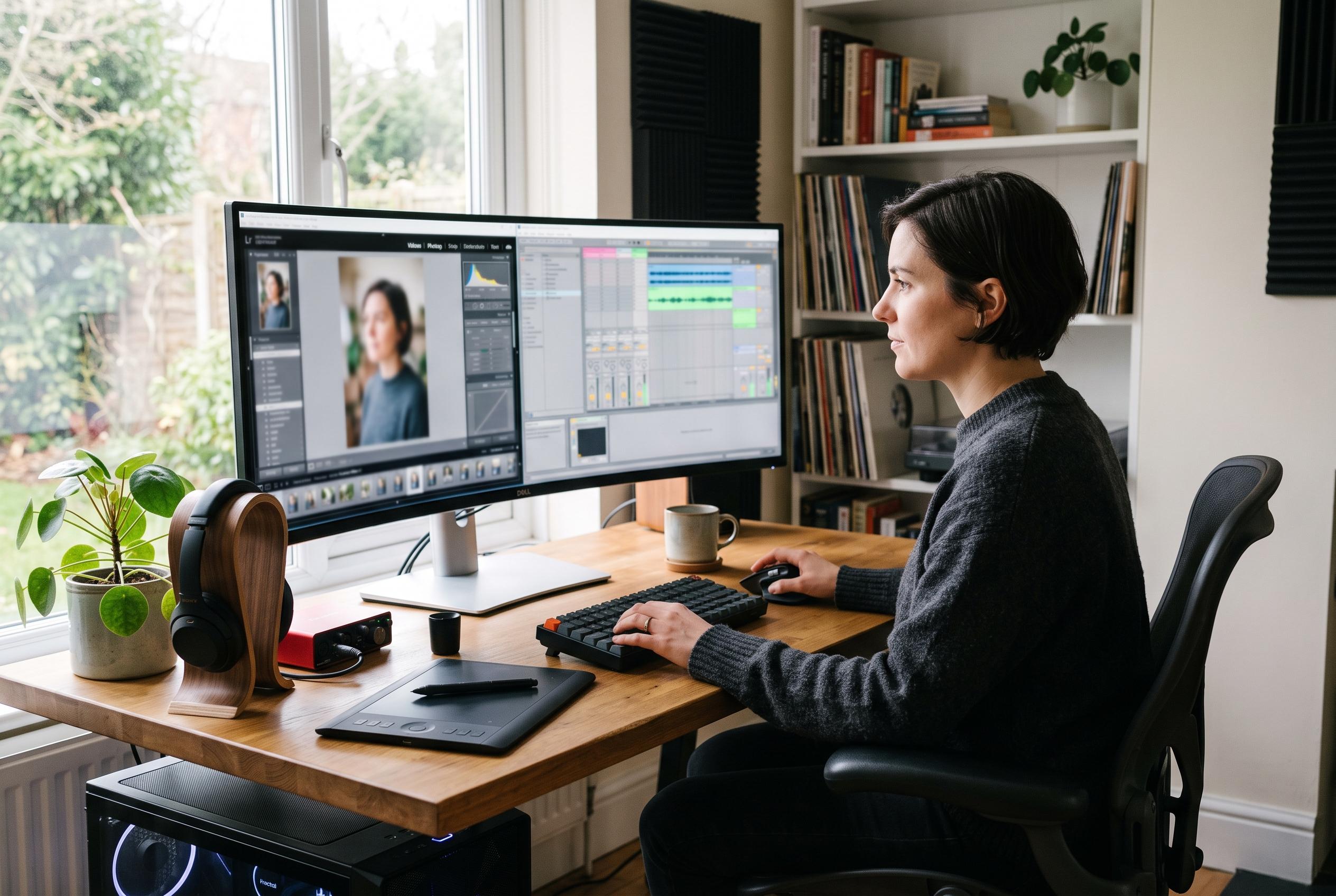

New Wine patches make Adobe Photoshop 2021 and 2025 more practical on Linux, while Bottles helps run FL Studio and virtualised Windows remains the safest route for Microsoft Office.
Linux users have long been able to rely on native alternatives for most desktop tasks, but some Windows-only applications still matter enough that workarounds remain worth the effort. The most practical options are not always the most obvious ones. In some cases, a compatibility layer is enough; in others, a virtualised Windows session is the only reliable route. Recent work on Adobe software, along with long-standing community methods for music production and office software, shows that the gap between Linux and key Windows applications is narrower than it once was.
The most notable breakthrough has come from patched builds of Wine aimed at Adobe’s installer. According to reports from TechRadar and OMG Ubuntu, a developer known as PhialsBasement has made Adobe Photoshop 2021 and 2025 install and run on Linux by fixing failures in components such as msxml3 and mshtml, which had previously blocked Creative Cloud setup. The change matters because the installer, not the image editor itself, was the main obstacle for newer Photoshop releases. Earlier attempts often depended on older versions or awkward file-copy workarounds, but the newer patches allow the official installer to complete on Linux for the first time in a more direct way.
For users who want a Windows music workstation, FL Studio remains one of the more workable examples. Bottles, a graphical front end for Wine, simplifies the process by isolating the application in its own environment with separate dependencies and settings. Community guides cited by the original article describe a setup that starts with the Flatpak version of Bottles, then installs FL Studio into a dedicated bottle and adds a desktop launcher. The hard part is usually audio rather than installation. FL Studio depends on low-latency playback, so users often have to tune buffer sizes carefully, and many rely on PipeWire or WineASIO to get usable performance. Third-party Windows plug-ins are also a variable: some load cleanly, while others fail because of copy protection or online activation checks.
Microsoft Office is more difficult to imitate convincingly through Wine, which is why the most dependable solution is not emulation at all. Tools such as WinApps and WinBoat run a real Windows installation in the background and expose individual programmes to the Linux desktop through remote application streaming. The result is that Word, Excel and Outlook appear as separate windows rather than as part of a full virtual machine screen. According to the original article, WinBoat now supports Podman as well as its earlier container-based approach, and it can launch Microsoft Store applications too. For people who need macros, add-ins or consistent compatibility with Microsoft 365, running Office on actual Windows inside a managed environment is usually the least fragile option, provided the machine has hardware virtualisation, enough memory and a valid licence.
Taken together, these examples show that the question is no longer whether Windows applications can run on Linux, but which method best suits each one. Patched Wine is now viable for at least some Adobe workflows, Bottles makes FL Studio manageable for musicians, and container-backed remote app tools offer a cleaner answer for Office than compatibility layers do. The broader lesson is practical rather than ideological: on Linux, the most successful setup is usually the one that matches the application’s specific dependency on Windows behaviour, rather than forcing every programme through the same route.
Disclaimer: This content is intended for informational purposes only. Readers are advised to exercise their own judgement, conduct due diligence, or consult a qualified expert before acting on any information provided.