

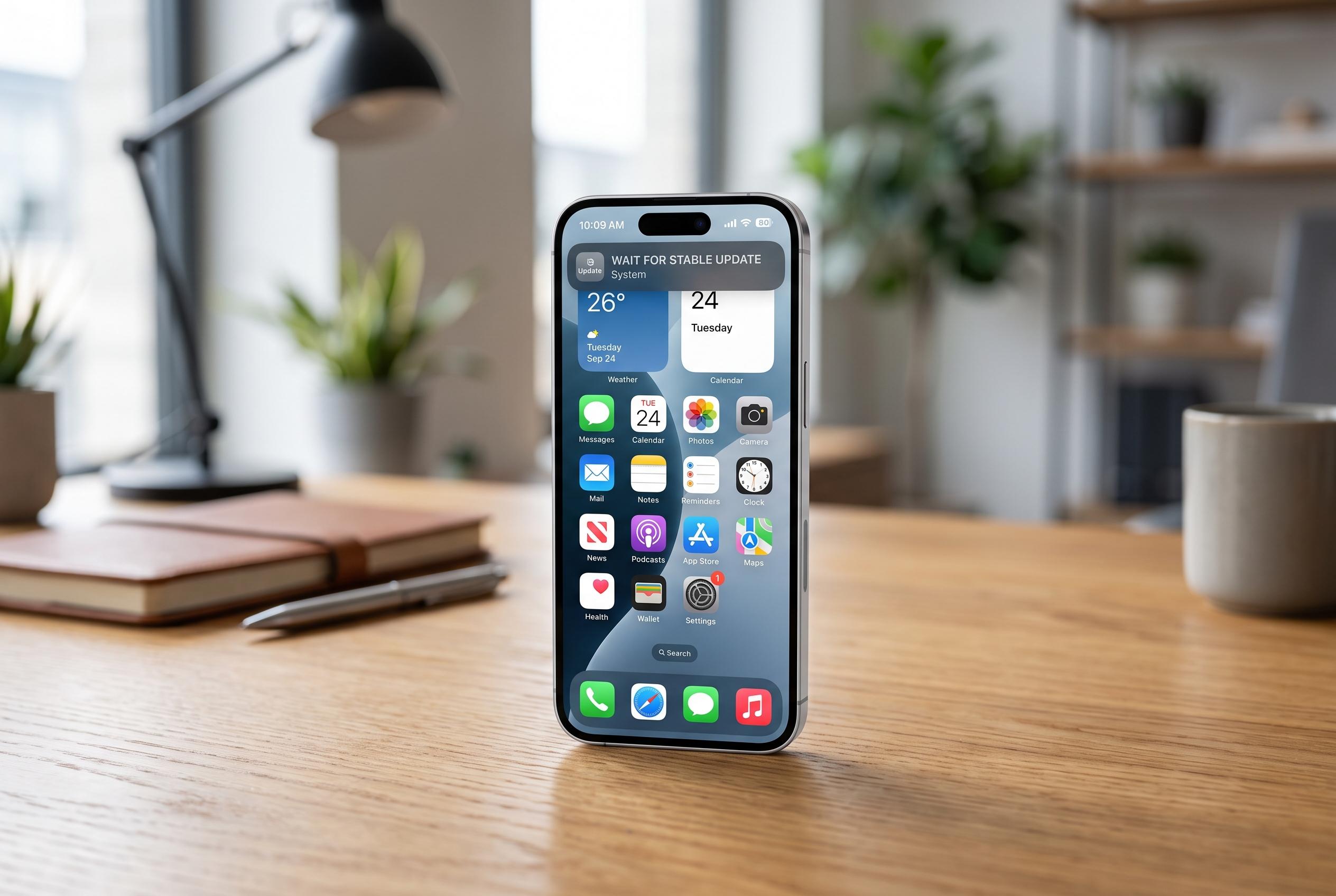

As Apple unveils iOS 27 with new features, users are advised to delay immediate installation due to bugs, compatibility issues, and device restrictions, with waiting for stable updates the safer choice.
Every autumn, the same pattern repeats: Apple releases a new iPhone operating system and many users install it on day one. That is usually the wrong moment to rush. iOS 27 was announced at Apple’s WWDC keynote on 8 June 2026, with the first developer beta available immediately afterwards. A public beta followed in July, and the final release is expected in September, which means the first wave of installs will still coincide with the period when bugs and battery issues are most likely to surface. MacRumors and Macworld both advise caution around beta software for that reason.
The practical issue is not whether iOS 27 will be worth installing, but when. Early builds of any major iOS release are typically where most of the rough edges appear: app compatibility problems, unexpected battery drain and features that are not yet fully settled. MacRumors’ iOS 27 coverage also underlines that Apple is still working through the release cycle, which is another reason to treat the first public versions as something to watch rather than something to install immediately.
Compatibility is broad, but the headline features are not. According to MacRumors, iOS 27 is expected to support the iPhone 11 family and newer models, while PhoneArena says the update will be available for devices that already support iOS 26. That means many older handsets should receive the new system, but Apple Intelligence features are a different matter. MacRumors says advanced Siri functions require an iPhone 15 Pro or newer, while TechRadar adds that some of those capabilities, including expressive voices and Live Translation, are limited to the iPhone 15 Pro line and later.
For most users, the safer approach is to wait for the first maintenance updates rather than install the initial release. A rule of thumb based on Apple’s recent cadence is to hold off until the .2 or .3 point releases, when the most obvious defects have usually been corrected. That is especially sensible on a primary phone used for work, banking and messaging. If a user wants the new features sooner, the lower-risk option is to test them on a spare device first.
That does not mean staying on an older version forever is a good idea. Security updates, app support and feature parity all depend on moving to the current branch eventually. Apple’s release cycle also suggests that the most polished version often arrives well after the first launch window, so the choice is less about avoiding iOS 27 altogether and more about avoiding the first, least stable weeks of it. In practice, patience is the better default unless the user is comfortable acting as an early tester.
Disclaimer: This content is intended for informational purposes only. Readers are advised to exercise their own judgement, conduct due diligence, or consult a qualified expert before acting on any information provided.



