

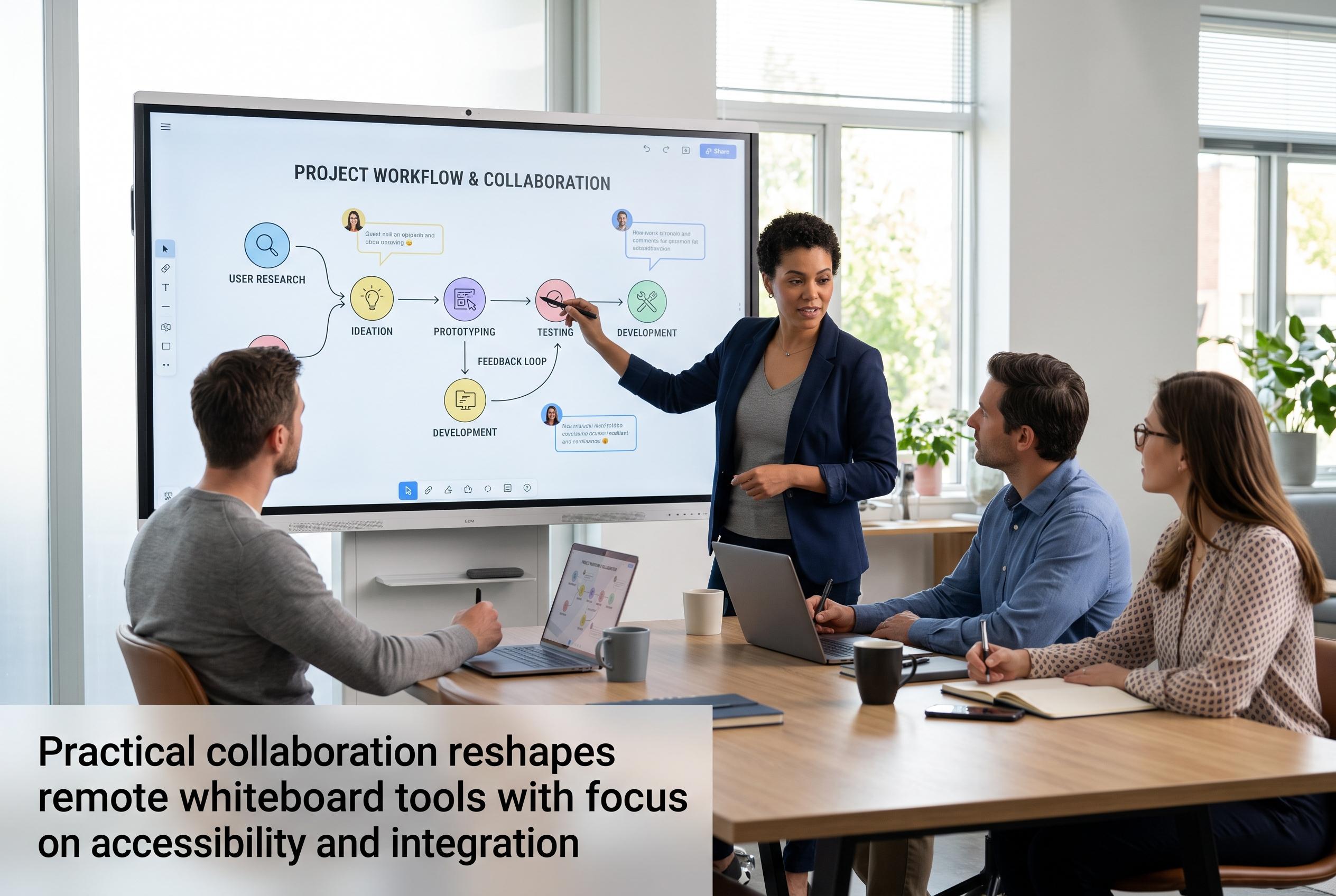

As remote teams seek more effective digital whiteboard solutions, the market shifts towards tools that prioritise quick access, seamless contribution, and integration within existing workflows, bringing a more practical approach to remote collaboration.
Remote teams have more whiteboard choices than ever, but the best tool is still the one that helps people join quickly, contribute without friction and leave with something usable. That is the common thread across recent round-ups from Editorialge, ToolRadar and other software guides: the market now favours practical collaboration, not just an empty digital canvas. ToolRadar, which compared 37 products, also notes that the leading tools now tend to offer free or freemium tiers, making it easier for teams to test them before committing.
Miro remains the broadest all-round option for teams that need brainstorming, facilitation and follow-through in one place. Editorialge says it is strongest when a session starts with rough ideas and ends in a plan, a presentation or a workflow, which is why it suits mixed business teams better than narrower whiteboard tools. That wider scope is also its weakness: for a quick sketch or a small internal meeting, it can feel heavier than necessary.
For product and design teams already living inside Figma, FigJam is often the more natural choice. Editorialge and Analytics Insight both highlight its lighter feel, with features such as stickies, reactions, a timer and simple workshop tools that make live collaboration easy. Its limitation is that it is better at idea generation than at carrying the work forward, so many teams will still move decisions into another system.
Mural stands out when the meeting needs structure. Editorialge notes that it gives facilitators more control through staged reveals, private ideation, voting and tighter session management, while Analytics Insight places it among the main tools for remote brainstorming and collaboration. That makes it especially useful for strategy workshops, retrospectives and training sessions where participation needs to be guided carefully.
Lucidspark is strongest when brainstorming is only the first step. Editorialge describes it as a better fit for teams that need rough thinking to become diagrams, process maps or organised work, and Windows Report similarly treats Lucid tools as useful for Microsoft Teams environments and idea visualisation. That transition from canvas to structure is the key advantage, although it comes with more complexity than simpler whiteboards.
Zoom Whiteboard and Microsoft Whiteboard matter most inside their own ecosystems. Editorialge says Zoom Whiteboard is a surprisingly capable free option for meetings already held in Zoom, with public collaboration, voting, a timer and exports. Microsoft Whiteboard, meanwhile, fits organisations already committed to Microsoft 365 and Teams, but access for external users can depend on tenant settings and administrator controls.
The rest of the field serves more specialised needs. Canva Whiteboards is useful for marketing and visual content work, especially when brainstorming sits alongside images and presentation material. Stormboard is better when the output needs to become a record, report or assigned action list. Excalidraw is the fastest option for account-free sketching, which makes it attractive for technical explanations and ad hoc calls where speed matters more than formal workshop controls.
The practical decision is simple: start with access, then match the tool to the meeting, not the template library. If the session involves clients or guests, test the join flow first. If the work must continue after the call, choose a board that supports exports, tasks or diagrams. If the team already works in Figma, Zoom or Microsoft 365, the best whiteboard is often the one already embedded in that environment.
Disclaimer: This content is intended for informational purposes only. Readers are advised to exercise their own judgement, conduct due diligence, or consult a qualified expert before acting on any information provided.



