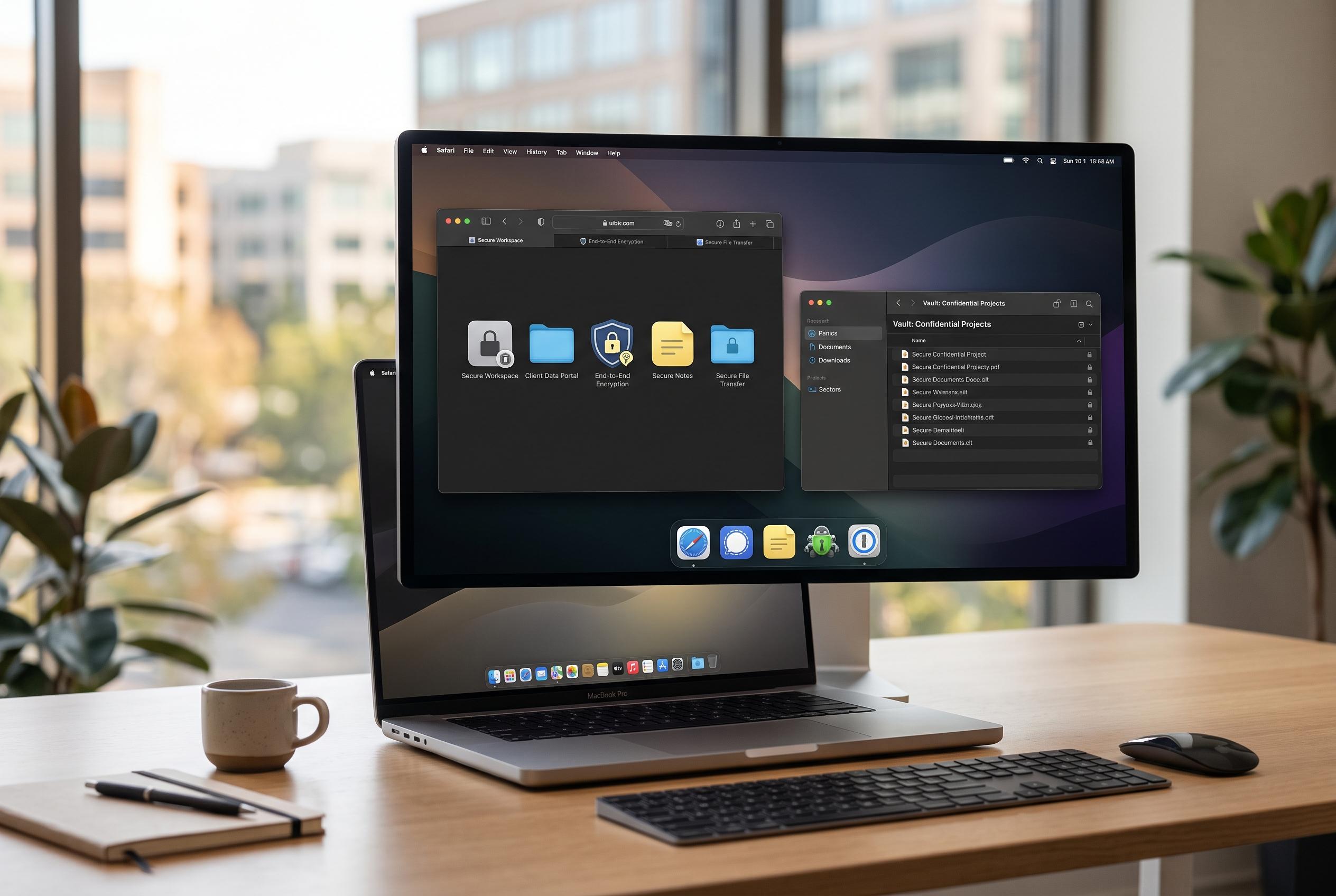

As Safari enhances its extension system with Web Extensions, users now benefit from specialised tools that improve tab management, privacy, and workflow efficiency without sacrificing security or control.
Safari has long been valued for its tight integration with Apple’s ecosystem, but its extension system now gives it far more reach as a work browser. Apple’s shift to Web Extensions in macOS Big Sur and later made it easier for developers to port tools from other browsers while keeping Safari’s privacy controls intact. The result is a more capable browser for users who want less friction and more control over how the web behaves. According to recent guides on Safari add-ons, the strongest extensions now focus on tab management, distraction blocking, privacy and workflow automation.
Tab overload remains one of the clearest productivity problems, and that is where Safari extensions can have the most immediate effect. Tab manager tools can suspend idle pages, save browsing sessions and group related tabs so they are easier to revisit later. TabControl and similar products are built around memory savings and session recovery, while Safari’s own Tab Groups offer a native baseline for organising research, projects and recurring work. For people who keep large numbers of pages open, that can reduce both clutter and resource use.
Content blockers are the other major category shaping Safari’s usefulness for everyday work. Magic Lasso Adblock and Wipr are both designed to remove adverts, trackers, cookie prompts and other intrusive page elements that slow browsing and fracture attention. Wipr is notable for using Safari’s content-blocking API without needing access to browsing data, while also updating its block lists automatically. That combination matters for users who want speed and privacy without handing broad permissions to a third-party tool.
Password management is another area where Safari extensions remain highly practical. Tools such as 1Password and Bitwarden reduce the need to reuse credentials by generating strong passwords and filling logins securely. That is especially useful for people who work across many services, where manually tracking accounts quickly becomes inefficient and risky. A dedicated password manager extension also adds value beyond convenience, because it lowers the chance of compromised credentials being reused elsewhere.
Safari extensions are also useful for research and note-taking. Web clippers can capture entire pages, selected passages or simplified article views, then send them into a note system for later review. That is more effective than simple bookmarking when the goal is to collect source material for a project or preserve useful extracts in a searchable archive. For students, journalists and analysts, the ability to clip, tag and annotate material inside a structured notebook can save significant time.
The broader trend is towards smaller, more specialised extensions that solve specific problems rather than sprawling tools that try to do everything. Recent round-ups of the best Safari extensions for 2026 highlight a mix of ad blockers, privacy tools and productivity add-ons rather than broad browser suites. That reflects a practical shift in how users approach Safari: they are not trying to turn it into Chrome, but to make it faster, quieter and more orderly. Used carefully, extensions can make Safari a strong choice for focused work on Mac, iPhone and iPad.
The main caution remains permissions. Even in Apple’s more controlled environment, an extension can still become a privacy risk if it asks for more access than it needs. The safest approach is to install only the tools that solve a clear problem, review their permissions and remove anything that no longer earns its place. In practice, the best Safari setup is often a small one: a tab manager, a content blocker and a password manager, with a clipper or reader tool added only where it genuinely improves the workflow.
Disclaimer: This content is intended for informational purposes only. Readers are advised to exercise their own judgement, conduct due diligence, or consult a qualified expert before acting on any information provided.