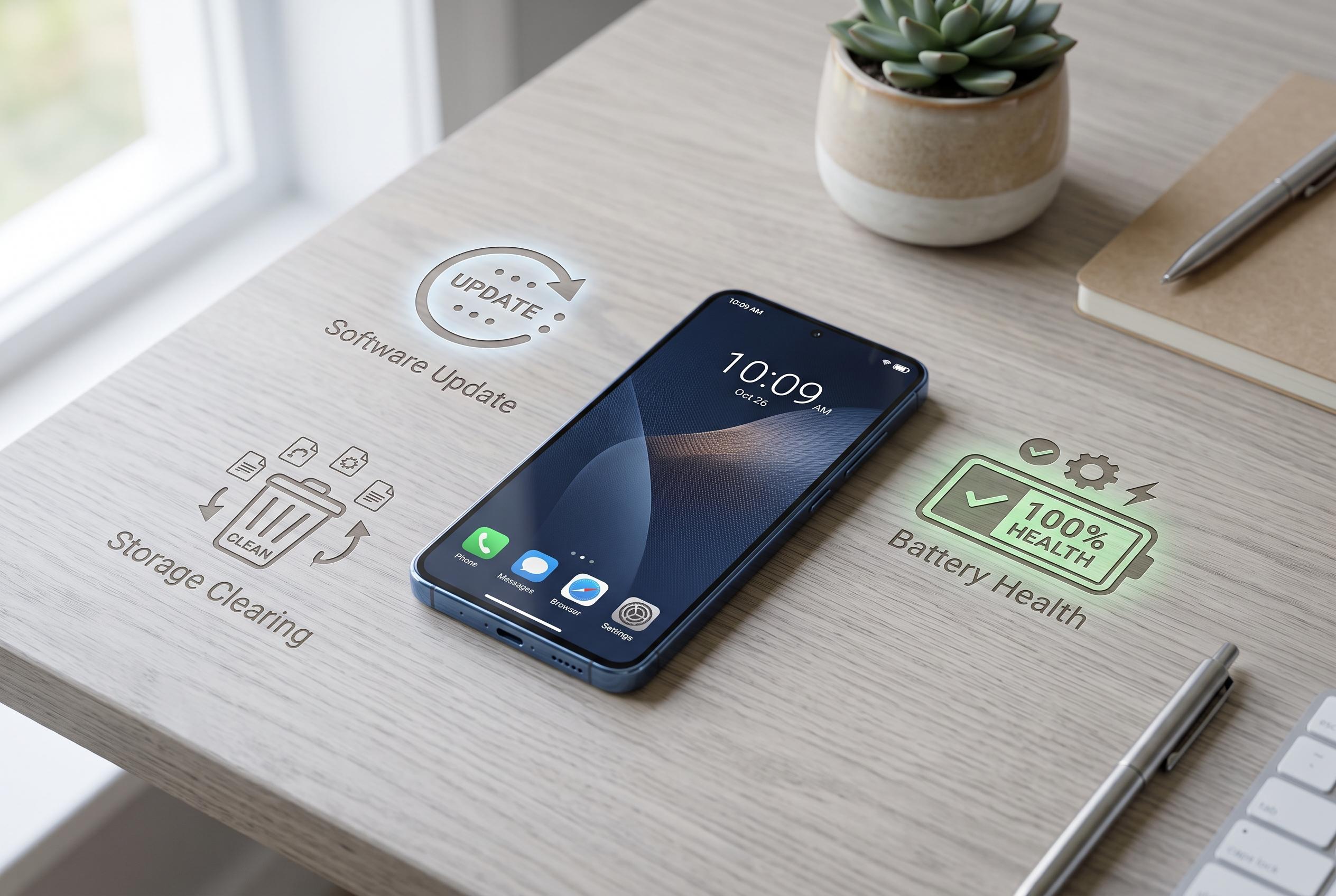

With handset prices climbing, small steps like software updates, clearing storage, and checking battery health can significantly improve older smartphones’ performance, delaying the need for costly upgrades.
A sluggish smartphone does not always need replacing. In a period of higher handset prices, small maintenance steps can often recover enough performance to delay an upgrade, especially on older iPhones and Android devices. The most useful fixes are usually the simplest: restart the phone, install the latest software and clear out apps, cache and home-screen clutter that quietly drain resources.
A hard restart is the quickest place to begin. It can clear temporary faults, free memory and resolve minor background glitches that slow the device down. The next step is to update the operating system, since newer releases often include performance improvements and security fixes. Guides from Technary and PCWorld both point to regular restarts and software updates as basic but effective ways to improve the feel of ageing Android phones, while SamMobile says outdated software is one of the most common causes of slowdown.
Storage pressure is another major factor. Unused apps can consume space and keep processes active in the background, so removing them can make a noticeable difference. PCMag recommends checking storage on iPhone and app usage on Android to identify what can be deleted or offloaded, while Prizm Institute and Android Central also note that removing unnecessary files, widgets and live wallpapers can reduce strain on the system. On Android, archive or uninstall features can reclaim space without requiring a full reset of the device.
It also helps to keep the apps you do use fully updated. App developers regularly release performance fixes and compatibility improvements, and an outdated app can become a bottleneck even if the operating system is current. Clearing cache can also help, particularly when browsers and frequently used apps have accumulated large amounts of temporary data. On Android, users can clear cache directly for individual apps, while iPhone users may need to offload an app or clear browser data through Safari settings.
Battery health deserves attention as well, because a worn battery can contribute to throttling and short run times. PCMag advises iPhone users to check Battery Health and Charging, where 80% maximum capacity is generally treated as a useful benchmark, and notes that newer iPhone models expose cycle-count information to help judge wear. Android devices vary more widely, but many include battery health information or charging limits in settings, and Samsung users can also check the Samsung Members app. Across platforms, reducing background activity, trimming widgets and using power-saving options can help a phone feel faster for longer.
Disclaimer: This content is intended for informational purposes only. Readers are advised to exercise their own judgement, conduct due diligence, or consult a qualified expert before acting on any information provided.