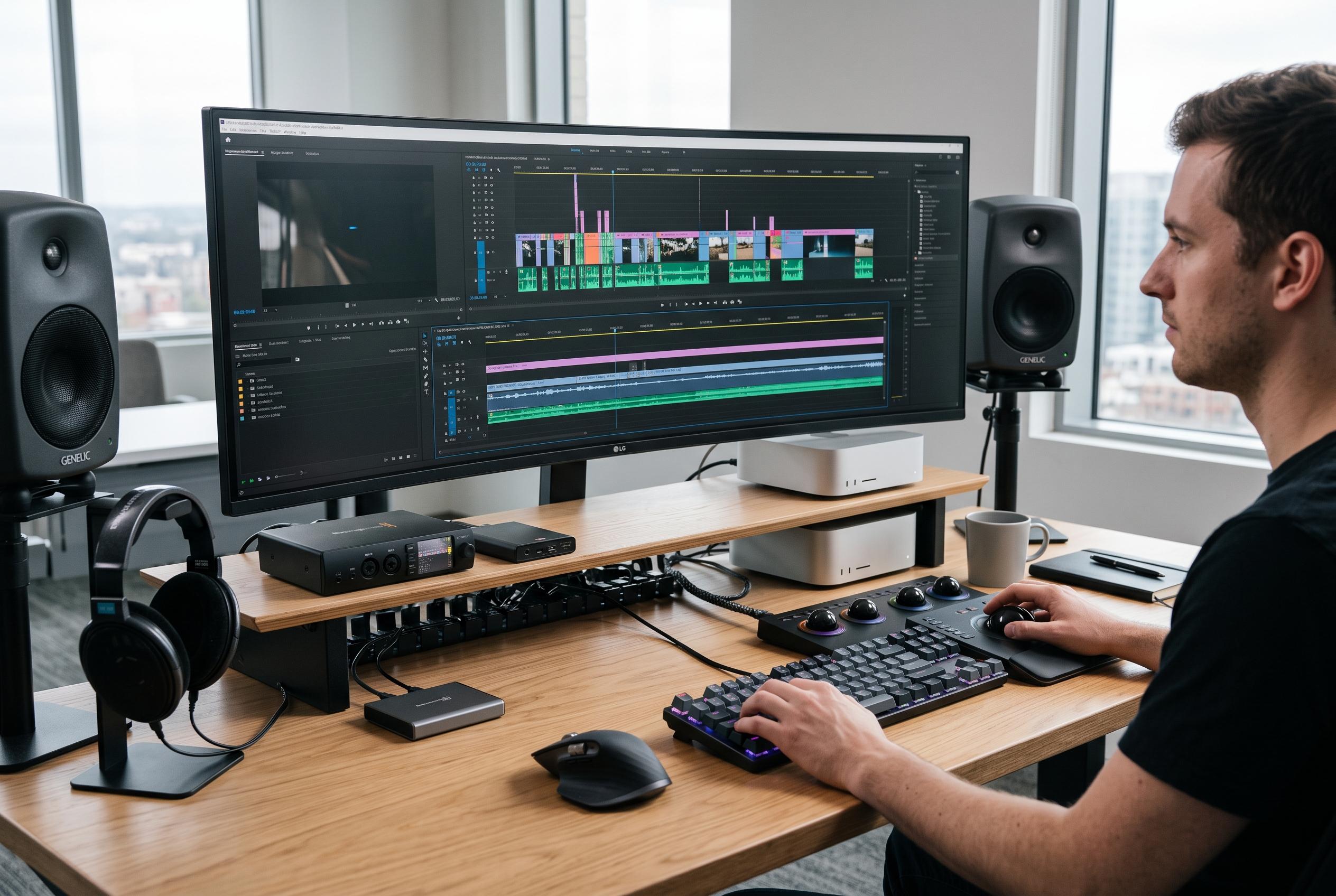

Practical strategies such as beginning with simple structures and mastering core shortcuts are transforming video editing, supported by data-driven insights and AI-enhanced tools, making workflows more efficient and accessible.
The hardest part of editing is often not the software but the first move. Kapwing’s beginner guide and PerfectCorp’s five-step framework both point to the same practical answer: stop waiting to feel ready and begin with a simple structure, such as organising your material, assembling a rough cut and then tightening it later. That approach turns “just start” from a slogan into a workflow.
Once the timeline is open, speed matters. PowerDirector University’s shortcut tutorial shows how much time can be saved by learning a few core commands, from splitting clips to moving the playhead more quickly. Reference guides from VideoBuff and Final Cut Assistant make the same case for Premiere Pro and Final Cut Pro users: if you know the shortcuts for your own app, the edit becomes far less stop-start.
Data-backed advice is also shaping how editors think about pacing and engagement. OpusClip says its list of 50 editing tips is based on analysis of 13.5 million clips, with captioning, B-roll, animation, text overlays and strong hooks among the techniques most often found in successful videos. The message is not that every trend must be copied, but that editors can learn a great deal from patterns in what audiences actually watch.
Technique matters just as much as style. Movavi’s Sims-inspired example is less about the game reference than about learning how titles and motion tracking work, while Dina and Agnes on YouTube take that idea further by rebuilding a documentary-style video shot by shot inside CapCut. The broader lesson is that once a method is understood, it can usually be transferred to other software and other formats.
Filmora’s newer enhancement tools show how much artificial intelligence is now embedded in consumer editing software. The company’s local AI module is designed to improve footage without sending files elsewhere, while more advanced cloud-based tools can help when source material is badly degraded. In DaVinci Resolve, meanwhile, colour management remains a central skill: as tutorials on the subject explain, the key is understanding how colour spaces are recorded and exported, with Rec. 709 still the standard for most consumer footage and social platforms.
For editors who need assets as well as techniques, free libraries remain valuable, though they can be fragile businesses because storage and delivery costs are high. ZapSplat offers a large catalogue of sound effects and music, Eyecandy combines inspiration with technique references, and Mixkit provides clips, tracks, sound effects and templates. Even the most complete studio, though, is only useful if it is easy to step into and start working, which is why practical, repeatable setups matter as much as the gear itself.
Disclaimer: This content is intended for informational purposes only. Readers are advised to exercise their own judgement, conduct due diligence, or consult a qualified expert before acting on any information provided.