

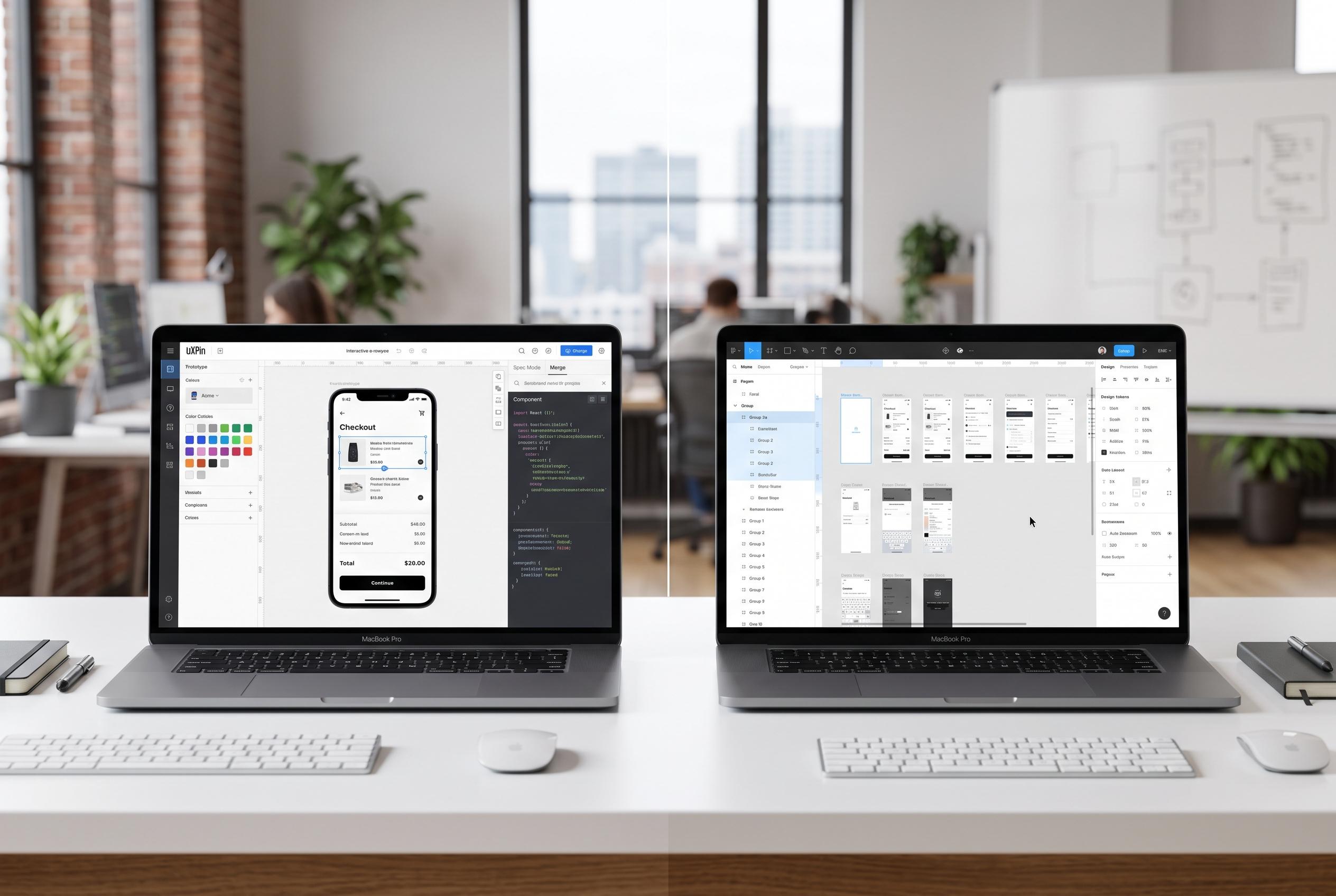

Deciding between UXPin and Figma hinges on whether teams prioritise engineering integration or rapid visual collaboration, impacting design-to-development efficiency.
For product teams deciding between UXPin and Figma, the real question is not which tool is more capable in the abstract. It is whether the workflow is built around production code or around rapid visual collaboration. UXPin is designed for teams that want prototypes to behave like the shipped product, while Figma is still the more approachable option for shared visual design, early exploration and broad team adoption.
UXPin’s main distinction is its code-backed model. According to the company’s comparison materials, designers can work with components pulled from Git repositories, Storybook or npm libraries, which means the design canvas can mirror the component system developers already maintain. That setup is useful when a team needs design-system control, consistent states and tighter alignment between design and engineering. Figma, by contrast, remains a vector-based environment built for fluid editing, team collaboration and lighter-weight prototyping.
The difference becomes most visible in prototyping depth. UXPin supports conditional logic, variables and stored inputs, allowing teams to model flows that respond to user behaviour rather than simply moving from one frame to another. Figma can connect screens, overlays and interactive components, which is often enough for early review, but it is less suited to logic-heavy journeys or prototypes that need to behave like a real application. TechRadar has also noted that UXPin offers stronger advanced wireframing and layered prototyping, though it comes with a steeper learning curve.
That same divide carries into handoff. Figma’s Dev Mode gives developers specifications, CSS inspection and asset exports, but the implementation still has to be rebuilt in code. UXPin’s Spec Mode and Merge approach are built to reduce that translation step by tying the prototype more closely to the production component source. For teams already working from React, Angular or Vue libraries, that can cut down on rework and reduce the gap between design intent and shipped interface.
Pricing also shifts the calculation. UXPin’s pricing page currently lists Core at $49 a month and Growth at $69 a month, with Enterprise priced separately. The company says Core includes unlimited prototypes and built-in coded libraries, while Growth adds design systems, roles and permissions, Storybook integration and stronger security features. The lead comparison text still cites lower figures, but the live pricing page indicates the current entry point is higher than that. Figma remains cheaper to enter, with a free starter tier and a Professional plan priced per editor, though its standalone Dev Mode seat adds another cost for engineering access.
The practical choice is straightforward. UXPin is better suited to engineering-led product teams, DesignOps groups and organisations that already have a mature component library and want to preserve it inside the design process. Figma is the better fit when speed, simplicity and broad collaboration matter more than code fidelity. For teams that care about reducing handoff friction, the question is not which tool looks easier. It is which one prevents the most rebuilding later.
Disclaimer: This content is intended for informational purposes only. Readers are advised to exercise their own judgement, conduct due diligence, or consult a qualified expert before acting on any information provided.



