

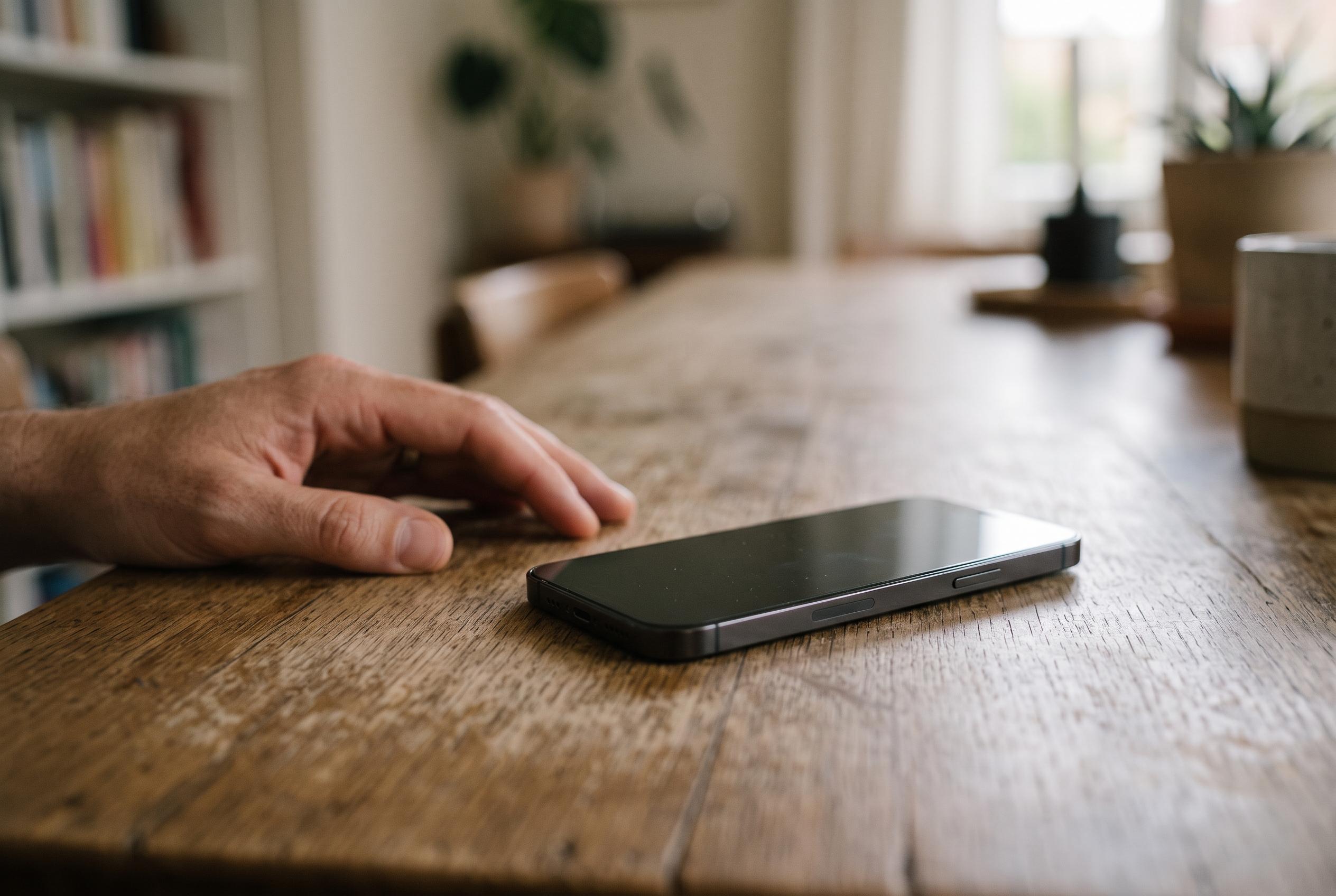

Sophisticated spyware can infiltrate smartphones without user interaction, but prompt updates, trusted apps and stronger security settings can reduce the risk.
Spyware on phones has become more capable and harder to spot, with some attacks now able to compromise a device without any tap, link click or file download from the user. Security researchers and technology publications have described this class of intrusion as “zero-click”, because it can exploit software flaws directly. Once inside, malicious software can read messages, record keystrokes, capture screenshots, collect notifications and, in some cases, reach banking apps or login details. According to WIRED, the most advanced campaigns are often directed at journalists, activists, officials and senior business figures, although ordinary users remain exposed through fake apps, malicious links and unpatched vulnerabilities in browsers and operating systems.
One of the most effective defences is also the simplest: keep the operating system and applications up to date. WIRED says security patches are frequently issued to close weaknesses that attackers could otherwise use to install spyware, while Microsoft and Kaspersky both advise installing software only from trusted app stores and avoiding unofficial sources. That matters because spyware is often hidden in counterfeit apps, booby-trapped files or links sent through text messages, email and social media. On Android devices, users should be especially cautious about APK files from unknown sources, while iPhone users should treat unfamiliar prompts and configuration requests with suspicion.
The article also highlights the value of stricter protection settings for people at higher risk of targeted surveillance. Apple’s Lockdown Mode is intended for users who may face highly sophisticated attacks, and it deliberately reduces exposure by limiting message attachments and restricting some FaceTime contact paths. Google’s Advanced Protection offers a similar hardening approach on supported Android devices, with features that can include stronger USB safeguards and checks for certain intrusion patterns. These settings can make day-to-day use less convenient, but they are designed for situations where security is more important than ease of access.
Users should also watch for warning signs, although none of them proves infection on its own. Unexpected overheating, slower performance, irregular network behaviour and unexplained microphone or camera activity can all justify a closer look. McAfee says unusual battery drain, unfamiliar apps and unexpected account activity may also indicate that a device is being monitored. The practical point is to treat such signs as prompts to investigate, not as proof in themselves, because they can also arise from battery wear, software errors or ordinary background processes.
If a phone seems to be under active surveillance, the response should be immediate and disciplined. Security firms including Kaspersky recommend disconnecting sensitive accounts, running a security scan, removing suspicious apps and applying the latest updates straight away. The article also advises users to take official warnings from Apple, Google or another platform seriously, but to verify them through the company’s own support channels rather than tapping links inside suspicious messages. That layered approach reflects the reality of modern spyware defence: no single measure is sufficient, but a combination of prompt patching, careful app control, stronger protective modes and fast reaction to alerts can materially reduce risk.
Disclaimer: This content is intended for informational purposes only. Readers are advised to exercise their own judgement, conduct due diligence, or consult a qualified expert before acting on any information provided.



