

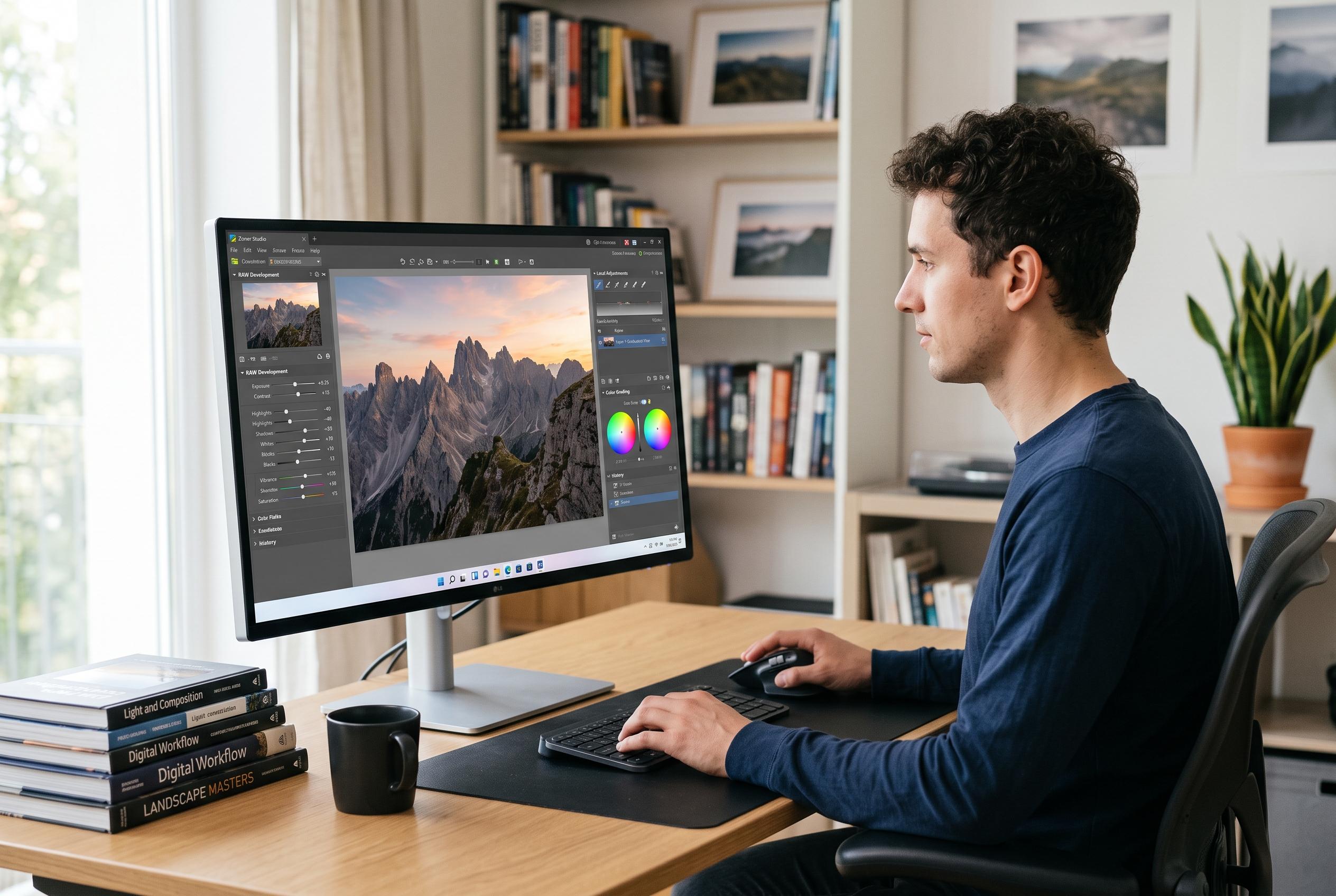

Zoner Studio aims to redefine photo editing by integrating raw development, local adjustments, and organisational tools into a single Windows-only platform, prioritising control and efficiency over AI-driven features.
Zoner Studio is being positioned as a broad photo workflow rather than a single-purpose editor, with the company arguing that photographers want one place for raw development, local adjustments, layers, masks, presets and lens corrections instead of a fragmented toolchain. TechRadar’s recent interview with Thomas Urban framed the software as a lower-cost alternative to Adobe’s Lightroom and Photoshop combination, while Zoner’s own product pages stress the same all-in-one pitch and its Windows-only workflow. The result is a package aimed at users who want editing, organisation and export in one interface rather than across several applications.
Urban’s clearest argument is that convenience should not come at the expense of control. He said photographers should be able to stay inside a single workspace while moving from culling to editing, rather than treating raw processing as a separate prelude to “real” retouching. That position fits Zoner’s broader design, which describes the catalogue as a cache built around standard files rather than a closed database, so users are not tied to a proprietary library structure if they move their photos elsewhere.
The company is also leaning against the current industry obsession with artificial intelligence as a selling point. Urban told TechRadar that some of the most useful changes are not the most visible, citing search, organisation and metadata handling as the kind of improvements that save time over the long run. Zoner’s own documentation still includes AI-assisted batch editing, sorting and background removal, but the messaging around the interview suggests the company wants those tools to sit beside, rather than replace, the manual controls photographers still depend on.
That emphasis extends to repair and retouching. Urban said Zoner’s healing tools remain manual, but he argued that they are fast, non-destructive and integrated into the Develop module, which avoids the usual detour into a separate bitmap editor. The company also says its layer-based retouching supports complex work, while pressure mapping for stylus input is designed to suit tablet users who need fine control over individual strokes.
On the organisational side, Zoner is making a case for practical automation rather than flashy effects. Urban described automatic stacking for panoramas and focus series as a core direction for the software, saying the system performs well when photographers shoot carefully and use bracketing correctly. Zoner’s own materials also highlight presets, LUTs and batch tools, all of which point to a workflow built for handling large numbers of similar images quickly.
Taken together, the pitch is straightforward: Zoner Studio is trying to be a full photographic partner, not just a place to polish a few files. The company’s case rests on speed, recoverability and workflow continuity, with the promise that photographers can sort, edit and retouch without surrendering control to a rigid catalogue or waiting for AI to solve problems they still prefer to handle themselves.
Disclaimer: This content is intended for informational purposes only. Readers are advised to exercise their own judgement, conduct due diligence, or consult a qualified expert before acting on any information provided.



