

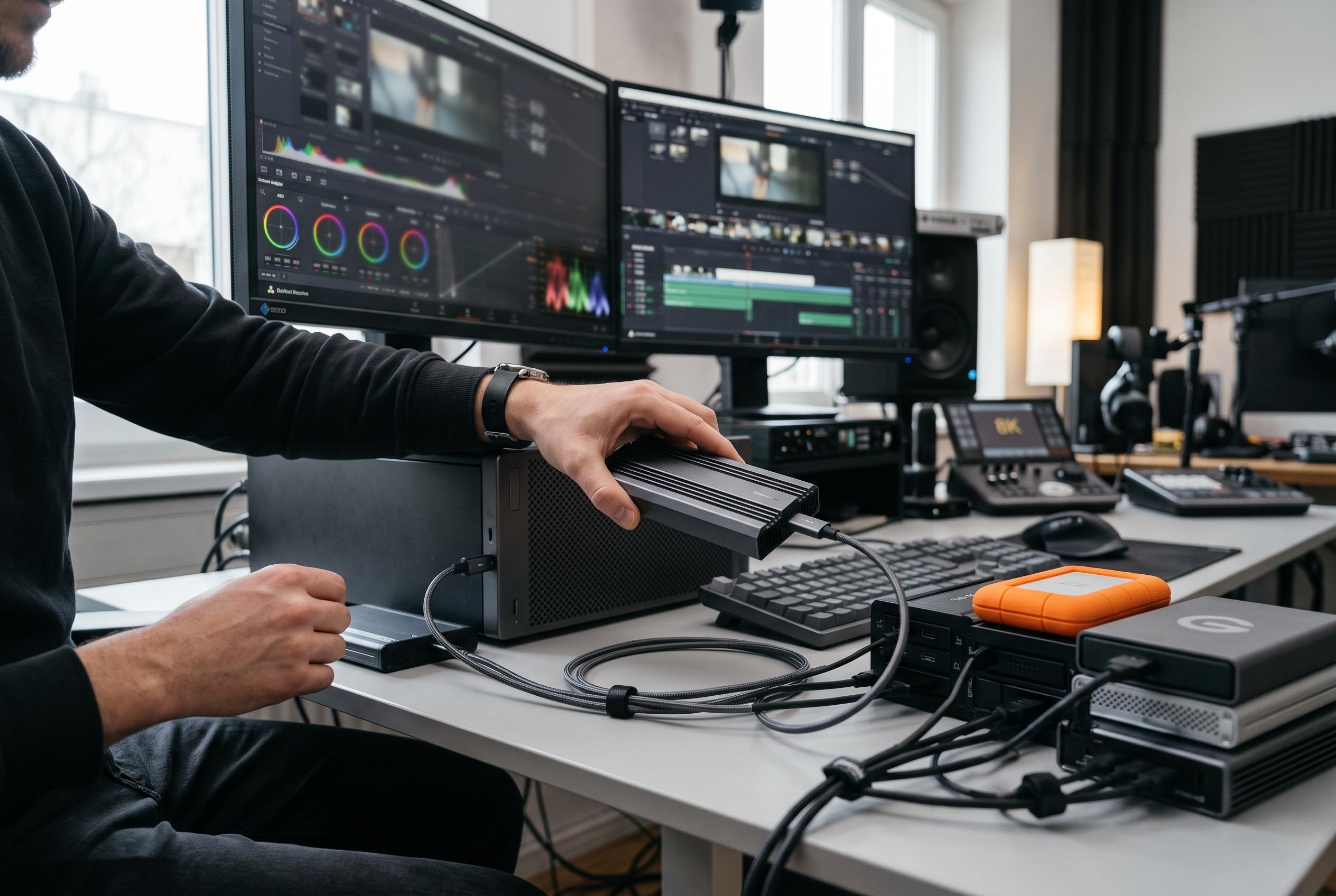

The latest advancements in SSD enclosure technology now offer editors faster, more reliable options for managing large media workloads, with a focus on high throughput, thermal management, and portability tailored to demanding 8K and 12K workflows.
For editors who rely on external storage for ingest, cache files and project shuttling, an SSD enclosure can be as important as the drive inside it. The current crop of video-focused enclosures spans basic 10Gbps units for backup duties, 40Gbps USB4 and Thunderbolt models for demanding timelines, and a new class of 80Gbps products aimed at high-end 8K and 12K work. As Tom’s Hardware and other enclosure guides note, the key question is not simply raw speed, but how consistently a unit can sustain it under long transfers and heavy write loads.
At the top end, performance is now being shaped by host interface rather than just the SSD itself. Models such as the TERRAMASTER D1 SSD Pro and UGREEN’s 80Gbps Thunderbolt 5 enclosure are built for users with the newest hardware, where bandwidth and thermal design matter most. Their appeal is clear: faster offloads, less waiting on large media copies and more headroom for future systems. But that advantage only appears if the workstation, cable and drive all support the same standard, a point emphasised in broader NVMe enclosure round-ups from DeskFinds and Dattatec Blog.
For most working editors, 40Gbps USB4 remains the practical sweet spot. Enclosures from ACASIS, Qwiizlab, Yottamaster and Satechi offer a strong balance of speed, portability and thermal control, with either fanless aluminium designs or active cooling for longer sessions. These are the kinds of units better suited to editing directly from external storage, especially when handling 4K media, proxy workflows or large project libraries. According to the product details, many also support multiple M.2 sizes and capacities up to 8TB, which is useful for libraries that grow quickly.
Cooling is not a secondary feature in this category; it is a core performance factor. NVMe drives can throttle when heat builds during sustained writes, and that can slow transfers precisely when editors need reliability most. The better enclosures in this roundup use thermal pads, finned aluminium bodies or quiet fans to reduce that risk. Plugable’s actively cooled model is designed specifically for this problem, while SABRENT’s slide-open design and aluminium top aim to improve contact between the drive and the chassis.
Compatibility remains just as important as throughput. A 10Gbps enclosure is often the best value choice for lighter editorial tasks, archive storage and media offloads, particularly if an editor is repurposing an older 2.5-inch SATA SSD. The Sabrent SATA enclosure fits that brief, while UGREEN’s 10Gbps M.2 model provides a more flexible route for NVMe users who want simple tool-free installation. These lower-cost options will not match Thunderbolt-class performance, but they are often sufficient for backups, proxies and portable transport.
The best enclosure also depends on how the drive will be used. If the SSD is mainly for moving camera cards and storing project files, price and convenience may matter more than absolute speed. If the drive will act as a scratch disk or active edit volume, steadier performance under sustained load becomes more important. That is why many buying guides, including Tom’s Hardware’s broader enclosure overview, recommend matching the enclosure to the form factor, interface and frequency of use rather than chasing the highest number on the box.
There is also a wider shift in the market towards portability without sacrificing thermal control. Lexar’s latest portable SSD, reported by Digital Camera World, reflects the same trend: slimmer, more mobile storage designed for creators who work across phones, laptops and desktops. While that product is not an enclosure, it points to the same editing reality: creators want faster external storage that is compact, durable and easy to carry. The best SSD enclosures for video editing now sit at that intersection of speed, cooling and practicality, with the right choice depending on the computer you already own and the workload you expect it to handle.
Disclaimer: This content is intended for informational purposes only. Readers are advised to exercise their own judgement, conduct due diligence, or consult a qualified expert before acting on any information provided.



