

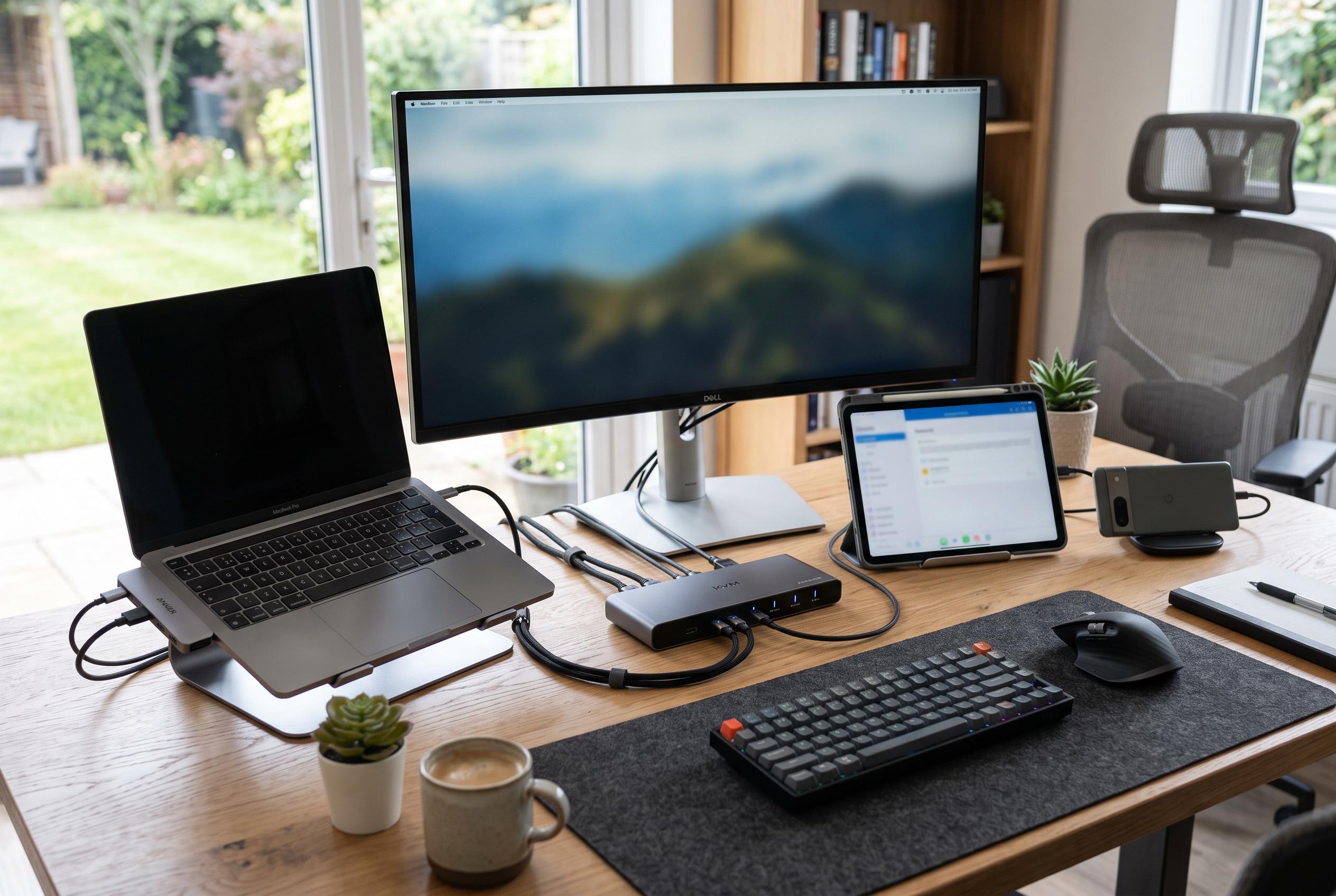

Discover how integrating USB docks and KVM switches can streamline connectivity, enhance flexibility, and improve workspace organisation for users with multiple devices.
USB docks and KVM switches often get mentioned together, but they solve different problems. A dock expands what one computer can do; a KVM switch lets several computers share the same screen and peripherals. In practice, many desks benefit from both.
A USB dock, sometimes called a docking station or hub, is designed to turn one USB-C connection into a broader set of ports. That can include HDMI or DisplayPort outputs, Ethernet, audio, card readers and extra USB sockets. How-To Geek notes that cheaper models usually rely on USB 3.2, while Thunderbolt and USB4 docks offer much more bandwidth and tend to support richer display setups and faster accessory performance.
Power is another dividing line. Some docks simply borrow power from the host computer, while others plug into mains power and can charge a laptop, a handheld PC and other devices at the same time. Thunderbolt docks are especially useful for this, because they can combine charging, video, networking and storage expansion in one unit. For desktop users, How-To Geek points out that tower PCs are not limited to docks alone: PCIe expansion cards and internal header adapters can add ports more directly.
A KVM switch serves a different role. The acronym stands for keyboard, video and mouse, and the device lets one set of peripherals control two or more computers. TechRadar says modern KVM switches are increasingly using USB-C to simplify connections, while PCWorld notes that higher-end models can add more ports and support demanding resolutions, but compatibility and cost remain important trade-offs. Many monitors now include built-in KVM functions, which can make switching between machines easier.
That distinction matters because a KVM switch is not a substitute for a dock. A dock adds connectivity to one machine; a KVM switch shares one workstation across several. Many modern laptops, especially slim USB-C models, need a dock or adapter before they can connect cleanly to a traditional KVM, since many KVM units still rely on HDMI or DisplayPort inputs. In that sense, the two products often work best together rather than as alternatives.
For anyone running a mixed setup, the combination can be more practical than either device alone. A dock can give a laptop or mini PC the ports it lacks, while a KVM switch can let that machine share a monitor, keyboard and mouse with a second computer. The result is a cleaner desk, less cable swapping and a setup that scales better as the number of devices grows.
Disclaimer: This content is intended for informational purposes only. Readers are advised to exercise their own judgement, conduct due diligence, or consult a qualified expert before acting on any information provided.



