

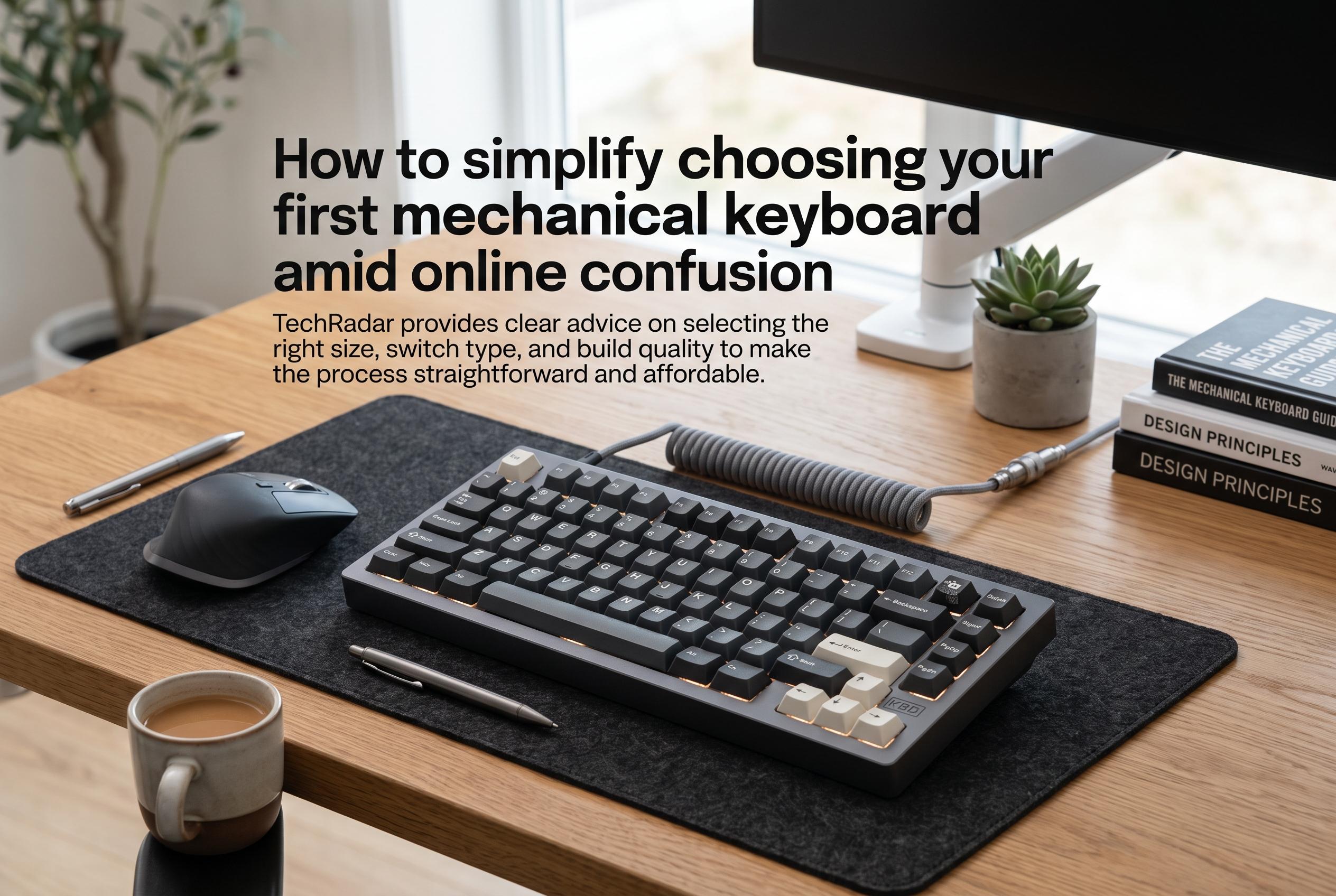

Navigating the complex world of mechanical keyboards online can be daunting for beginners. TechRadar provides clear advice on selecting the right size, switch type, and build quality to make the process straightforward and affordable.
Choosing a first mechanical keyboard has become needlessly complicated online. Forums and enthusiast groups can make the subject sound like a maze of switch names, case materials and layout debates, yet the practical choice still comes down to a few clear questions: how much desk space you have, how you want the keys to feel and how much you want to spend. TechRadar’s guidance is aimed at cutting through that noise and helping newcomers avoid paying for features they will not use.
The first decision is size, but not in the sense of physical footprint alone. Layout determines whether you get a number pad, a function row, arrow keys and a navigation cluster. Smaller 60% and 65% boards save space and suit users who want a compact setup, while 75% and tenkeyless models keep more of the familiar desktop layout without the number pad. Full-size keyboards and 96% or 1800-style boards remain the best fit for anyone who still relies on numeric entry. Tom’s Guide and Mechalick make the same point: the right layout depends on whether you value compactness, productivity or outright completeness.
Switch choice is the next hurdle, and it is often the most confusing. Linear switches feel smooth from top to bottom, tactile switches add a bump and clicky switches add both a bump and an audible click. HobbyStack, Beebom, RTINGS and RGBKeys all describe the same basic split, and they also stress that no chart can replace hands-on testing. A switch tester is the simplest way to compare feel before buying a full board. The key is to notice how each switch behaves under normal typing pressure rather than pounding on it for novelty.
Hot-swappable boards are worth serious consideration for first-time buyers. They allow switches to be fitted and removed without soldering, which lowers the barrier to entry and makes later experimentation much easier. TechRadar notes that this is especially useful for people who are still working out what they like. Build quality also matters more than many beginners expect. At lower price points, usually around £50 to £70 or $60 to $80, many keyboards offer a long list of features but rely on lightweight plastic cases. At a slightly higher level, aluminium models from brands such as Keychron tend to offer better rigidity, less unwanted noise and a more substantial feel.
Budget should therefore be set with some discipline. It is easy to be drawn to RGB lighting, wireless support and hot-swap capability all at once, but a keyboard that looks good on paper may still disappoint in hand. For most newcomers, the sensible target is a board that balances switch quality, sturdy construction, decent wireless performance and keycaps made from PBT, which generally wear better than cheaper ABS plastics. Once the price rises into the mid-range, software support and case quality usually improve, and the board is more likely to feel like a finished product rather than a compromise.
The broader point is that the hobby is deep but not inaccessible. There are countless niche layouts, premium customs and boutique designs for people who want to keep refining their setup, but none of that is necessary for a first purchase. As TechRadar’s advice makes clear, a new buyer can make a good choice by focusing on size, switch feel and budget, then using hot-swap hardware and a reputable mid-range board to leave room for later changes. That approach is simpler, cheaper and far less intimidating than the online debate suggests.
Disclaimer: This content is intended for informational purposes only. Readers are advised to exercise their own judgement, conduct due diligence, or consult a qualified expert before acting on any information provided.



