

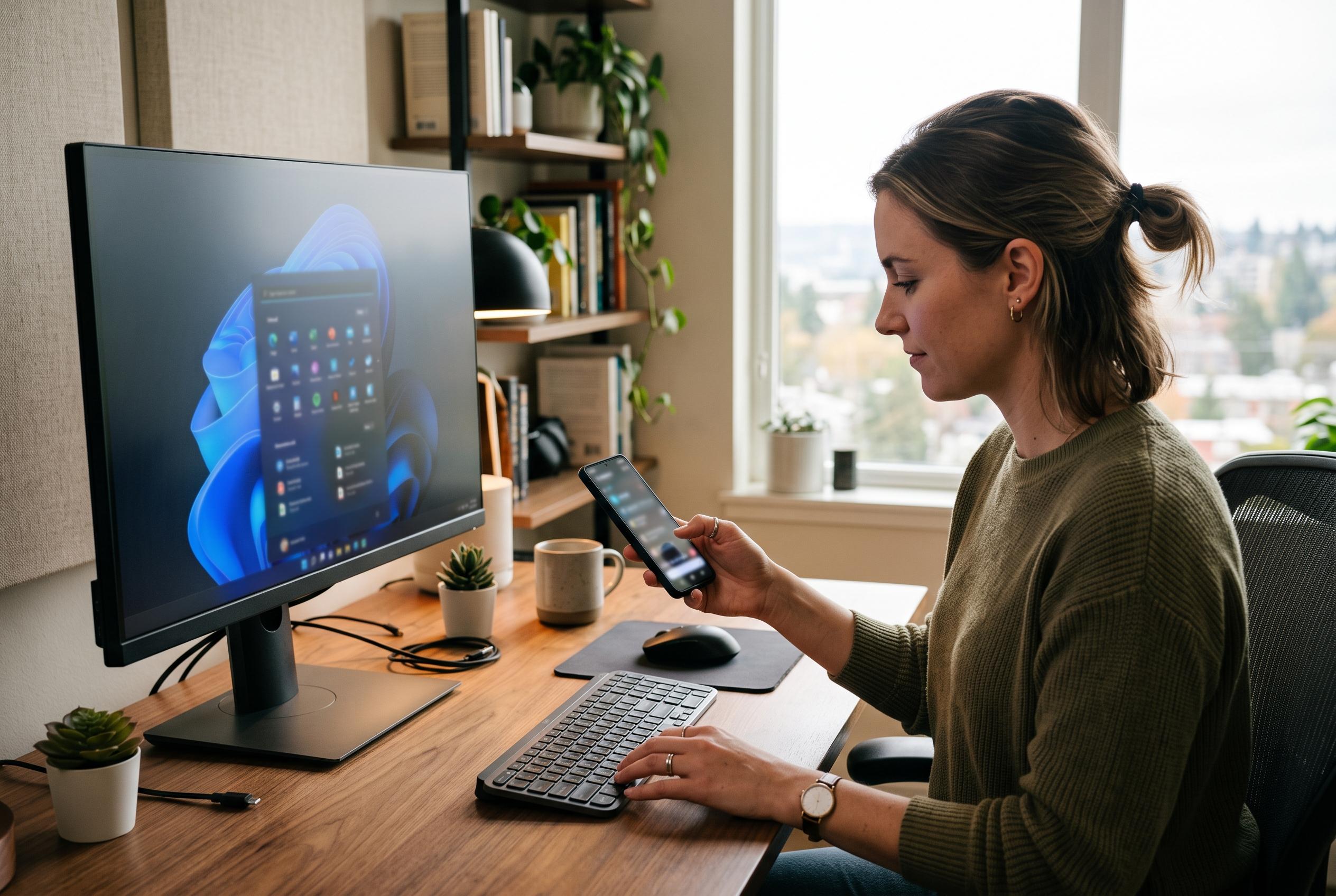

Microsoft’s Phone Link handles notifications and basic media controls, but KDE Connect goes further by letting Android users control playback, presentations, input and system commands from their handset.
Windows 11’s Phone Link can be useful, but its reach remains narrow. According to XDA Developers, it handles basic Android integration well enough for notifications and some media controls, yet it still falls short of the broader two-way device control that many power users expect. KDE Connect, by contrast, is designed as a deeper bridge between phone and computer, and its appeal lies in how much of the desktop it can expose to a handset and vice versa.
The clearest difference is media control. Phone Link lets a PC see and manage playback on a connected Android device, but the relationship is largely one-directional. KDE Connect extends that further, allowing playback on the computer itself to be controlled from the phone. KDE’s own documentation describes the app as a cross-platform tool for Android, Windows, Linux and macOS, with notification syncing and remote control among its core functions.
That same back-and-forth design also makes the phone useful as an emergency input device. As XDA Developers notes, KDE Connect can turn an Android handset into a touchpad and keyboard for the PC, which is practical if a laptop is hooked up to a television or a desktop is temporarily missing a mouse. The app also supports clipboard sharing, although some Android-side permissions can make the transfer from phone to PC less seamless than the reverse.
For presentations, KDE Connect goes beyond the simple remote control approach most users know from office software. XDA Developers says it can be used to advance slides, and its virtual pointer feature can help highlight items on screen using the phone’s motion sensors. The benefit is not limited to one productivity suite, either; the app can work with a range of presentation software rather than being tied to a single vendor’s older remote-control tools.
KDE Connect’s most flexible feature may be the ability to trigger commands on the PC from the phone. XDA Developers highlights uses ranging from software updates to launching apps, shutting down the machine or restarting it, which turns the handset into a lightweight control panel for routine administration. There are limits, particularly on iPhone support and some messaging features, but the overall package is broader than Phone Link’s standard Windows 11 experience and remains one of the strongest arguments for pairing an Android device with an open, cross-platform alternative.
Disclaimer: This content is intended for informational purposes only. Readers are advised to exercise their own judgement, conduct due diligence, or consult a qualified expert before acting on any information provided.



