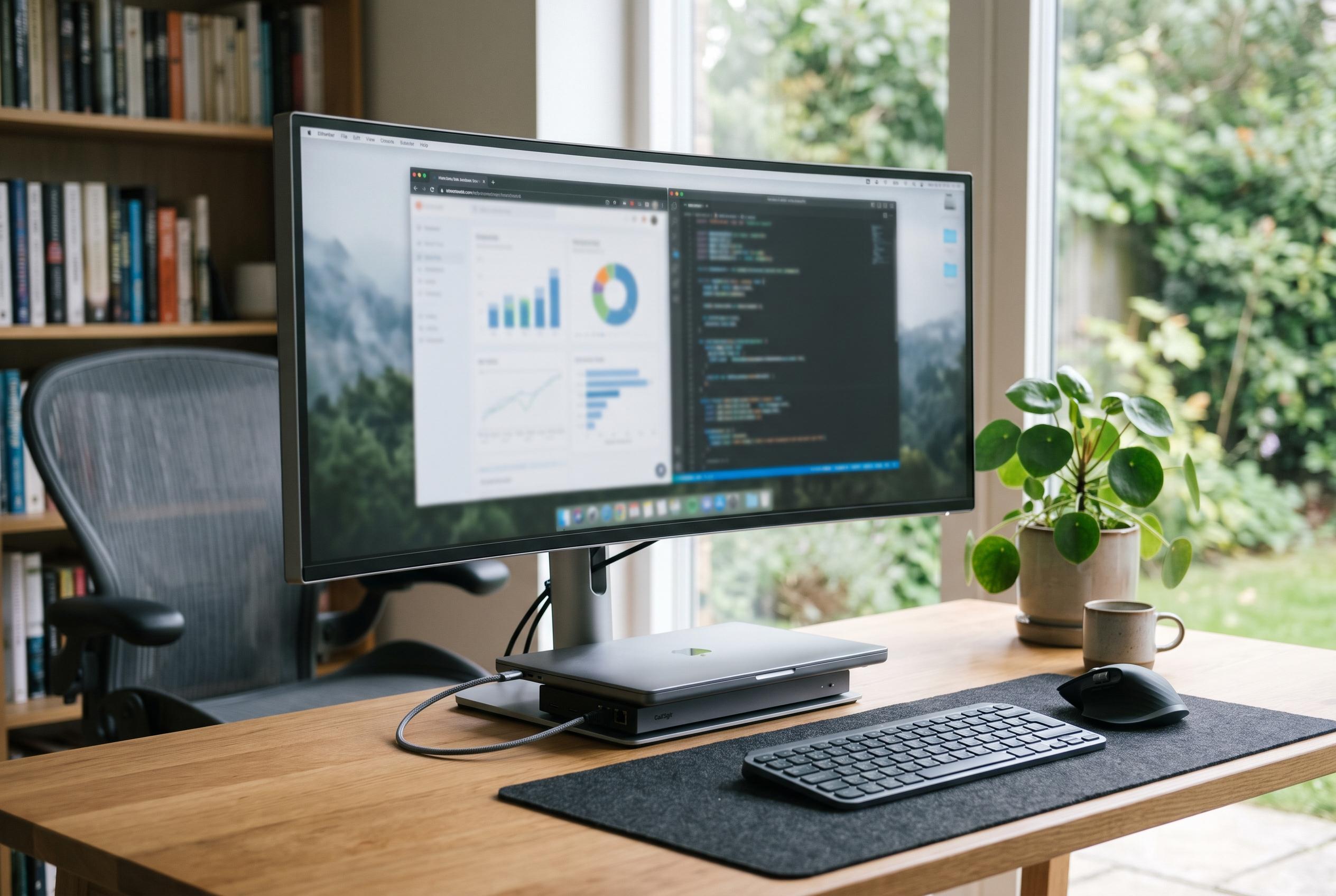

Amazon’s latest discount brings Samsung’s ViewFinity S65UC below $350, making its 90W USB-C charging, Ethernet connection and KVM switch a compelling alternative to a separate docking station.
Amazon’s latest price cut on Samsung’s 34-inch ViewFinity S65UC makes the monitor more interesting as a desk hub than as a simple display. The screen is currently listed at $349.99, well below Samsung’s own $589.99 price and under recent sale levels cited by TechTimes. The attraction is not only the discount, but the hardware built into the panel: a 90W USB-C port, a wired Ethernet jack and a two-port KVM switch mean the monitor can replace several accessories that many laptop users normally buy separately. Samsung’s product pages confirm the 21:9 Ultra-WQHD curved panel, 100Hz refresh rate, AMD FreeSync support, HDR10 compatibility and 1000R curvature.
That feature set is unusual at this price. Samsung positions the S65UC as a business-oriented curved ultrawide, while the current Amazon offer lands it close to the level where buyers would otherwise be assembling a dock from separate parts. TechTimes noted that similar ultrawide models from LG and Dell often sell for more, yet do not combine the same mix of charging, network access and peripheral switching in a single unit. Samsung’s own specification sheet also lists built-in speakers, Eye Saver Mode and Flicker-Free technology, which reinforce the monitor’s workplace focus rather than a gaming-first brief.
The practical value lies in the single-cable workflow. With a USB-C connection, the monitor can carry video, power and data at once, so a compatible laptop can charge, drive the 34-inch screen and use the monitor’s USB hub and LAN port through one lead. Samsung says the USB-C connection supports 90W Power Delivery, which is enough for most thin-and-light laptops and many mainstream business machines. That will suit MacBook Air users, Ultrabook owners and hybrid workers more comfortably than users of larger, high-wattage laptops, which may still need their own charger for full-speed power delivery under load.
The panel technology also matters. Samsung uses a VA panel rather than IPS, which helps deliver the deeper blacks and higher contrast ratio associated with VA displays. That choice suits a tightly curved screen, because 1000R panels are designed to wrap more closely around the viewer’s field of vision. Samsung promotes the monitor as immersive, while external research cited in the wider market has suggested that tighter curves can reduce perceived eye strain for some users. The trade-off is speed: at 5ms grey-to-grey and 100Hz, this is a monitor for productive work, media and casual gaming, not for competitive play where faster response and much higher refresh rates are preferred.
The built-in KVM switch may be the most practical part of the package for many buyers. It allows two computers to share one keyboard and mouse through the monitor, which is useful for anyone moving between a work laptop and a personal machine at the same desk. That removes the need for an additional switch box and reduces cable clutter. For users who want a wide screen, a dock-like front end and a cleaner workstation without spending far more on separate accessories, Samsung’s ViewFinity S65UC now looks like one of the more convincing all-in-one ultrawide options at this price.
Disclaimer: This content is intended for informational purposes only. Readers are advised to exercise their own judgement, conduct due diligence, or consult a qualified expert before acting on any information provided.