

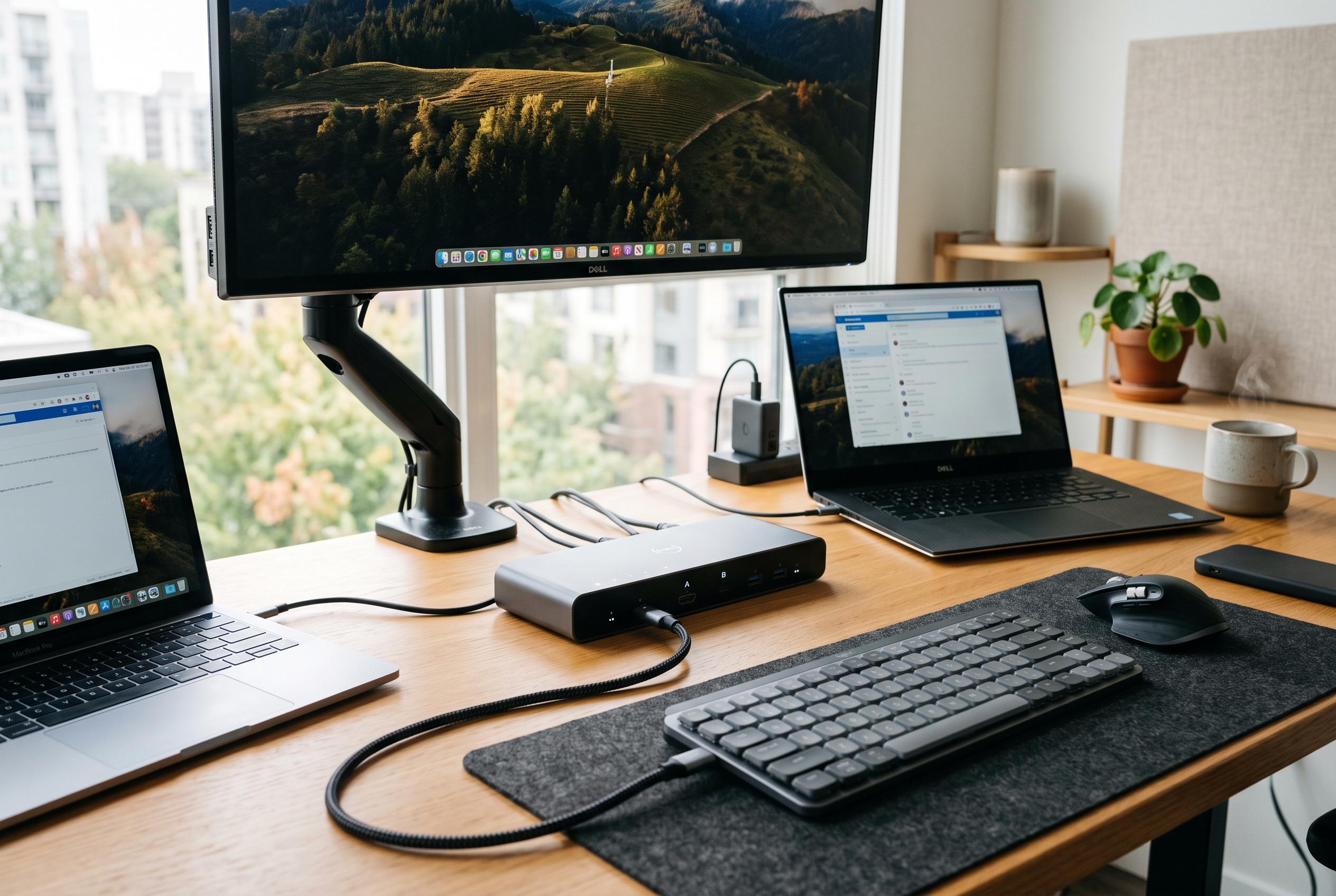

The latest USB-C KVM switches can combine display switching, laptop charging and peripheral sharing, but buyers must match video standards, bandwidth and power delivery to their exact setup.
USB-C KVM switches have become a practical way to turn a multi-device desk into a cleaner, more efficient workstation. For many users, they now do more than simply move a keyboard and mouse between machines. The better models also reduce cable clutter, provide laptop charging, and preserve high-resolution video for office work, creative tasks and gaming. The key issue is not whether a switch exists for the job, but whether its video standard, power delivery and data bandwidth match the exact computers and displays being used.
The strongest options vary sharply by use case. Some are built for two USB-C laptops and a single 4K monitor, while others can handle a mixed laptop-and-desktop arrangement, three computers at once, or dual-display setups. In practice, that means buyers need to think first about the shape of their desk rather than the marketing label on the box. A switch that is ideal for a hot-desk environment may be a poor fit for a gaming setup, and a model that suits a Thunderbolt laptop dock may be unsuitable for a simpler HDMI-based workstation.
Compatibility is the most common trap. The Office Journal notes that users should confirm USB-C DisplayPort Alt Mode support before assuming a laptop can send video through its USB-C port. That warning is especially important because not every USB-C connector carries display output, even if it can charge a device or move data. KVM makers often position these products as compact docking alternatives, combining power delivery, display switching and USB sharing in a single unit, but the actual feature mix depends on the host devices, monitors and cables connected to them.
The most capable picks in the list lean towards specialist needs. The dual-4K Cable Matters model is aimed at users who want two laptops across two monitors, while the SABRENT option is designed for a mixed three-computer workspace centred on a DisplayPort display. For heavier workflows, the 40Gbps Cable Matters switch stands out because it is built for high-bandwidth USB-C, USB4 and Thunderbolt environments, with power delivery up to 140W and support for demanding display modes when the rest of the chain is compatible.
Charging also matters. Some switches deliver enough power for lightweight laptops, while others are designed for more demanding notebooks that need 100W or more. The guide’s charging-focused Cable Matters options are useful because they combine laptop power, high-speed peripheral sharing and straightforward switching in one product. That makes them better suited to home offices and shared desks where a laptop should connect with minimal fuss and without a separate charger taking up space.
For simpler single-monitor setups, the more compact HDMI and USB-C switches from MINIX, UGREEN and Hearvo are easier to place and easier to understand. These models suit users who alternate between a USB-C laptop and an HDMI desktop or mini PC, or who want a basic two-computer arrangement with a monitor, keyboard, mouse and a few USB accessories. TESmart’s laptop-focused range and the broader market covered by Best Buy and other sellers show how much the category has widened, but the underlying buying rule remains the same: match the switch to the exact ports, refresh rates, charging needs and peripherals in your workspace.
According to the comparison guide, the best purchase is usually the one that fits the current desk layout with a little room for future expansion. That means checking not just resolution claims, but also whether the switch supports the required refresh rate, the number of displays, the right video standard and the amount of USB bandwidth needed for external storage or capture devices. USB-C is versatile, but that flexibility is also what makes careful specification checks essential before buying.
Disclaimer: This content is intended for informational purposes only. Readers are advised to exercise their own judgement, conduct due diligence, or consult a qualified expert before acting on any information provided.



