
A Debian userspace, Termux and VNC can turn an idle Android phone into a functional desktop coding machine, although performance and compatibility remain limiting factors.
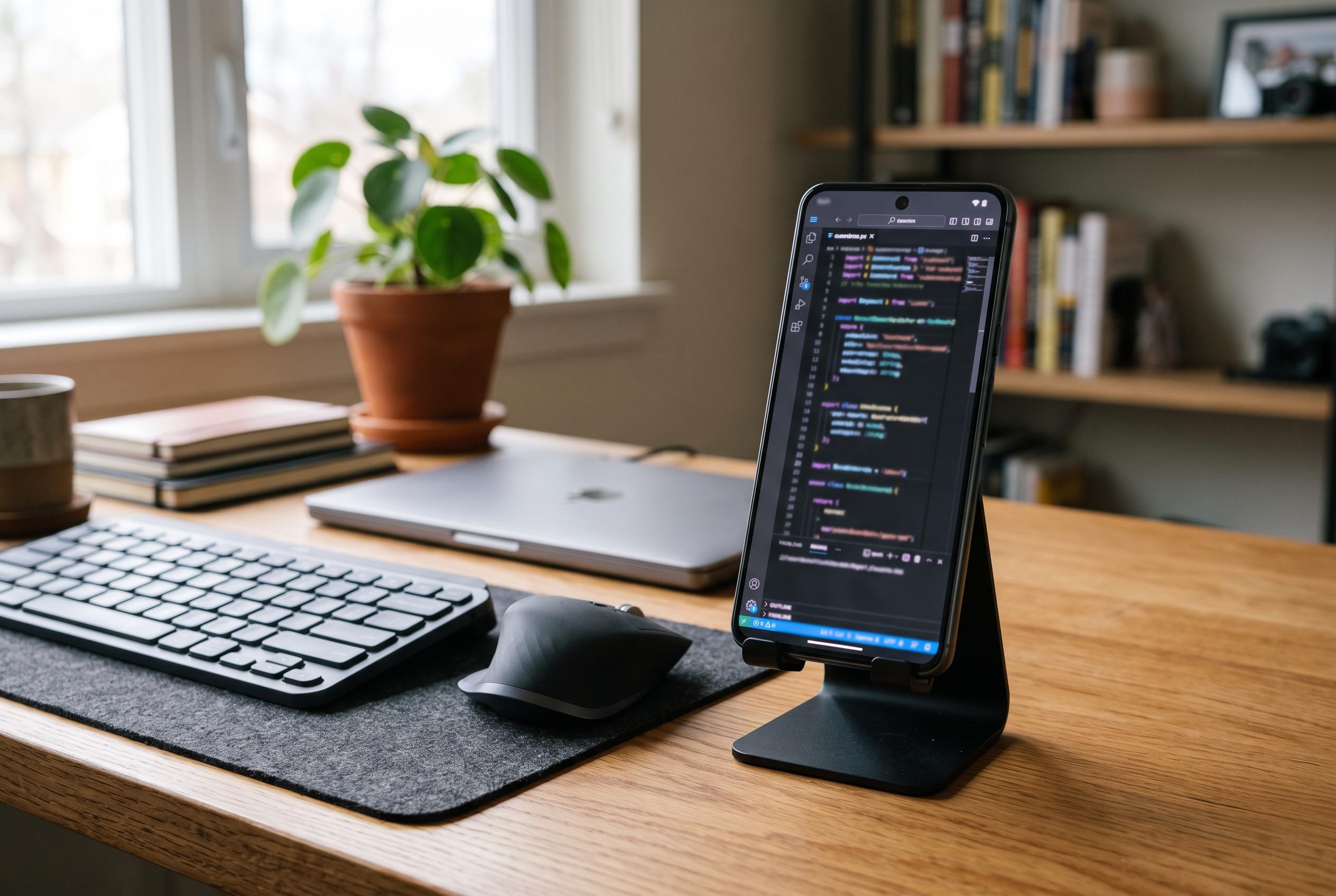
A discarded Samsung Galaxy A33 can be turned into a usable VS Code workstation, at least for lighter development work, if the right Linux layer and desktop stack are added on top. The setup described by Sergio Perez Ruiz combines Termux, a Debian environment created with proot-distro and a VNC desktop, allowing the Android phone to run the native desktop build of Visual Studio Code rather than the browser version. The appeal is practical as well as frugal: it keeps an otherwise idle handset in service and avoids buying a separate laptop for basic coding tasks.
The key technical obstacle is not the phone’s processor but the mismatch between Android and the Linux software stack that VS Code expects. The article explains that the common failure message about a missing “libffmpeg.so” is misleading, because the problem is really that Termux uses Android’s bionic C library, while the Linux VS Code binary expects glibc. A Debian userspace inside proot solves that compatibility problem, and VNC provides the graphical session that the desktop editor needs.
That approach is broadly consistent with other Android-to-development guides, which also use Termux and Debian as the foundation, but many of them stop at code-server in a browser. By contrast, Perez Ruiz is trying to run the full desktop app, together with the Cline extension, and the GitHub guides in the related material show why developers often choose the simpler browser route: it avoids the overhead of a full desktop environment and is easier to keep running on limited hardware. The trade-off is clear. Browser-based setups are lighter, while the full desktop experience gives more of the normal VS Code workflow.
Perez Ruiz’s method depends on keeping the division of labour between Termux and Debian clear. The VNC server must be started in Termux, not inside Debian, while VS Code must be launched from within Debian with access to the shared temporary directory. The article also notes that the first launch can take half a minute or more on modest hardware, and that one-line launch attempts from Termux were less reliable than opening an interactive Debian shell first. Those practical details matter because small mistakes often produce confusing errors that point in the wrong direction.
The extension story is also revealing. Cline’s sign-in normally expects a browser, but instead of opening Firefox inside the cramped VNC session, Perez Ruiz used the phone’s regular browser to complete authentication. That is a sensible workaround on a device with limited memory, and it echoes advice in other setup notes to keep the Android phone’s workload as lean as possible. The same logic applies to extensions: the article warns that signature verification can fail in this environment, so only trusted publishers should be installed if a user chooses to bypass the warning.
What makes the project more than a technical curiosity is the argument for reuse. The lead article links the idea to electronic waste and to the broader reality that much of a device’s environmental cost is incurred during manufacture, not during daily use. Extending the life of a phone already sitting in a drawer may not replace a proper workstation, but it can preserve access to development tools for students or hobbyists who do not need heavy local workloads. In that sense, the Galaxy A33 experiment is less about replacing a laptop than about showing how far a modest Android device can be pushed when the software stack is chosen carefully.
Disclaimer: This content is intended for informational purposes only. Readers are advised to exercise their own judgement, conduct due diligence, or consult a qualified expert before acting on any information provided.