

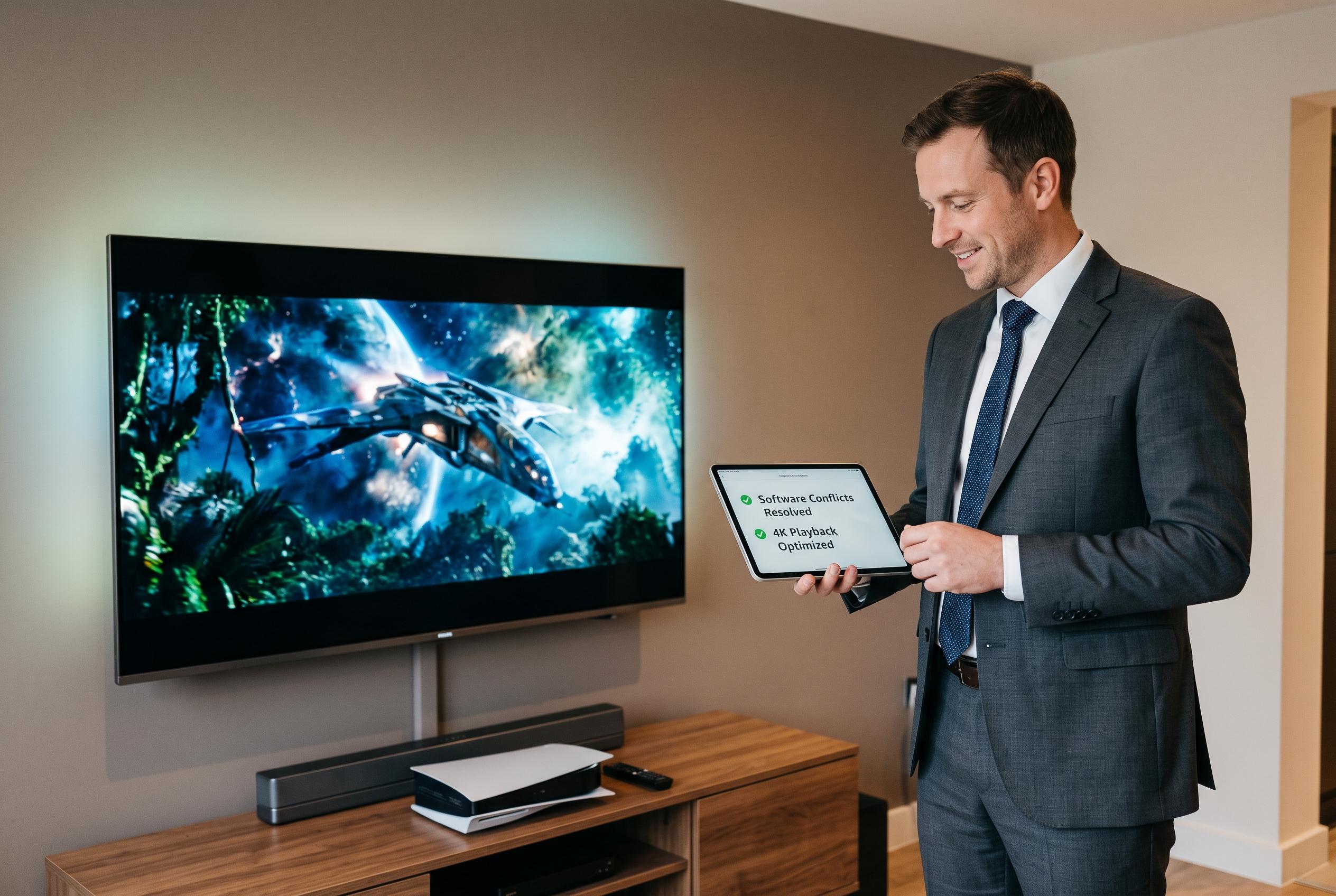

A Philips 58PUS7304/12 user uncovers that disabling system recommendation services through Android Debug Bridge improves 4K HDR playback by reducing software resource conflicts on an Android TV model.
A user of a Philips 58PUS7304/12 has described how a combination of Plex Media Server tuning, network checks and Android TV debugging helped solve repeated stuttering during 4K playback. The television, part of Philips’s 7300 series, is an Android TV model with three-sided Ambilight, HDR10+ support and the company’s P5 picture engine, but the account suggests that even a capable set can struggle when software tasks compete for processing resources. Philips says the model is designed for immersive viewing, while Plex positions its media server software as a tool for organising, streaming and accessing personal libraries across devices.
The issue emerged with higher-bitrate films, including 4K Dolby Vision and Dolby Atmos content. At first, the owner suspected buffering, but Plex monitoring showed sharp drops in throughput whenever playback froze. Network tests added to the confusion: Ethernet delivered only about 50 Mbps, Wi-Fi reached roughly 100 Mbps and Netflix’s own speed test reported 180 Mbps over Wi-Fi. That pointed away from the internet connection itself and towards the television or its internal software stack.
The owner also said earlier advice found online, such as clearing cache, checking firmware, restarting the set or performing a factory reset, was too general to identify the real cause. A separate optimisation already adopted on the server side was to avoid unnecessary transcoding and, where transcoding was unavoidable, to use RAM rather than a disk for temporary files. Reddit users discussing Plex have made a similar recommendation, arguing that keeping the transcoder’s temporary directory in memory can reduce wear on storage and improve performance.
The breakthrough came through Android Debug Bridge, the command-line tool Google provides for advanced communication with Android devices. After enabling developer options and USB debugging on the TV, the owner connected by ADB, opened a shell and ran top to view active processes. During stutters, the process com.google.android.tvrecommendations repeatedly consumed CPU, suggesting that Android TV’s recommendation service was competing with Plex for resources. The proposed fix was to disable that package with pm disable-user –user 0 com.google.android.tvrecommendations, then check for any other unnecessary packages. The owner also pointed to tools such as Universal Android Debloater and ADB TV for removing or disabling unwanted software. In the end, the set was able to handle 30- to 40-Mbps films more reliably once the offending tasks were identified and suppressed.
Disclaimer: This content is intended for informational purposes only. Readers are advised to exercise their own judgement, conduct due diligence, or consult a qualified expert before acting on any information provided.



