

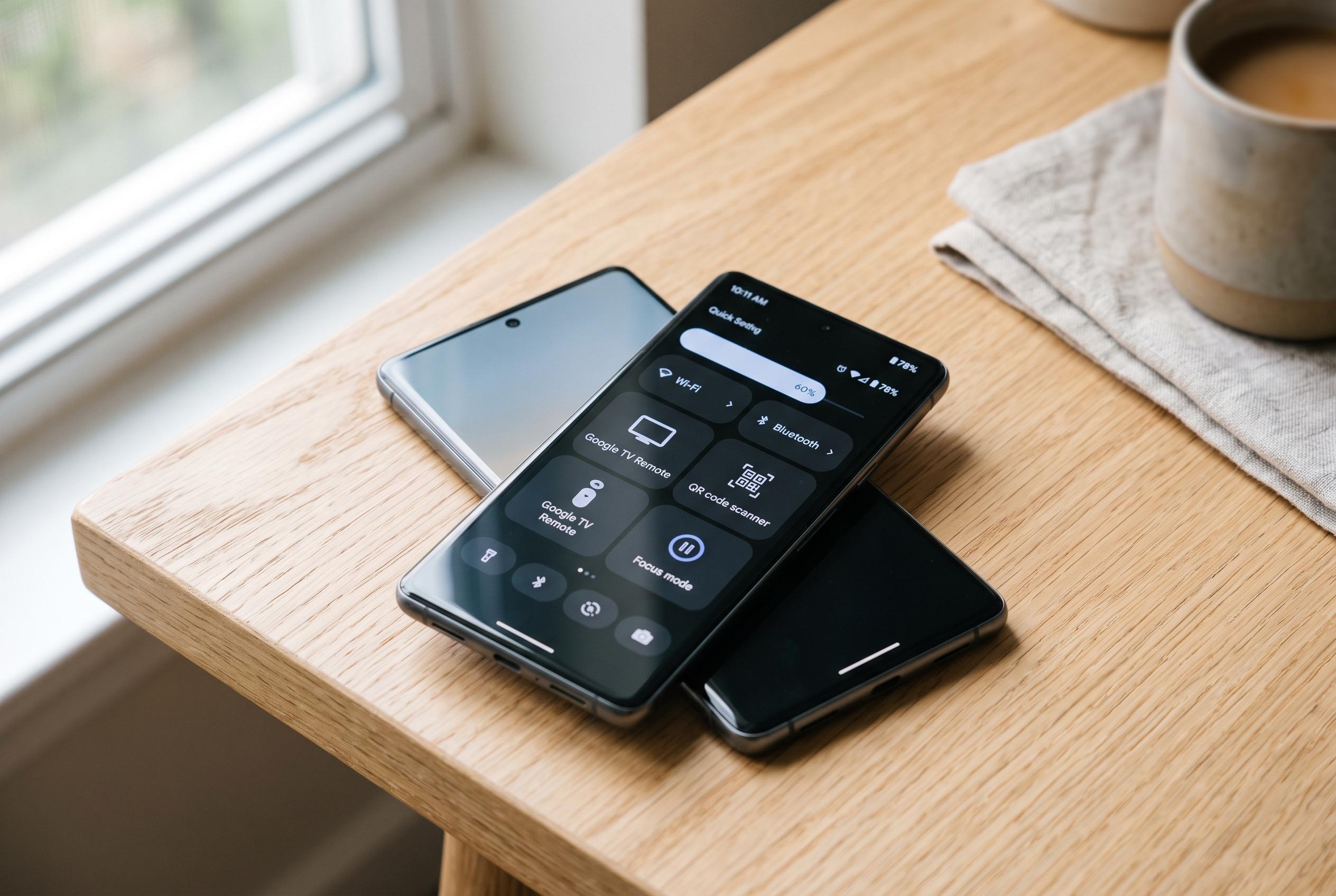

Recent Android updates have expanded the quick settings panel, introducing new customisable tiles such as Google TV Remote, QR scanner, and focus mode, making smartphones more practical and personalised for users’ everyday needs.
Quick Settings on Android has regained much of its usefulness as Google has expanded what the panel can do in recent releases. Android 16 brought resizable tiles, while Android 17 added separate Wi-Fi and mobile data controls, together with a more flexible layout. That has made the panel more practical for people who want faster access to everyday tools, rather than relying on the standard set of toggles that still ships on many Samsung Galaxy and Google Pixel phones. According to Android Authority, that is why some users now customise their phones far more aggressively when setting them up.
One of the most useful additions is the Google TV Remote tile. Android Central says the feature lets an Android phone jump straight into the remote interface from Quick Settings, avoiding the need to open the Google TV app each time. For households with multiple Google TV devices, that can be a small but meaningful convenience, especially when physical remotes go missing.
A calculator shortcut is another simple but practical choice. It does not change the calculator app itself, but it saves a few steps whenever a quick calculation is needed. The same logic applies to the Wi-Fi hotspot tile, which makes it much faster to share mobile data when working away from a fixed connection. For people who travel or write on the move, that one-tap access can be more useful than navigating through Settings every time.
On Pixel phones, the Recorder tile is particularly valuable. Android Authority notes that Recorder can transcribe audio on the device, work offline and sync recordings to an online dashboard, making it useful for journalists and anyone who needs to capture meetings quickly. A Quick Settings shortcut means a recording can start almost immediately, without hunting through the app drawer first.
The QR code scanner tile fills another obvious gap. Even in 2026, many Android Camera apps still do not make QR scanning as direct as they should. The shortcut opens the scanner at once and can also handle codes stored in images. Focus mode is the most productivity-focused option of the group. Part of Digital Wellbeing, it pauses selected distracting apps and their notifications, and the tile gives immediate control when concentration matters. Android Authority says these are the six tiles it adds most often, though it also points to other useful options such as VPN, screen recording and screen casting.
Disclaimer: This content is intended for informational purposes only. Readers are advised to exercise their own judgement, conduct due diligence, or consult a qualified expert before acting on any information provided.



