

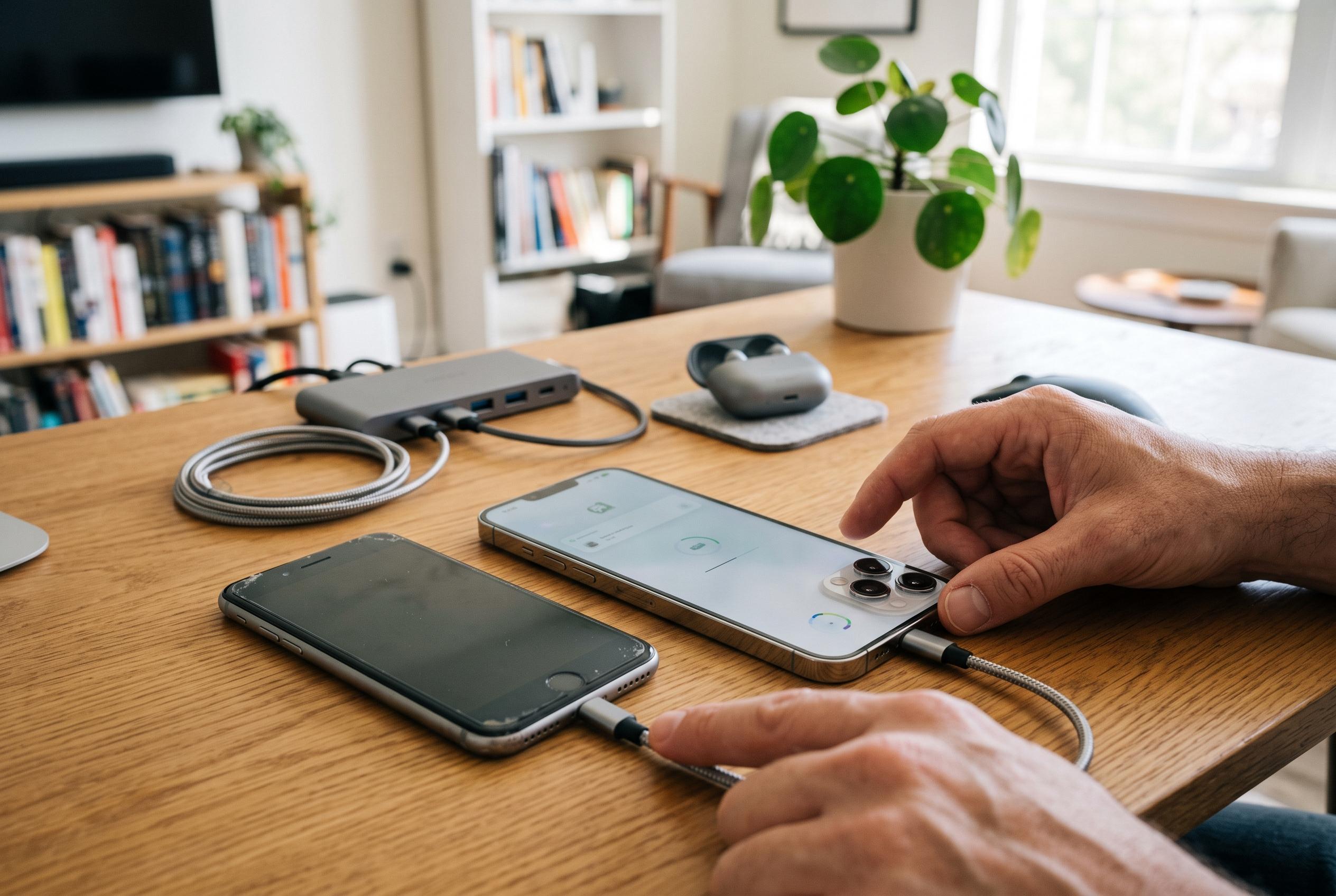

Preparing your old iPhone, choosing the right transfer method, and final verification are key steps for a smooth upgrade to the new iPhone 18 Pro, with wired connection offering the fastest and most reliable option.
Before moving to a new iPhone, the most important step is preparation. Apple’s own switching guidance and third-party support material both stress that users should first confirm their old iPhone is fully updated, create a current backup, and make sure the new device is still at the initial setup screen so Quick Start can work properly. That reduces the risk of missing data or setup errors when the transfer begins.
Apple offers three main ways to move data to a new iPhone: iCloud restoration, direct iPhone-to-iPhone transfer, and a wired connection. The quickest and most dependable option is usually the cabled method, particularly for people with large photo libraries, many apps, or a significant amount of local data. Wireless Quick Start is simpler and preserves more of the existing layout and sign-in state, but it can take longer. iCloud is convenient when no cable or computer is available, although it depends heavily on network speed and may require some apps to be signed in again.
The transfer process itself is built around Quick Start. Apple’s instructions begin with placing both phones near each other, then using the old iPhone to authenticate the new one by scanning the on-screen animation and entering the passcode. From there, the user chooses the transfer method and follows the prompts. A wired connection can be used where supported, and Apple and other support guides note that the time required varies with the amount of content being moved.
After the migration finishes, the new phone still needs a final check. Apple’s guidance and carrier support pages both recommend keeping the device on Wi-Fi and power while apps, photos and updates complete in the background. Users should also confirm that contacts, messages, photos and settings have all arrived correctly, then restore services such as Apple Pay, Siri and cellular connectivity, including eSIM if required. Once satisfied, the old iPhone should be erased before resale, trade-in or recycling to protect personal data.
Disclaimer: This content is intended for informational purposes only. Readers are advised to exercise their own judgement, conduct due diligence, or consult a qualified expert before acting on any information provided.



