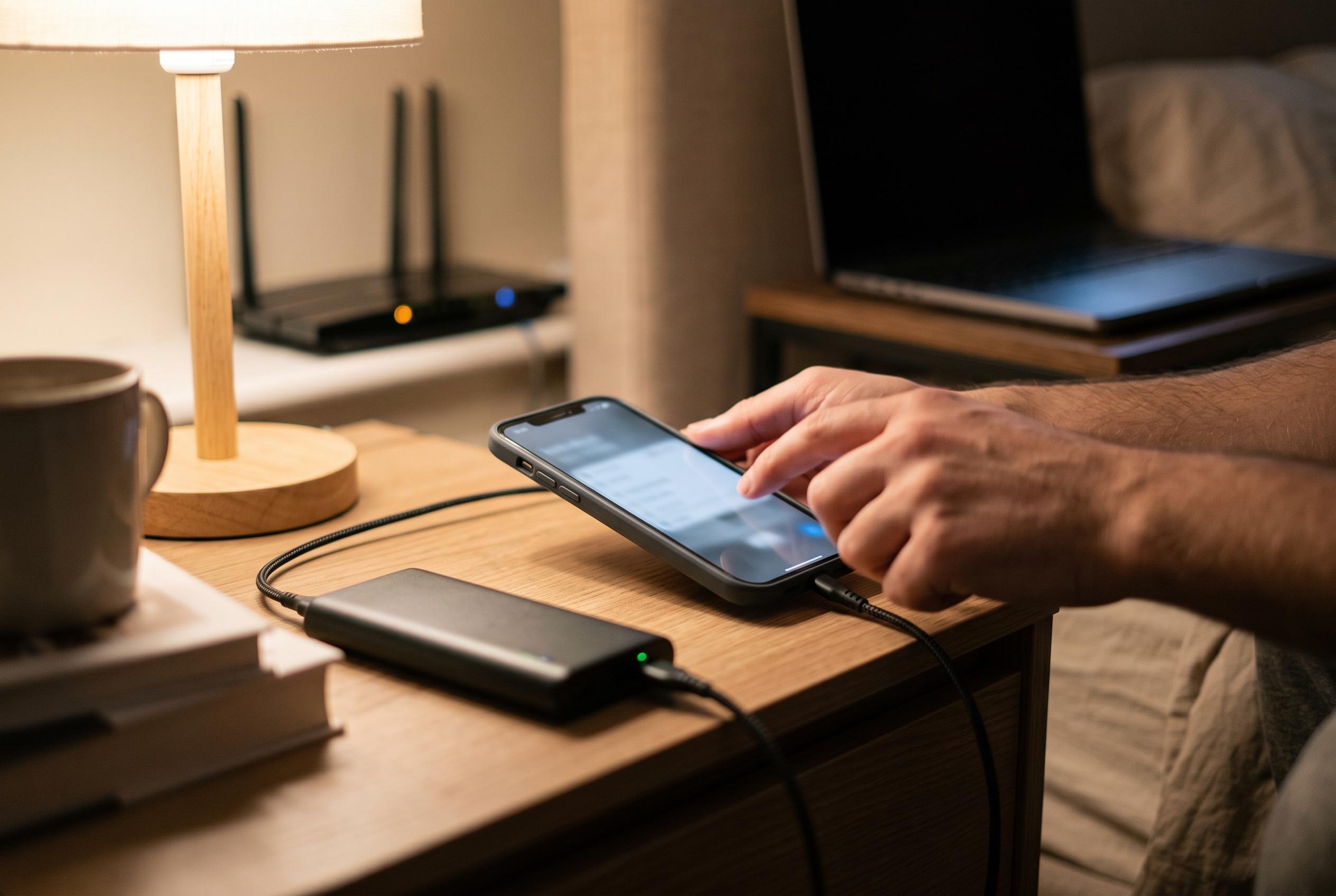

The latest iOS update introduces Connectivity Assist, a new feature that may impact battery life and privacy by increasing mobile data use and affecting VPN protection, prompting users to review their settings.
Apple’s iOS 27 has introduced a subtle change that may matter more to battery life than most users realise. The update replaces the long-standing Wi-Fi Assist option with a new setting called Connectivity Assist, which Apple says sits in Wi-Fi settings and allows an iPhone to draw on mobile data when a wireless connection is poor. If Wi-Fi Assist had already been enabled before the upgrade, Apple says the new feature is switched on automatically; users who had previously turned the older setting off must now enable the replacement manually. According to reports from MacRumors and MacObserver, Apple has documented the change in support material, but has not said that the underlying behaviour has been fundamentally redesigned.
That lack of clarity has fuelled concern among early testers and technology sites. AnotherApple reported that Connectivity Assist can be unusually hungry for mobile data, while Pocket-lint and another recent account suggested it may also continue to draw power in the background. The practical consequence is straightforward: if the feature is active, the handset may be working harder to keep a connection alive, especially in places where Wi-Fi is unstable. That could explain why some users have connected the new setting with faster-than-expected battery loss after installing iOS 27.
There is also a wider technical context. TechRadar reported that Connectivity Assist may interfere with NordVPN’s scam and phishing protection by sending some traffic outside the VPN tunnel when it decides to fall back on cellular data. If that is accurate, the setting is not only a battery consideration but also a privacy and network-behaviour issue for people relying on filtering tools. Apple has not publicly confirmed that the feature changes routing in that way, so the claim remains based on third-party testing rather than a formal explanation from the company.
For users who want to check the setting, the path is simple: open Settings, tap Wi-Fi, scroll to the bottom and switch off Connectivity Assist. If battery life improves afterwards, the feature may be part of the problem. If there is no clear difference, it can be turned back on. It is also worth bearing in mind that not every iPhone model will react in the same way, and some battery drain after a major update can still come from normal background tasks such as indexing, app refreshes and system downloads. That means any diagnosis should be made over a few days rather than after a single charge cycle.
Disclaimer: This content is intended for informational purposes only. Readers are advised to exercise their own judgement, conduct due diligence, or consult a qualified expert before acting on any information provided.