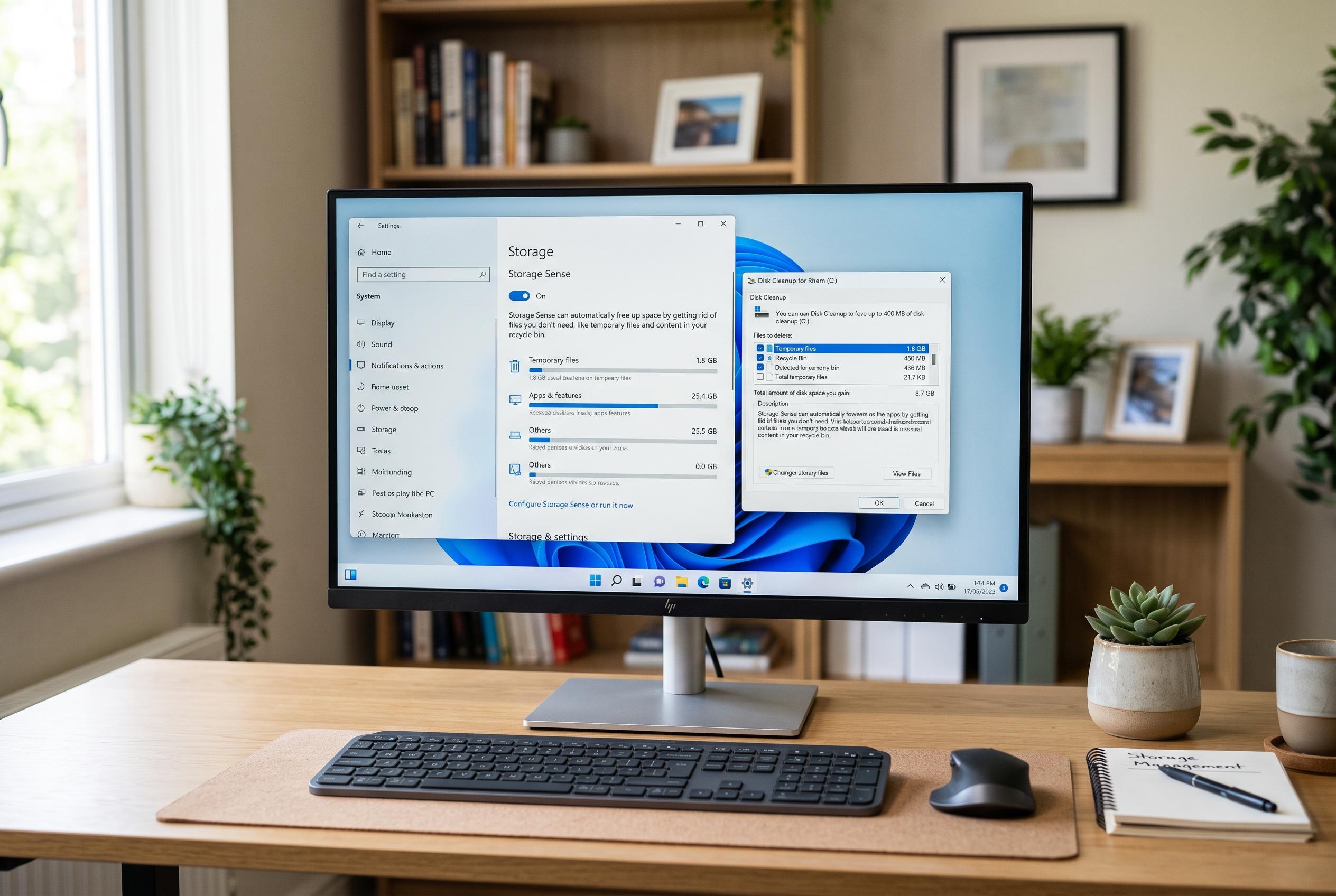

As the market for PC cleaning utilities shifts, Windows’ own Storage Sense and Disk Cleanup tools now often suffice for freeing up space, challenging the need for third-party software like CCleaner amid its security concerns and recent reputation rebound.
Windows users who are running out of room do not always need third-party software to reclaim space. Microsoft’s own support guidance says Storage Sense can automatically remove temporary files and empty the Recycle Bin, while Disk Cleanup can go further and delete system files left behind after updates. In many cases, those built-in tools are enough to recover several gigabytes without adding another app to the machine.
That said, the market for cleaner utilities has changed. CCleaner, once the best-known name in the field, lost some of its old appeal after Avast acquired Piriform, the company behind it, and the product later faced security scrutiny after attackers managed to compromise the software’s supply chain in 2017. That history has pushed many users towards lighter, less intrusive alternatives that focus narrowly on cleanup rather than pushing extra services or constant alerts.
Among the most widely recommended options is BleachBit, an open-source cleaner that can remove browser traces, cache files, logs and temporary data without the bloat often associated with commercial utilities. Windows Central has described it as a powerful choice for users who want more control than Storage Sense provides. Microsoft PC Manager is another option for those who prefer an official tool, combining cleanup with startup management in a single interface. Glary Utilities remains popular for one-click maintenance, though it is worth watching for bundled offers during installation.
For people who need to go beyond routine tidying, specialised tools can help identify what is actually consuming space. WizTree is designed to show large files and folders at a glance, which makes it easier to spot a forgotten backup or oversized download. Bulk Crap Uninstaller targets the leftovers that standard uninstallers can miss, while privacy-focused tools such as Privazer and more aggressive cleaners such as System Ninja are aimed at users who know exactly what they want to remove. The safest approach, however, remains the simplest one: use Windows’ own maintenance features first, then add only the one extra tool that solves a specific problem.
Disclaimer: This content is intended for informational purposes only. Readers are advised to exercise their own judgement, conduct due diligence, or consult a qualified expert before acting on any information provided.