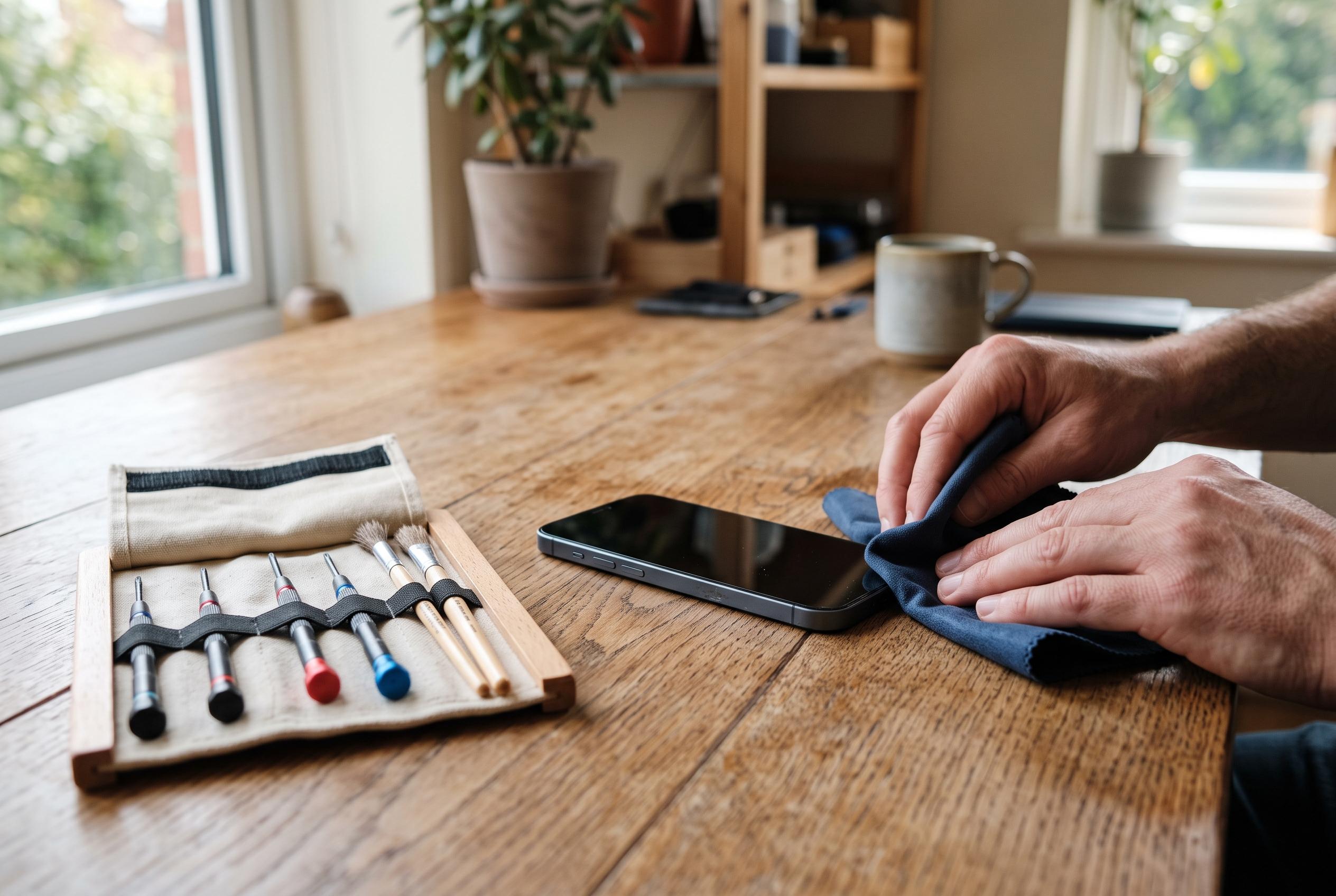

Switch it off, keep it away from heat and resist the rice trick: repair guides outline the safest way to recover a wet phone and when to seek professional help.
A phone dropped into water can still be saved, but only if the first response is disciplined and quick. TechRadar and other repair guides agree on the same priority: take the device out of the liquid immediately, switch it off if it is still running, and disconnect any charging cable or accessories. If the handset is attached to mains power, it should not be touched until the power source has been made safe. The aim is to stop electricity and moisture combining inside the device, where they can trigger short circuits and corrosion.
Once the phone is out of the water, the exterior should be dried with a soft, lint-free cloth, with particular care around buttons, speakers and charging ports. TechAdvisor recommends removing accessible parts such as the SIM card, while leaving the device to dry in open air at room temperature with gentle ventilation. That approach is also supported by Tom’s Guide, which advises keeping the phone switched off until it is fully dry and, where possible, leaving it for at least 48 hours before attempting to power it back on.
Several common rescue methods can make the damage worse. Both TechRadar and iTechGuides warn against using a hairdryer, oven, radiator, freezer or direct sunlight, because excess heat can distort internal components and damage the battery or display. Rice remains a popular myth, but the guidance is consistent that it is unreliable and can introduce dust or particles into ports. Prizm Institute also cautions against shaking the phone hard, forcing tissue or tools into openings, or charging it before the moisture has gone.
Water resistance should not be mistaken for invulnerability. According to TechAdvisor and iTechGuides, the protection offered by modern phones varies by model and can weaken over time after drops, impacts or wear to the seals. That means a handset with an official rating can still suffer damage if it is immersed for long enough, or if the liquid is salty or contaminated. Sea water is especially problematic because salt accelerates internal corrosion.
If the phone has been submerged in sea water, exposed to a large quantity of liquid, or starts showing warning signs such as a blank screen, loss of sound, unexpected heat or failure to respond, it is usually safer to stop trying to revive it at home. Prizm Institute says professional inspection is preferable in those cases, particularly if the battery appears swollen or the device becomes unusually hot. The key lesson from the repair guidance is simple: dry it carefully, do not rush to charge it, and seek expert help if there is any sign that liquid has reached the inside.
Disclaimer: This content is intended for informational purposes only. Readers are advised to exercise their own judgement, conduct due diligence, or consult a qualified expert before acting on any information provided.