

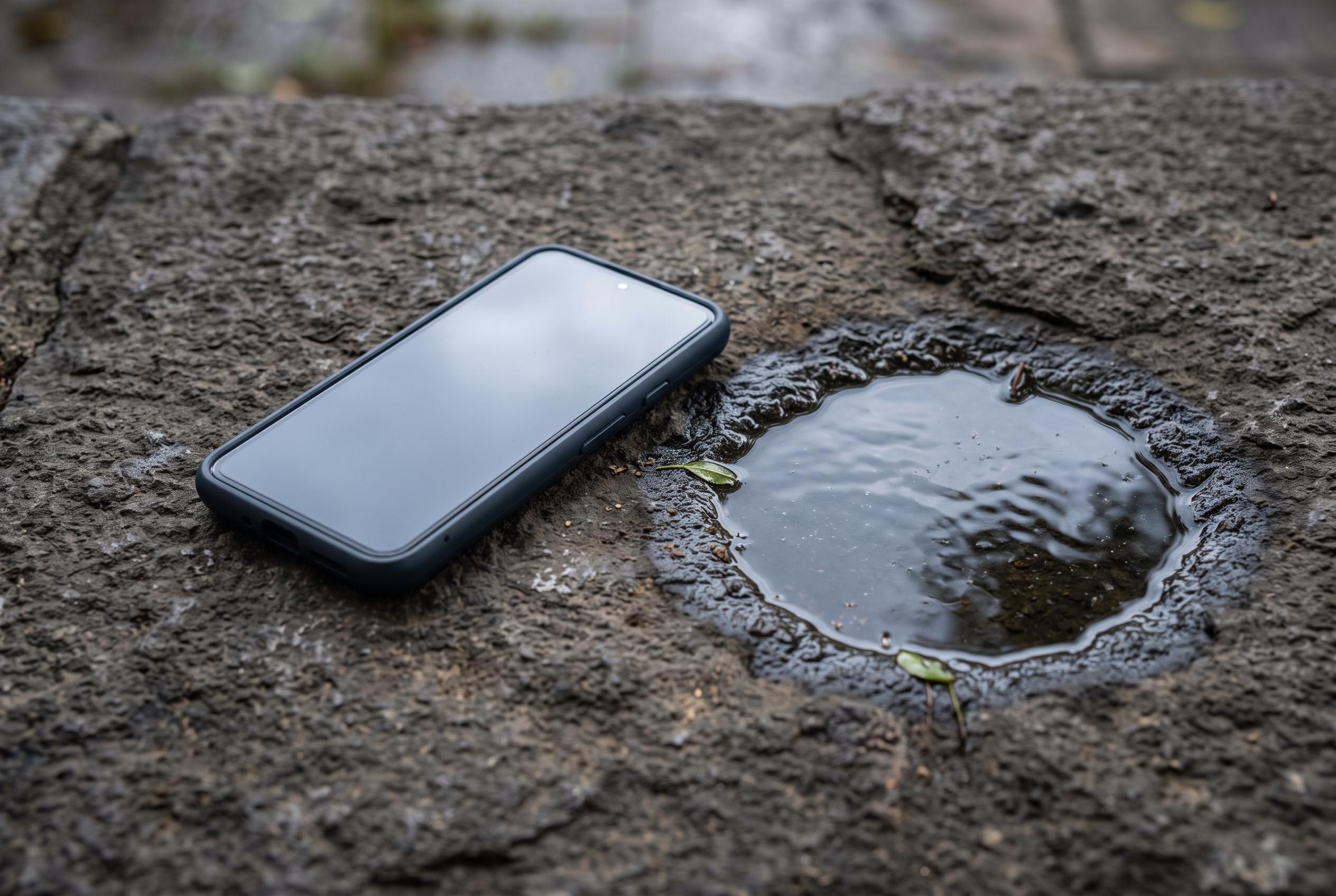

As monsoon rains threaten to damage smartphones more than users expect, experts share crucial steps to minimise internal damage, dispel myths about DIY drying methods, and explain the limitations of phone water resistance ratings.
Monsoon rain can do more damage to a smartphone than many users expect. A device left in a pocket during a downpour, dropped in a puddle or exposed to splashes while riding can suffer immediate and delayed failure, from screen faults to corrosion inside the charging port and main board.
The first priority is to switch the phone off as soon as possible and keep it off. Consumer Reports says this reduces the risk of short-circuiting, while other repair guides recommend removing the case and, where possible, the SIM tray so moisture can escape more easily. The handset should then be dried gently with a lint-free or soft cloth, without pressing water deeper into openings.
Experts broadly agree on what not to do. Putting a wet phone in rice remains a popular but weak fix, since it does little to remove internal moisture and can leave dust in ports. Hair dryers, ovens, microwaves and direct sunlight can also cause harm by overheating the battery, display adhesive and other components. A fan in a well-ventilated room is a safer option, with many guides advising at least 24 to 48 hours of drying time before the device is switched back on.
Water resistance ratings can also give a false sense of security. A phone marked IP67 or IP68 is not waterproof, only resistant under controlled test conditions. That protection can weaken over time, especially after repairs, drops or general wear, and most manufacturers do not cover liquid damage under standard warranty terms.
If the phone was exposed to salt water, chlorinated pool water or another corrosive liquid, the risk is higher. Consumer Reports recommends rinsing with tap water in some of those cases before drying, because residue from salt or chemicals can accelerate damage. If the handset later shows fogging inside the camera, distorted audio, charging errors or flickering on the display, professional inspection is advisable, since corrosion may appear only after hours or days.
Disclaimer: This content is intended for informational purposes only. Readers are advised to exercise their own judgement, conduct due diligence, or consult a qualified expert before acting on any information provided.



