

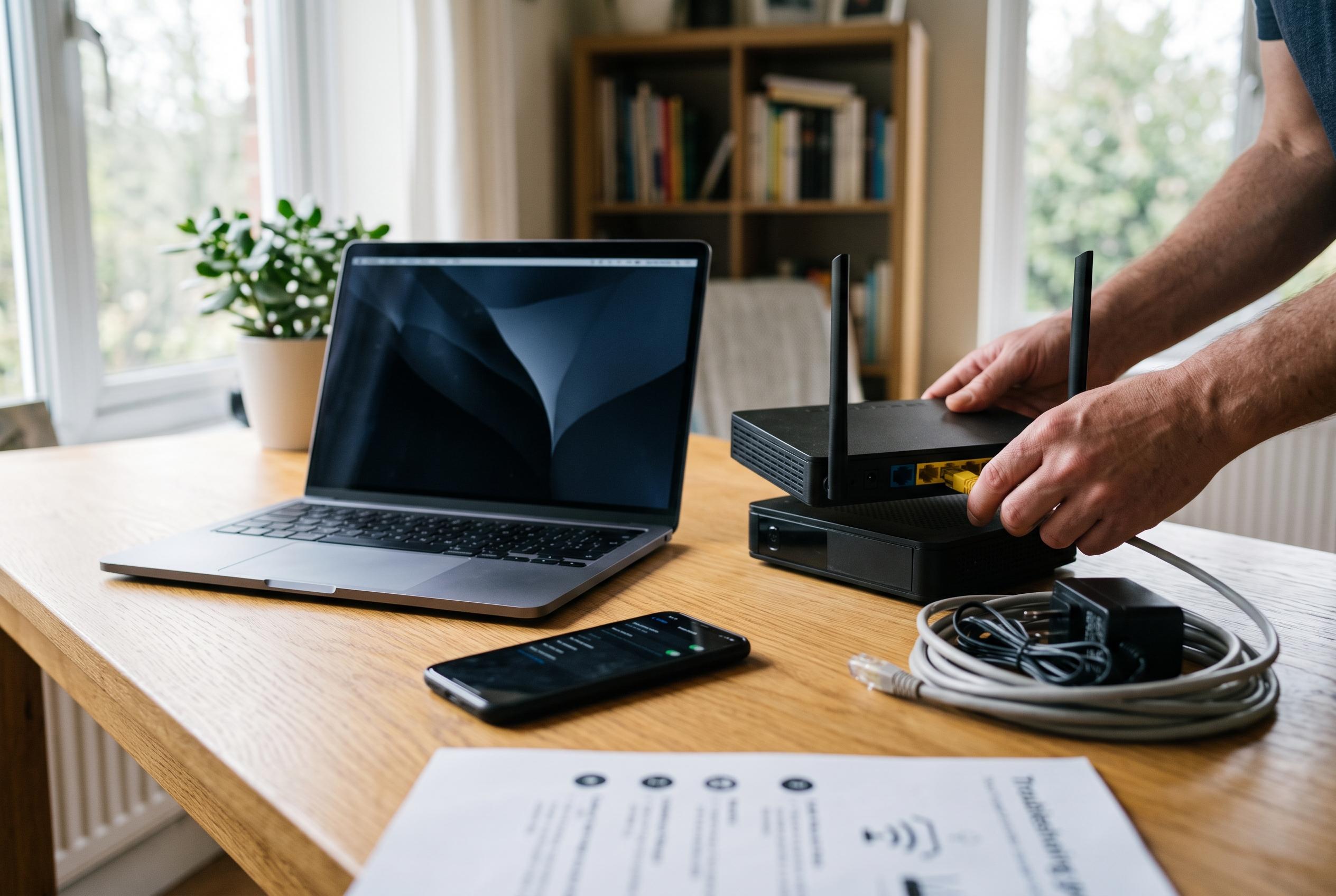

A systematic approach to diagnosing home network faults can often resolve issues within minutes, focusing on device, cabling, and wireless settings before contacting a provider.
A home network fault does not always mean a failed router or a call-out. In many cases, the quickest way to restore service is a structured check of the devices, cables and wireless settings already in place. The practical advice gathered from the source material points to the same sequence technicians use: isolate the problem, verify whether it affects one device or the whole home, and only then decide whether the internet line or the equipment itself is at fault. According to the guides cited here, that approach can often resolve the issue in minutes rather than hours.
The first step is to separate a device problem from a network problem. Several of the guides recommend testing more than one device on the same Wi-Fi network before touching the router. If a phone works but a laptop does not, the fault is likely local to that computer. If every device loses access, the issue is more likely to be the box, the wireless signal or the broadband line. A direct Ethernet connection to the router or modem is then useful: if the wired connection works, the internet service is probably live and the problem sits with the Wi-Fi signal rather than the line itself. If wired access also fails, the wider connection or the provider becomes the more likely cause.
The next checks are physical and often overlooked. The articles advise inspecting every cable, including power leads, fibre connections and Ethernet runs, because a loose or damaged link can mimic a much more serious fault. They also stress the difference between a proper restart and a factory reset. A full reboot means switching the box off, leaving it unplugged briefly, then powering it back on and waiting for the indicator lights to settle. A factory reset is a separate action that clears stored settings, including passwords and custom network configurations, and should only be used when necessary.
The status lights on the router or box can also provide useful clues. The material from technical support-style guides and TP-Link documentation explains that indicator behaviour varies by model, but the principle is the same: power lights should show the unit is running, and internet or DSL lights should reach a stable state if the line is synchronised correctly. A light that stays red, remains off or flashes without settling may point to an authentication problem, a synchronisation failure or a power issue. When those signals are read alongside the device test and the Ethernet check, they help narrow the fault before any operator is contacted.
If the hardware itself is functioning, placement and settings become the next priorities. The source material and the French telecom guidance both emphasise that a router performs best when it is central, elevated and unobstructed, rather than hidden in a cabinet or pressed against a wall. Interference from microwaves, cordless phones and other radio sources can weaken a signal, while thick walls and metal furniture can also reduce coverage. The 2.4 GHz band travels further but is more crowded, making it better for distant rooms and connected devices, while 5 GHz usually provides faster speeds for nearby equipment such as consoles and televisions. If the problem is coverage rather than broadband availability, a repeater, powerline kit or mesh system may be the most effective upgrade. For larger homes, a mesh setup offers more even coverage than a single box, and a firmware update may also improve stability and security if one is available through the router’s administration page.
Only after those checks should the user move to the provider. The guides agree that if every device is offline, the wired test fails, the lights remain abnormal and basic restarts do not help, the next step is to call the operator with a clear description of what has already been tested. That makes support calls more efficient and avoids unnecessary visits. For most households, however, the evidence here suggests that the answer is usually simpler: identify whether the fault is local, wired, wireless or line-related, then fix the narrowest possible cause before escalating.
Disclaimer: This content is intended for informational purposes only. Readers are advised to exercise their own judgement, conduct due diligence, or consult a qualified expert before acting on any information provided.



