

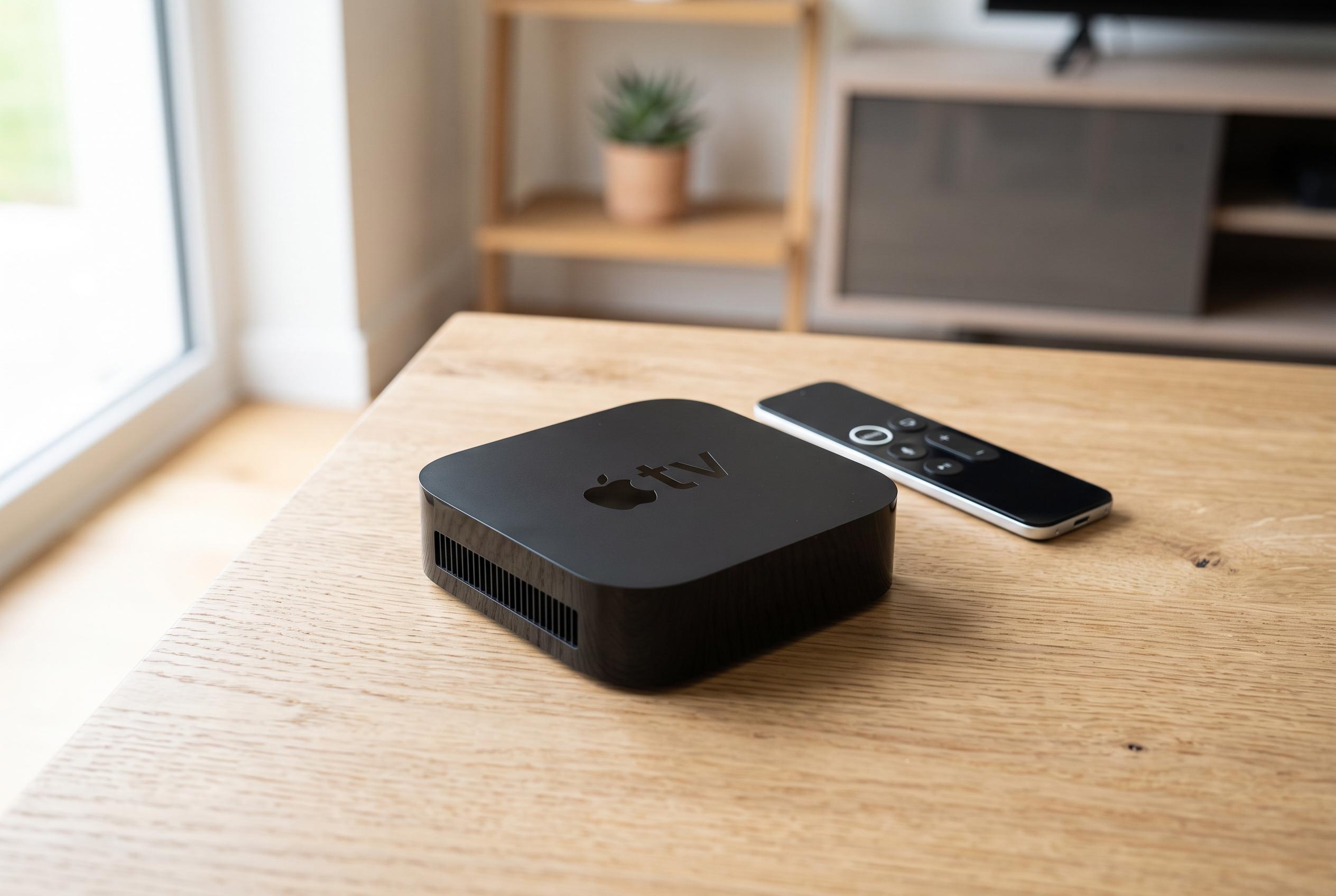

Despite nearing the end of its support window, older Apple TV 4K models can continue to perform well with routine rebooting, app management, and smart display settings, helping users maximise their device’s lifespan.
A first-generation Apple TV 4K can still feel useful long after its launch, even if it no longer gets the newest interface features. Apple continues to support the device with tvOS updates, but ageing hardware needs more care than it once did. According to Apple Support, a restart remains one of the most effective ways to recover responsiveness and clear temporary glitches, whether that is done from the menus or by briefly disconnecting the power.
For older streaming boxes, that advice is not just a troubleshooting routine but a sensible maintenance habit. Tech outlets including Tom’s Guide and Digital Trends say a restart can clear RAM, stop background processes and remove minor software faults that build up over time. In practical terms, that means unplugging the Apple TV for a short period or using the system restart option can help restore speed without changing any settings permanently.
Another useful habit is managing open apps more actively. On Apple TV, apps often stay suspended in the background rather than fully closing when you leave them. That helps them reopen quickly, but it can also make the device feel less responsive if too many are left running. Switching between apps through the app switcher and force-closing ones that are no longer needed can reduce that load, especially on older hardware.
Video settings matter as well. Keeping the Apple TV set to 4K SDR rather than forcing HDR across the interface preserves the intended look of menus while still allowing compatible films and shows to play in HDR through Match Content. For a device that is approaching the later part of its support window, that choice can make the interface feel cleaner and less strained. SlashGear notes that Apple TV software support commonly lasts for years, but ageing devices inevitably depend more on sensible configuration and lighter day-to-day use.
Voice control is another feature that can make an older Apple TV feel quicker than it is. TechHive says Siri input is especially useful for search and password entry, both of which can otherwise be slow with a remote. Combined with periodic restarts, tighter app management and sensible display settings, it helps extend the practical life of a streaming box that may be nearing the end of its hardware cycle but is still capable of doing the job.
Disclaimer: This content is intended for informational purposes only. Readers are advised to exercise their own judgement, conduct due diligence, or consult a qualified expert before acting on any information provided.



