

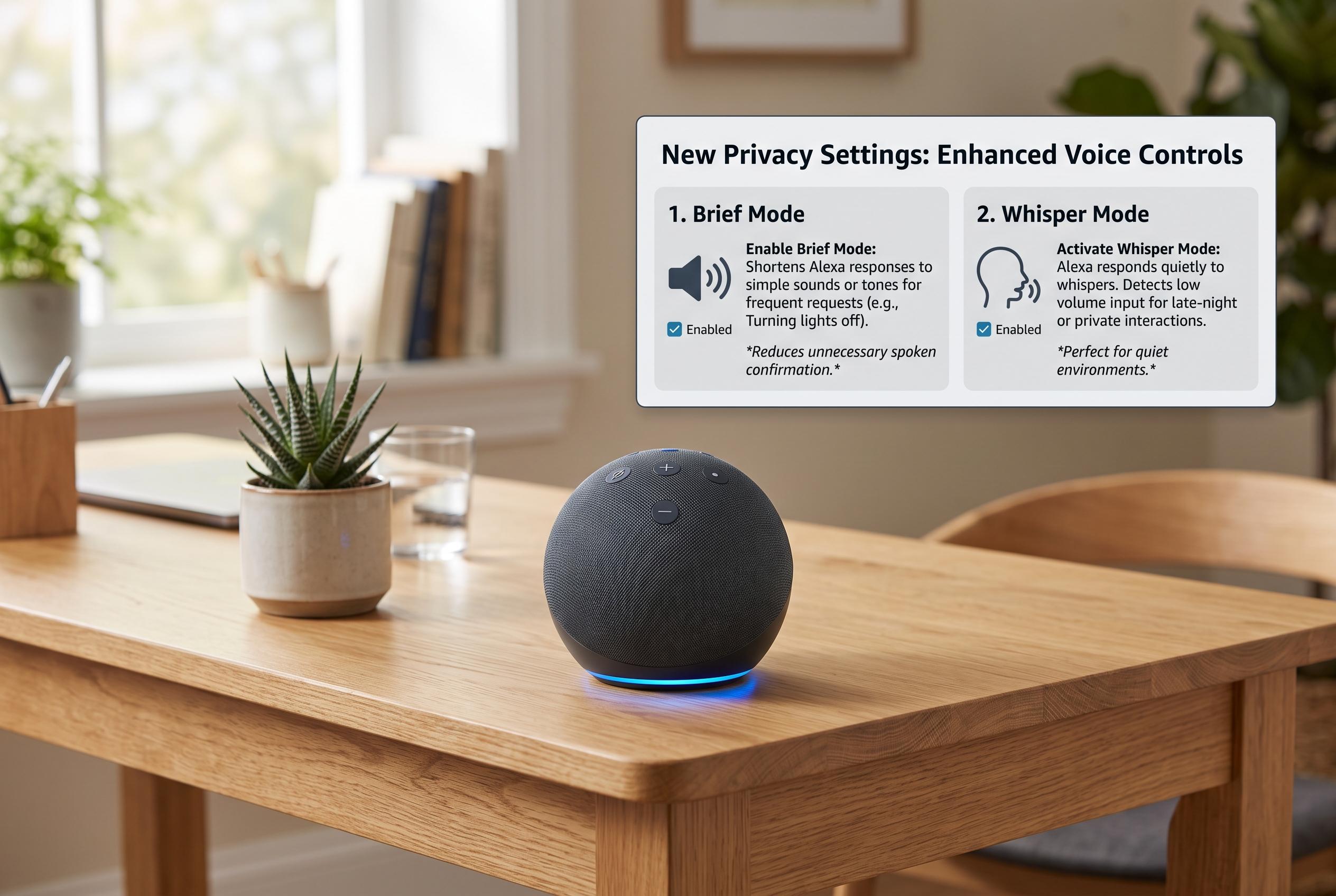

Discover hidden Alexa settings that enhance privacy, reduce verbal noise, and improve security, including new features like Brief Mode and Whisper Mode that cater to everyday needs and safeguarding your data.
Many people use Alexa for simple tasks such as weather updates, timers and home control. Yet the assistant also hides a set of settings that can make it quieter, more private and less likely to misfire. According to Telefonino, these options are available in the Alexa app and are worth reviewing because they can reduce verbal clutter, improve privacy and limit unwanted purchases. TechRadar, Tom’s Guide and other how-to guides broadly support that view, especially on privacy controls and voice-response settings.
One of the most useful changes is Brief Mode, which trims back Alexa’s spoken confirmations. Instead of repeating full responses after routine commands, the device can respond more tersely or with a tone, which makes repeated interactions feel faster and less intrusive. Beebom and Telefonino both note that this is particularly helpful for users who issue lots of commands throughout the day.
Another setting worth enabling is Whisper Mode. This allows Alexa to recognise when a user is speaking softly and answer in kind, which is especially practical at night. GroovyPost and Beebom both describe it as a simple way to avoid waking other people in the room, although it only activates when Alexa detects a whispered prompt. A related option is Follow-Up Mode, which keeps Alexa listening for a few seconds after the first request. That can be convenient for linked commands such as dimming lights and starting music, though GroovyPost warns that it is also a setting users may want to review carefully because it extends listening time.
Privacy controls are just as important. Tom’s Guide, iDownloadBlog, TechRadar and Consumer Reports all point to Alexa’s voice-recording settings as a key area to check. Users can view, listen to and delete stored requests in the app, and they can also set automatic deletion after a chosen period. That can reduce the amount of data retained on the account, although Telefonino notes the trade-off: less history may mean less personalisation and, in some cases, less accurate recognition of repeated requests.
The most protective step for many households is to restrict voice purchasing. Alexa can place orders through spoken commands, which is convenient but also risky if children or guests use the device. Telefonino recommends disabling voice shopping entirely if it is not needed, while also reviewing confirmations, voice codes and user permissions. TechRadar and Consumer Reports likewise advise checking connected skills and other permissions, since third-party integrations can widen the amount of data or access tied to the account.
Taken together, these settings show that Alexa is not just a voice assistant but a system that can be tuned for different priorities. A few minutes in the app can make it quieter, better suited to shared spaces and more careful about data and purchases. The exact menu labels may vary by device, app version and country, but the core controls are widely available and worth checking regularly.
Disclaimer: This content is intended for informational purposes only. Readers are advised to exercise their own judgement, conduct due diligence, or consult a qualified expert before acting on any information provided.



