

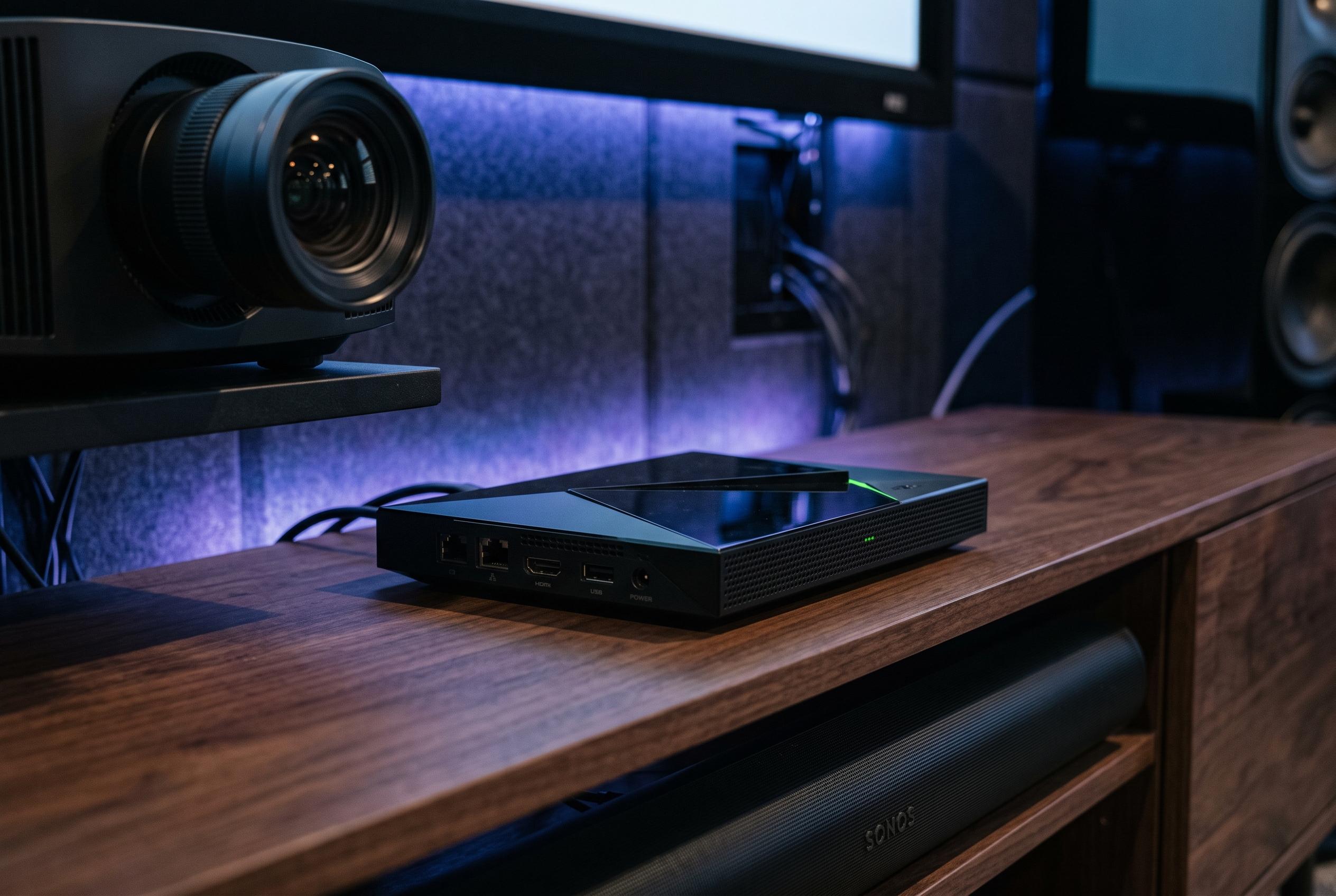

Tech enthusiasts reveal practical system tweaks to enhance the ageing Nvidia Shield TV Pro’s stability, speed, and media quality, making it a more responsive and efficient home entertainment device.
The Nvidia Shield TV Pro may still be one of the strongest Android TV boxes available, but age shows in the small frictions that build up over time. XDA Developers found that a few system tweaks can make the 2019 model feel noticeably quicker, particularly for people using it for Plex, Jellyfin or other high-bitrate local media. The core idea is simple: keep the hardware cooler, reduce unnecessary visual load and use the Shield’s processing headroom more selectively.
One of the most practical changes is to force the cooling system into its more aggressive mode. XDA says this can help the device stay stable under sustained load, especially when the box is decoding high-resolution files or running server duties in the background. NVIDIA’s support material also makes clear that the Shield TV Pro relies on the Tegra X1+ platform, which is doing the work behind its AI-assisted video processing and Quick Settings controls. On an ageing streaming box, thermal headroom matters as much as raw speed.
The other major adjustment is video upscaling. NVIDIA says its AI-Enhanced Upscaling uses the Tegra X1+ to improve lower-resolution YUV video, with support documentation explaining that it is meant for content below 4K and can be toggled from the Shield’s settings. XDA argues that the feature is not always helpful: on some files, especially already crisp 4K content, it can become too assertive and make image quality worse rather than better. NVIDIA also notes that the feature has specific content requirements and may need troubleshooting if it is not working as expected.
A third change is to push the system closer to maximum performance when needed, then back off for lighter use. XDA recommends switching the processor mode to its fastest setting for demanding local playback or multitasking, while NVIDIA’s guidance highlights the Shield’s customisable quick-access controls for making such adjustments easier. The final tweak is cosmetic but useful: reducing Android animation scales in Developer options. That does not speed up the chip itself, but it makes the interface feel less sluggish and more immediate. For users who want to keep an older Shield TV Pro viable, the result is a more responsive box without replacing the hardware.
Disclaimer: This content is intended for informational purposes only. Readers are advised to exercise their own judgement, conduct due diligence, or consult a qualified expert before acting on any information provided.



