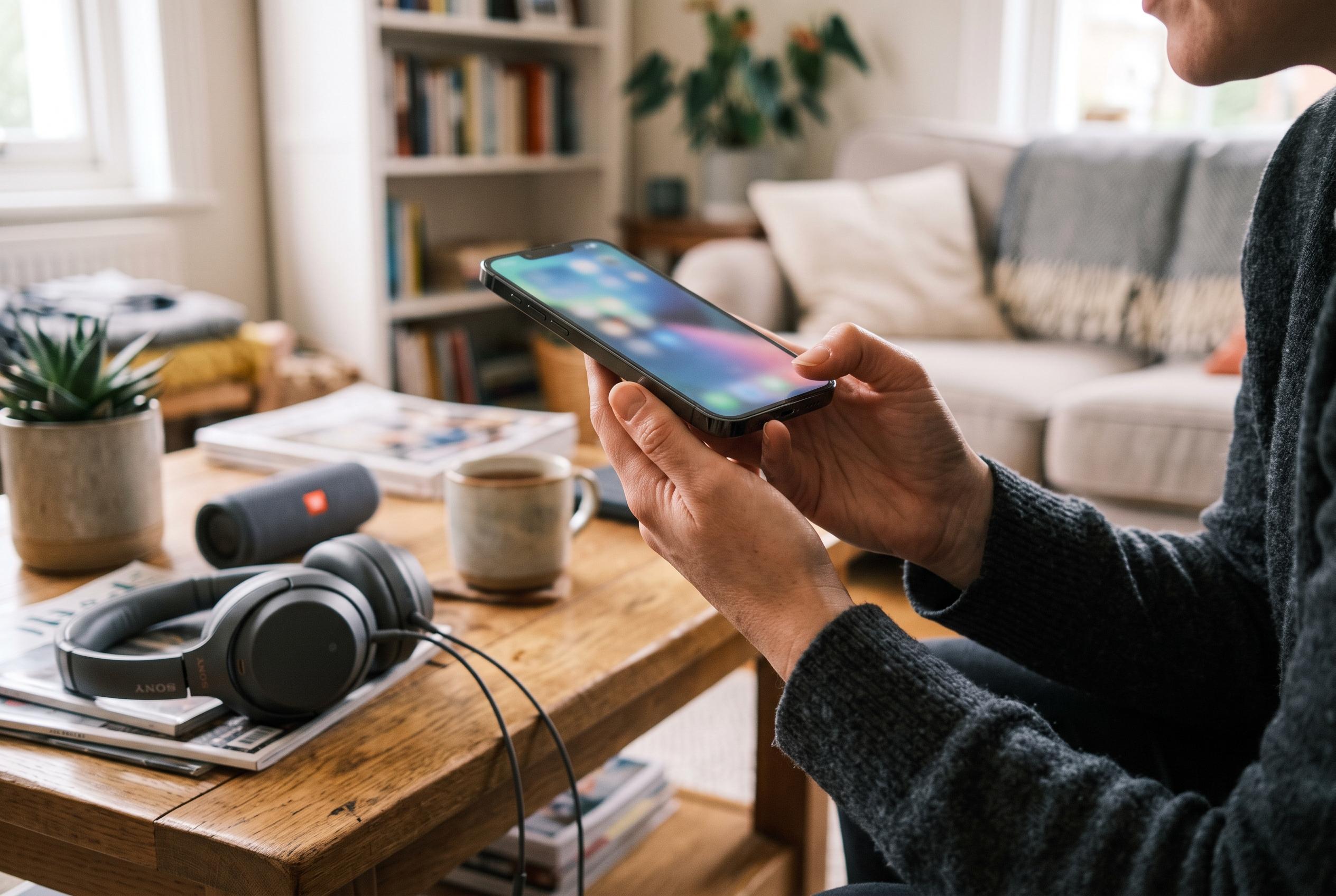

Your phone’s built-in recorder, calls and playback controls can reveal muffled sound, distortion and blocked grilles before audio problems worsen.
Smartphone users can check whether their microphone and speakers are working properly with tools already built into the device, without downloading extra software. The basic aim is not laboratory-grade measurement but a practical check for clarity, distortion and blocked audio before problems affect calls, recordings or music playback.
A straightforward microphone test starts with the phone’s own voice recorder. In a quiet room, users can record a short sentence and play it back to listen for muffled speech, background hiss or uneven volume. MobileStalk and TechYorker both note that a fair comparison depends on using the same content at matched volume levels, with any Bluetooth audio disconnected so the handset itself is being assessed rather than a wireless accessory.
Speaker testing follows a similar pattern. According to DiagnoseMyPhone and other hardware-testing guides, a user should play speech and music, then listen for crackling, buzzing, rattling or a collapse in sound quality as the volume rises. It is also worth checking the earpiece during a normal call, because a phone can sound fine on loudspeaker while still having trouble with the smaller top speaker used for conversations.
Faults are not always caused by damaged hardware. RunCheckApp points out that lint, moisture, blocked openings and incorrect app permissions can all interfere with audio performance. For that reason, inspecting the microphone and speaker grilles matters as much as the playback test itself. A soft, dry brush is generally enough to clear dust, while sharp tools should be avoided because they can damage the mesh or push debris further inside.
Several browser-based diagnostics now make the process even simpler. TestingPhone and PhoneSpeakerTest both offer free online checks for microphones, loudspeakers and earpieces, designed for people buying, selling or troubleshooting a handset. These services are useful because they remove the need to install an app, but they still serve as practical screening tools rather than precise technical measurements.
Disclaimer: This content is intended for informational purposes only. Readers are advised to exercise their own judgement, conduct due diligence, or consult a qualified expert before acting on any information provided.