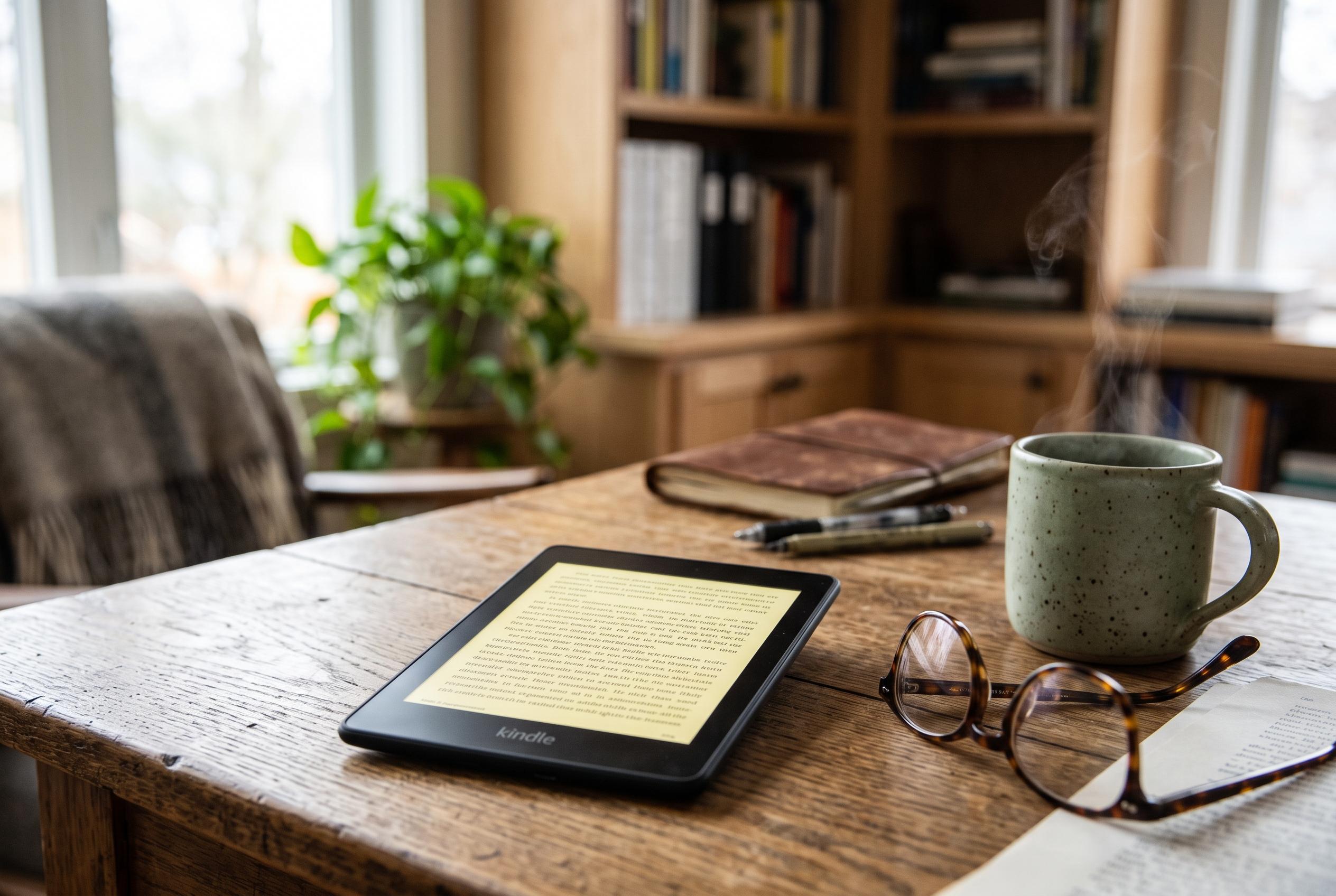

Amazon’s latest Kindle Paperwhite introduces discreet yet impactful improvements, including new screenshot capabilities, customisable formatting, and easier navigation, focusing on refining user convenience without revolutionary redesigns.
For regular Kindle readers, the appeal is partly obvious: a Paperwhite or similar device is light, quiet and easy to carry. But several useful features remain hidden unless you know where to look. Amazon’s e-readers include a few small shortcuts that can make reading, archiving and formatting much more practical.
One of the most useful is the screenshot function. On newer Kindle models, including recent Paperwhite devices, a screenshot is taken by pressing two opposite corners of the screen at the same time. The display briefly flashes to confirm the capture. Other models use different methods, but the result is the same: a saved image of the page, which can later be found by connecting the Kindle to a computer via USB and opening the Screenshots folder. Slashgear says this is one of the simplest ways to save maps, quotes or covers without using a phone camera.
Another underrated feature is Send to Kindle. Rather than relying on Amazon’s storefront, it lets users move documents and other files directly on to the device from a computer, phone or compatible app. That makes it useful for PDFs, Word files and articles that readers want to store for offline use. iDownloadBlog notes that email can also be used, provided the sender is approved in Amazon’s settings.
Formatting options can change the feel of the page as well. Adjusting the margins and reducing the font size can create a more book-like layout, with longer lines and a less screen-like appearance. Some readers prefer this setting because it makes the text resemble a printed page more closely, although it will not suit everyone. A separate gesture is equally handy: pinching or spreading two fingers on the screen opens the font-size controls instantly, avoiding a trip through menus.
There is also a fast way to switch the reading progress display. The lower-left corner can cycle between page number, location, time left in chapter, time left in book and no indicator at all. For commuters or travellers, that makes it easier to choose between a traditional page count and a time estimate, depending on how much reading time remains.
Reviewers of the 2024 Kindle Paperwhite have generally praised Amazon’s focus on small quality-of-life improvements rather than dramatic redesigns. TechRadar highlighted the device’s EPUB support and familiar interface, while Tom’s Guide pointed to its strong battery life and faster performance. Ars Technica also reported that Amazon’s latest refresh of its monochrome Kindle range was aimed at improving the reading experience through incremental changes rather than major reinvention.
Disclaimer: This content is intended for informational purposes only. Readers are advised to exercise their own judgement, conduct due diligence, or consult a qualified expert before acting on any information provided.