

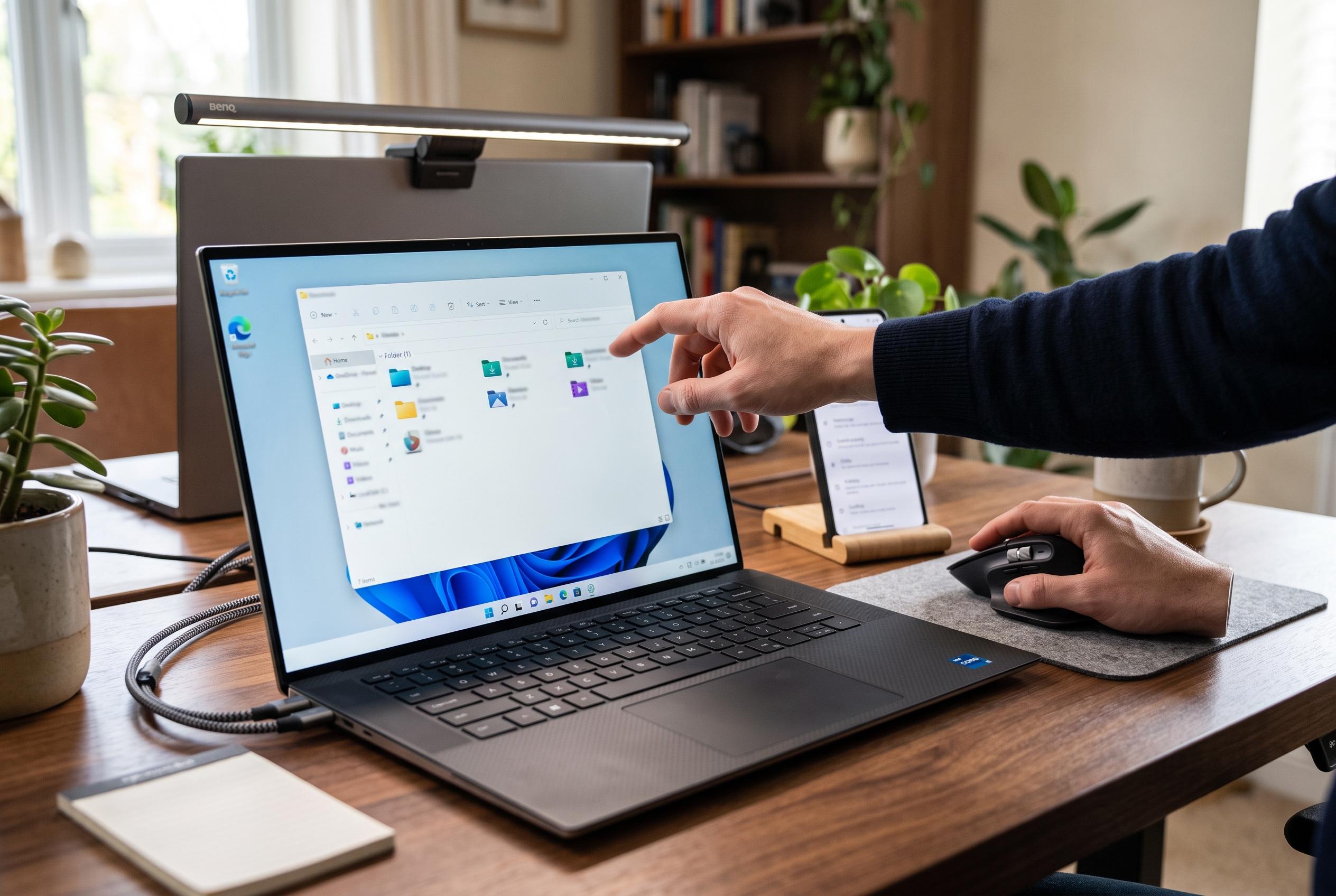

Microsoft is testing a new shortcut in Windows 11’s File Explorer that allows users to swiftly navigate to key system locations, including the user profile and AppData folder, simplifying troubleshooting and file management.
Microsoft is preparing a small but practical change to File Explorer in Windows 11 that should make one of the system’s most awkward locations much easier to reach. In preview builds, typing the tilde symbol, “~”, in the address bar can now jump straight to the current user folder and to common subfolders such as Downloads, Documents and AppData, rather than requiring the full path to be entered each time. Windows Latest reported that the shortcut is still under testing and is expected to reach general users in the coming weeks.
The adjustment matters because the path to a user profile is not always obvious, particularly for people who have never paid attention to how Windows names the local account folder under C:Users. Windows Central and Petri both note that AppData is a hidden directory used by applications to store preferences, cache and other user-specific files, with separate Local, LocalLow and Roaming subfolders. That makes it a frequent destination for troubleshooting, but also one that many users struggle to find because it is hidden by default and often buried behind an unexpected folder name.
According to Windows Latest, the new shortcut is designed to remove that friction. Instead of typing something like C:UsersusernameAppData, users will be able to use “~AppData” and similar shorthand to reach the relevant location. The same approach can be used for the main profile folder or for subdirectories such as “~AppDataLocal” and “~AppDataRoaming”, which should be especially useful when fixing application problems or checking where a programme stores its files.
Microsoft is also making broader changes to File Explorer. Windows Latest reported that sorting preferences and icon size choices are being carried over more consistently across different ways of opening the same folder, including through web browser file pickers. The company is also updating the address bar so that quoted paths will work without manual editing, and it is refreshing Properties dialogs while expanding dark mode support. In a separate search improvement, Microsoft said in its release notes that searching from “This PC” is now indexer-based, which should make it faster and more consistent with searches from File Explorer Home, while still retaining access to content outside the index when needed.
Disclaimer: This content is intended for informational purposes only. Readers are advised to exercise their own judgement, conduct due diligence, or consult a qualified expert before acting on any information provided.



