

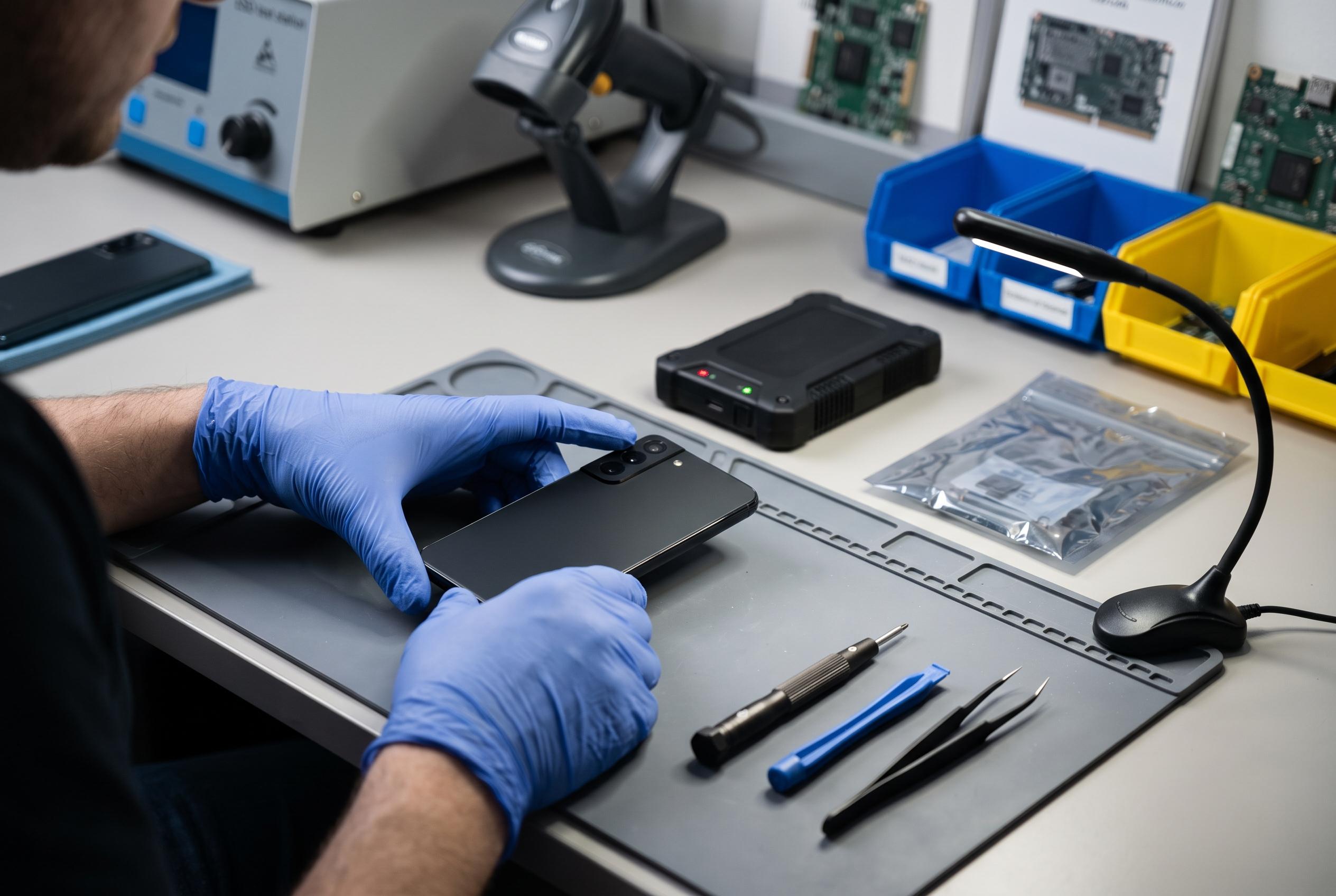

Innovative tools like Samsung’s Maintenance Mode and Google’s Repair Mode are transforming mobile phone repairs by safeguarding user data without needing device passcodes, challenging traditional trust-based practices.
I used to treat a phone repair visit as a small act of faith: hand over the device, write down the passcode and hope for the best. But the better question, as one Android writer recently argued, is not whether a technician asks for the code. It is whether the repair actually needs it at all. For many common jobs, the answer appears to be no.
That concern is not just theoretical. Researchers at the University of Guelph tested the behaviour of 16 repair technicians with logging running in the background. According to the account, six technicians accessed personal files unrelated to the repair, two copied data to external drives, and three later cleared the recent-access list. Ten technicians did nothing improper, which suggests the problem is not universal misconduct but the absence of a reliable safeguard for the minority who do cross the line.
For ordinary fixes, the passcode is often unnecessary. Battery replacements, charging-port work and even many screen repairs can be completed without browsing personal data. In practice, technicians may only need to verify that the replacement display responds to touch or that hardware functions as expected. More invasive access is usually relevant only in narrower cases, such as testing faults that can be reproduced only while the phone is unlocked.
Manufacturers have already built in tools meant to solve this. Samsung’s Maintenance Mode, introduced with One UI 5.0, creates a restricted environment that hides personal information while still allowing hardware testing. According to Samsung’s support guidance and later explainers, it is found under Settings, then Device care, then Maintenance mode, and it requires a Galaxy device running Android 13 or later. Google offers a similar feature for Pixel phones. Its Repair Mode, introduced in Android 14, places the device in a protected state, keeps user data inaccessible and requires at least 2GB of free space on supported Pixel models.
For consumers, the practical lesson is straightforward. Back up the phone first, remove SIM and memory cards where relevant, and ask the shop which stage of the process genuinely requires access. If the device supports it, switch on Maintenance Mode or Repair Mode before you leave it behind. The safest repair is not built on trust alone; it is built on removing access to data that the job does not need.
Disclaimer: This content is intended for informational purposes only. Readers are advised to exercise their own judgement, conduct due diligence, or consult a qualified expert before acting on any information provided.



