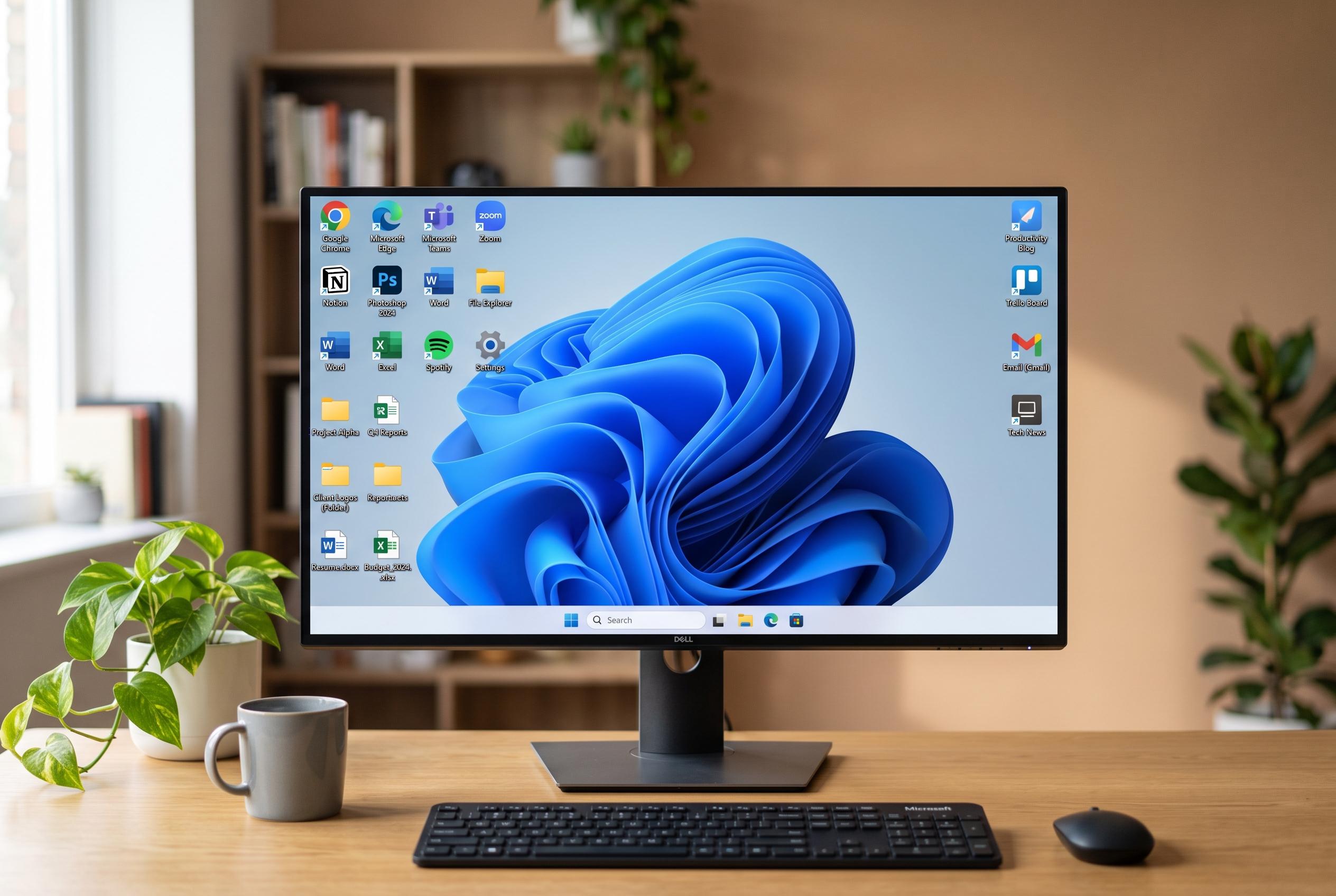

Learn the various methods to create desktop shortcuts in Windows 11, including quick applications, files, web pages, and troubleshooting tips for common issues.
Creating a desktop shortcut in Windows 11 is usually straightforward, but the best method depends on what you are linking to. For most items, the universal route is to right-click an empty part of the desktop, choose New > Shortcut, then point Windows at the file, folder, programme or web address you want. Microsoft’s support guidance also notes that the desktop can be customised with shortcuts alongside the standard system icons.
For installed applications, Windows offers a quicker path. One option is to open Start, select All, then drag the app onto the desktop. If the programme is harder to find, the shell:AppsFolder view provides a complete list of installed apps for the current account and device, and Windows can create a desktop shortcut from there. That approach is especially useful when the app does not appear in the standard Start list.
Files and folders use a different shortcut route. In File Explorer, right-click the item and choose Send to > Desktop (create shortcut), or, for some Office files, use the Create shortcut command shown in Microsoft’s Office support instructions. In each case, the original file or folder stays in place; only a link is added to the desktop.
Web pages can also be placed on the desktop. One browser-neutral method is to drag the site’s information icon from the address bar to the desktop. Microsoft Edge also provides an app-style option through Install this site as an app, after which the site can be given a desktop shortcut. Chrome and Firefox offer similar shortcut features, although the menu names vary by browser version.
When a shortcut does not appear, the problem is often cosmetic rather than technical. Windows can hide desktop icons entirely, so showing desktop icons in the View menu may be enough to make it visible again. If context-menu commands such as Create shortcut or Send to are missing, the older expanded menu under Show more options usually contains them.
Disclaimer: This content is intended for informational purposes only. Readers are advised to exercise their own judgement, conduct due diligence, or consult a qualified expert before acting on any information provided.