

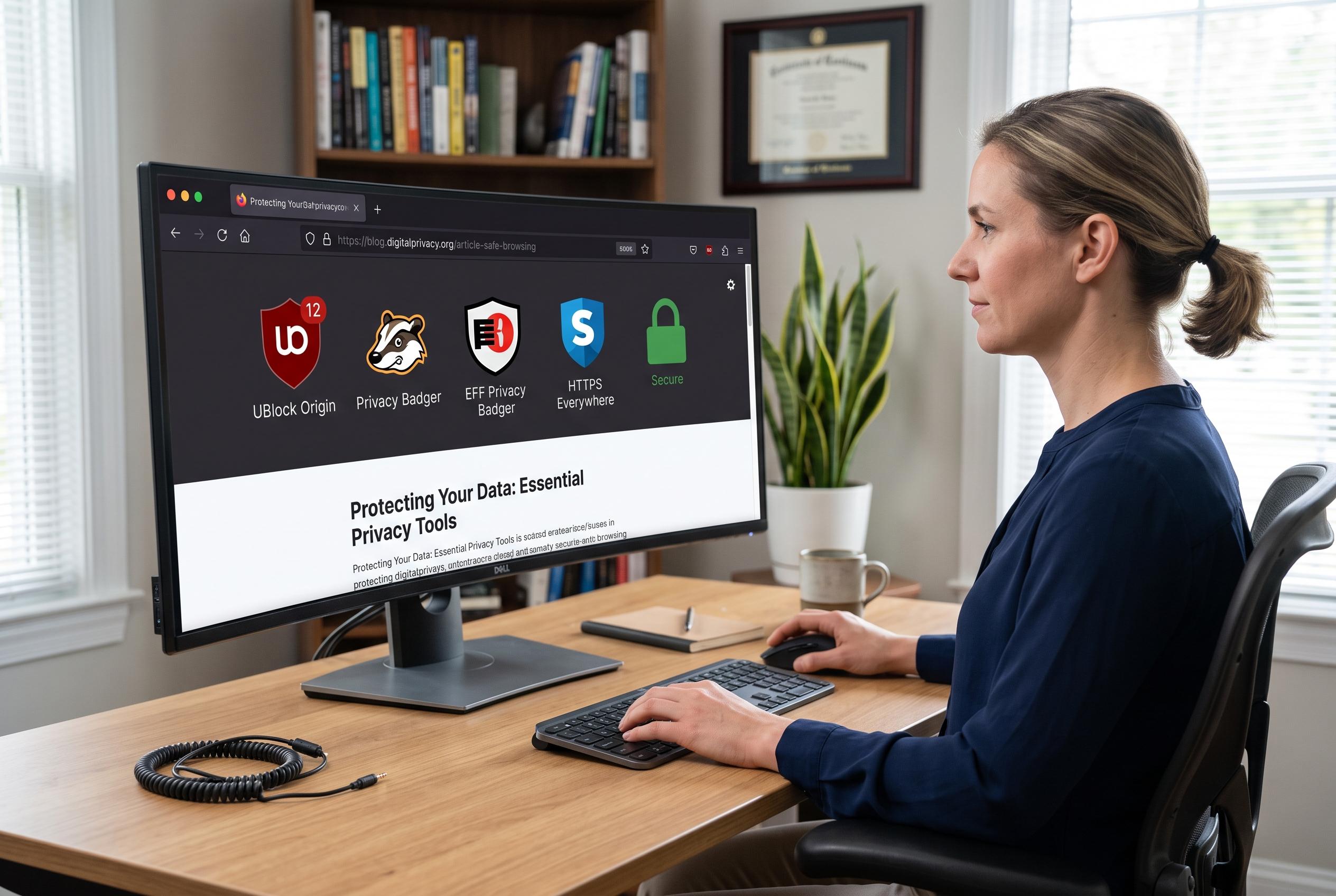

A set of well-known open-source browser extensions are transforming online security and usability by offering transparency, privacy, and efficiency features that meet the needs of modern users.
Open-source browser extensions can reduce some of the risk that comes with add-ons, especially when users want to avoid opaque permission requests and performance-heavy tools. The strongest examples tend to combine transparency with practical usefulness, and a small set of well-known extensions has become a common starting point for people who want a safer, cleaner browser setup.
DuckDuckGo Search & Tracker Protection is one of the most useful privacy tools for mainstream browsers. It does more than change search behaviour: it blocks many third-party trackers, pushes sites towards HTTPS where possible and attempts to limit fingerprinting, which is the practice of identifying users through subtle browser and device characteristics. The extension also includes email protection through a @duck.com alias that strips tracking elements from messages, while Duck.ai offers a private chat feature that DuckDuckGo says is anonymised and not used to train models.
Bitwarden remains one of the clearest alternatives to built-in browser password storage. It is open source, available across major desktop and mobile platforms and supports an unlimited number of passwords at no cost. Its support for passkeys is a significant advantage, particularly for users who move between devices and do not want credentials tied to a single browser ecosystem. The paid tier adds features such as two-factor authentication and secure storage, but the core product is already broad enough for most users.
For people who prefer keyboard-driven navigation, Vimium is a powerful but specialised choice. It adds browser shortcuts for scrolling, tab control and history navigation, and its link hinting system overlays letters on clickable elements so pages can be operated without a mouse. That makes it especially useful for heavy web users who want speed and consistency, although it is not designed for everyone.
Consent-O-Matic addresses one of the most repetitive parts of modern browsing: cookie pop-ups. Rather than forcing users to click through consent forms manually, it recognises many banner formats and applies stored preferences automatically. It does not work on every site, but it can significantly reduce the time spent dismissing prompts and helps users avoid defaulting to broad data collection choices.
Tab Session Manager is aimed at people who treat browser tabs as a working environment rather than a temporary tool. It allows users to save full browsing sessions, restore them later and label them for different tasks or projects. Its automatic saving feature is particularly valuable for anyone who regularly shuts down a machine but does not want to lose a complex tab layout.
Dark Reader completes the list by solving a simple but persistent problem: inconsistent dark mode support. It can force dark styling across most websites and gives users fine control over brightness, contrast, greyscale and font appearance. Site-by-site customisation and exceptions make it more flexible than browser-level dark mode switches, which often produce uneven results.
Disclaimer: This content is intended for informational purposes only. Readers are advised to exercise their own judgement, conduct due diligence, or consult a qualified expert before acting on any information provided.



