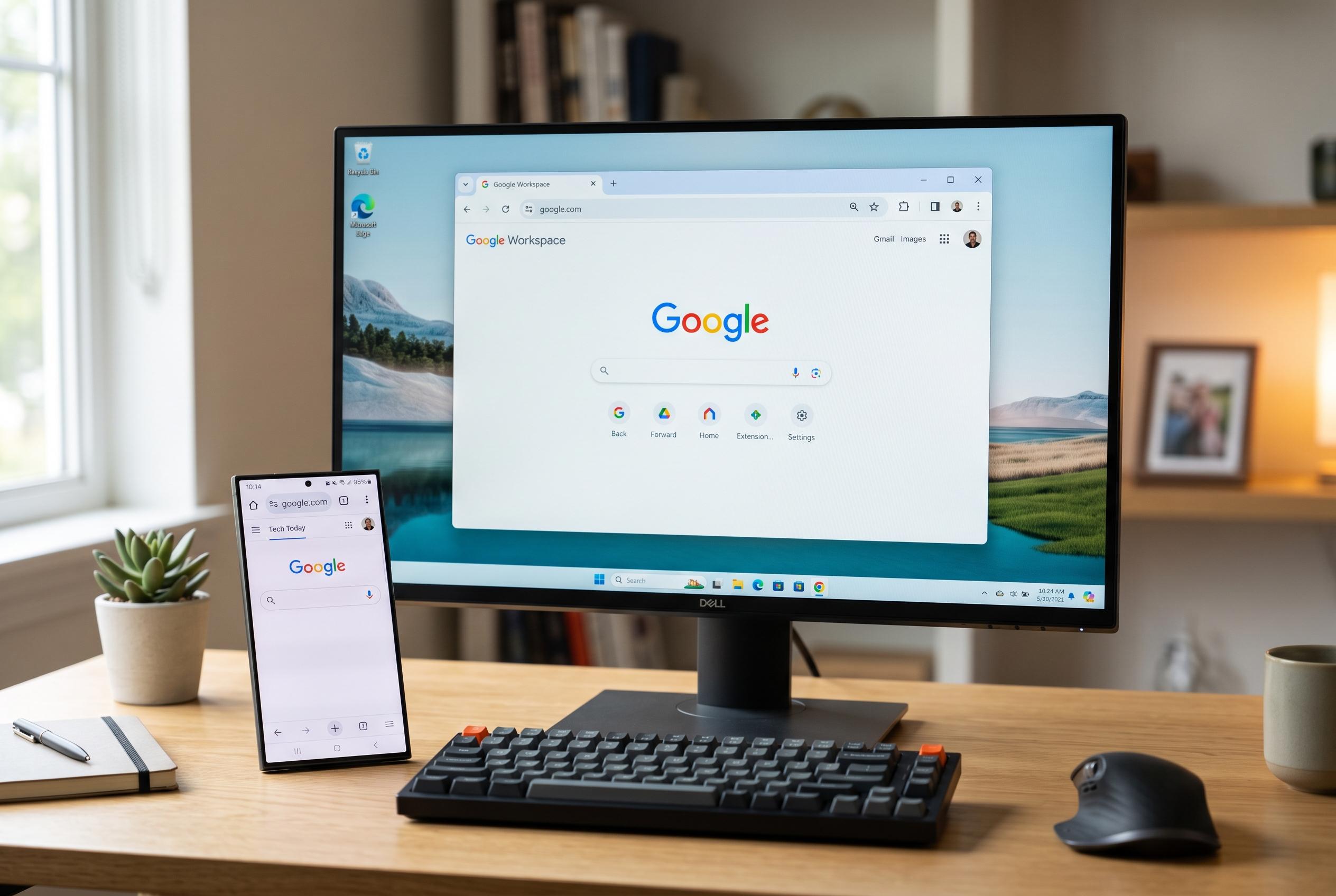

Simple adjustments to Chrome’s interface and features can significantly reduce clutter and enhance usability on Windows desktops and Samsung Galaxy S25 Ultra, highlighting a shift towards more practical browser optimisation.
Chrome felt cluttered for months, but the real problem was not the browser itself. The setup on a Windows desktop and Samsung Galaxy S25 Ultra was doing much of the damage, with too many open tabs, too little use of built-in controls and a habit of leaving default settings untouched.
On desktop, Chrome’s newer vertical tabs option can make a noticeable difference for people who keep many pages open at once. Rather than compressing titles into a thin strip across the top of the screen, the browser moves tabs into a side panel so more names remain readable. TechSpot and PCWorld both reported that users can enable the layout by right-clicking a window and choosing “Show Tabs Vertically”. For users who prefer a dedicated add-on, the Chrome Web Store also offers a vertical tabs extension that turns the tab bar into a full-height sidebar.
Chrome’s AI tools are also becoming more practical when they are used in context. Google’s support documentation says Gemini in Chrome can be opened from the browser interface on supported devices, letting users ask questions without moving to a separate app or tab. The Chrome Web Store listing for the Ask Gemini extension shows a similar approach, allowing highlighted text to be analysed directly from the page. For long articles or research pages, that reduces copying, pasting and constant app switching.
Memory Saver is another feature that works best with some tuning. Instead of suspending every inactive page, Chrome allows users to exempt specific sites in Settings under Performance. That matters for web apps and services that need to stay live throughout the day, because it avoids reloads and reconnects when the user returns to them. The result is a compromise between lower memory use and keeping essential pages responsive.
On mobile, small changes can be just as valuable. Chrome lets users move the toolbar shortcut, including Share, New tab, Translate, Voice search, Listen to this page and Add to bookmarks, through the Appearance settings. It also allows the address bar to be placed at the bottom, which is easier to reach on large phones such as the Galaxy S25 Ultra. Taken together, these adjustments show that Chrome often feels better not after a major overhaul, but after a few practical changes that match the way it is actually used.
Disclaimer: This content is intended for informational purposes only. Readers are advised to exercise their own judgement, conduct due diligence, or consult a qualified expert before acting on any information provided.