

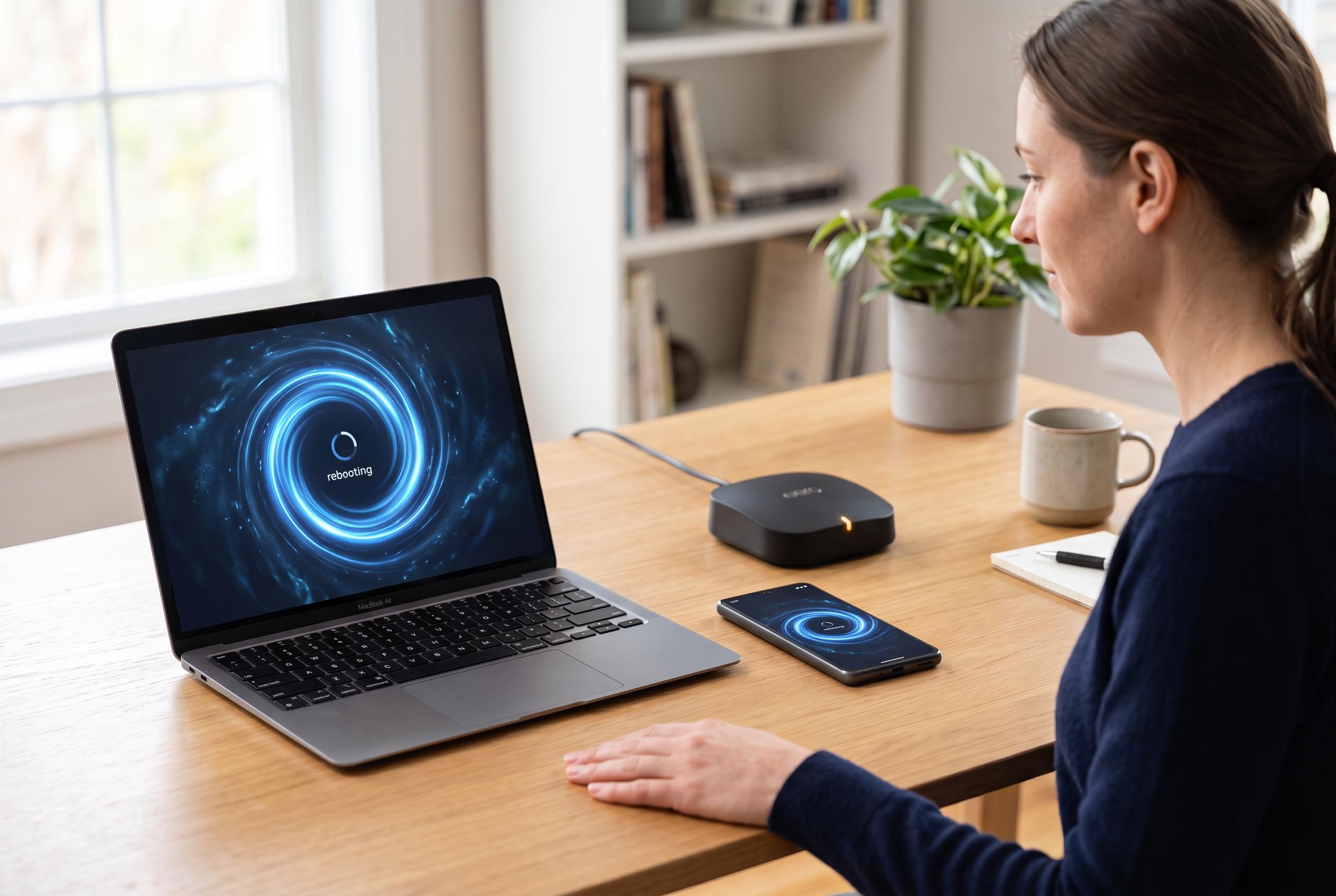

Experts highlight the benefits of weekly restarts for smartphones, laptops, routers, and wearables to optimise performance, fix glitches, and prevent long-term issues.
A brief reboot can do more for everyday electronics than many users expect. As SlashGear explains, small software faults, cached data and background processes can build up over time, leaving devices sluggish or unstable. A regular restart clears working memory, closes stuck tasks and can prevent minor glitches from turning into larger problems.
Smartphones and tablets are among the most obvious beneficiaries. TechAdvisor says these devices are designed to stay on, but periodic restarts help when performance starts to dip. SlashGear recommends a weekly reboot for phones and tablets, noting that it can restore responsiveness and, in some cases, remove certain memory-resident threats that disappear once the device powers down.
The same logic applies to laptops and desktop computers. According to TechAdvisor, newer versions of Windows are built to remain running for longer periods, but a restart is still useful when speed drops or the system becomes erratic. SlashGear advises a weekly reboot for computers across Windows, macOS, Linux and ChromeOS, pointing out that closing a laptop lid usually only puts it to sleep and does not fully clear memory or apply pending updates.
Network hardware also benefits from a reset. Consumer Reports says routers can accumulate temporary data and become overloaded as more devices connect, which can lead to slow connections or dropouts. SlashGear suggests rebooting modern routers about once a month, or every one to two weeks for older models. The practical method is to unplug the device for 30 to 45 seconds before reconnecting it.
Smart TVs, too, are effectively computers in a different form factor. SlashGear says a television switched off with the remote often remains in standby, leaving background processes active. A full power cycle about once a month can help fix sluggish apps and Wi-Fi problems. Wearable devices such as smartwatches and fitness bands also need regular attention. SlashGear recommends a weekly restart to reduce sync issues and sensor glitches, since these devices also run operating systems and keep exchanging data with phones.
Disclaimer: This content is intended for informational purposes only. Readers are advised to exercise their own judgement, conduct due diligence, or consult a qualified expert before acting on any information provided.



