

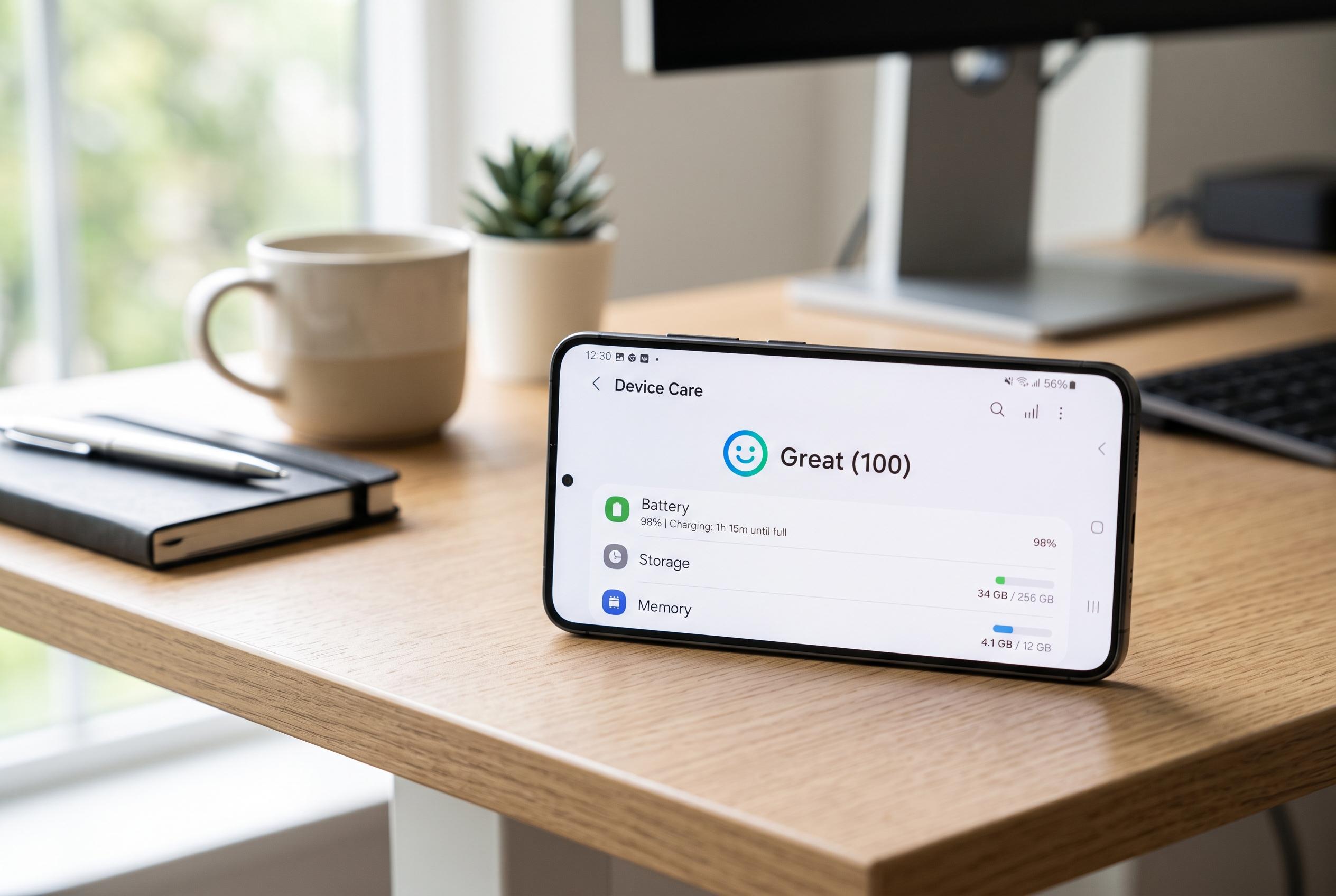

Some Galaxy phone owners question whether Samsung’s automatic maintenance tool enhances battery performance or inadvertently accelerates drain, prompting calls for easier control options amid background management concerns.
Samsung’s Device Care is meant to help phones run efficiently, but some Galaxy owners argue it does the opposite. The feature sits inside One UI as a bundled maintenance tool for battery, storage, memory and security, and Samsung says it can run checks, show an optimisation score and suggest ways to extend battery life. Yet for users who never open it, Device Care can still appear near the top of battery-usage lists, which has prompted questions about whether its background activity is worth the trade-off.
The tension comes from the way Samsung’s software manages apps. Android already includes battery controls such as Adaptive Battery, which learns usage patterns and restricts infrequently used apps. Samsung’s own Device Care adds another layer on top, automatically limiting background activity and pushing rarely used apps into sleep states. That can be useful for simple tools, but it can also be too aggressive for apps that need to keep working quietly, such as fitness bands, camera-monitoring software or medication reminders.
Samsung does not make Device Care easy to turn off. In the app information screen, battery options are greyed out and the service is locked to an unrestricted state, while the disable switch is blocked. According to the guide, a force stop only lasts until the next restart. For a permanent change, users need Android Debug Bridge, or ADB, with USB debugging enabled on the phone. The method shown involves connecting the handset to a computer and running a package-manager command to disable Samsung’s Device Care component.
The potential upside is less background interference and, in some cases, better battery life if Device Care itself is contributing to drain. The downside is that Samsung’s storage scanner, memory cleaner and battery-health tools are also lost, although Android offers similar functions elsewhere in the system. Samsung’s own support material still presents Device Care as a normal part of battery management, so for many users the choice is less about a simple on-off switch and more about deciding whether Samsung’s automation is helpful or intrusive.
Disclaimer: This content is intended for informational purposes only. Readers are advised to exercise their own judgement, conduct due diligence, or consult a qualified expert before acting on any information provided.



