

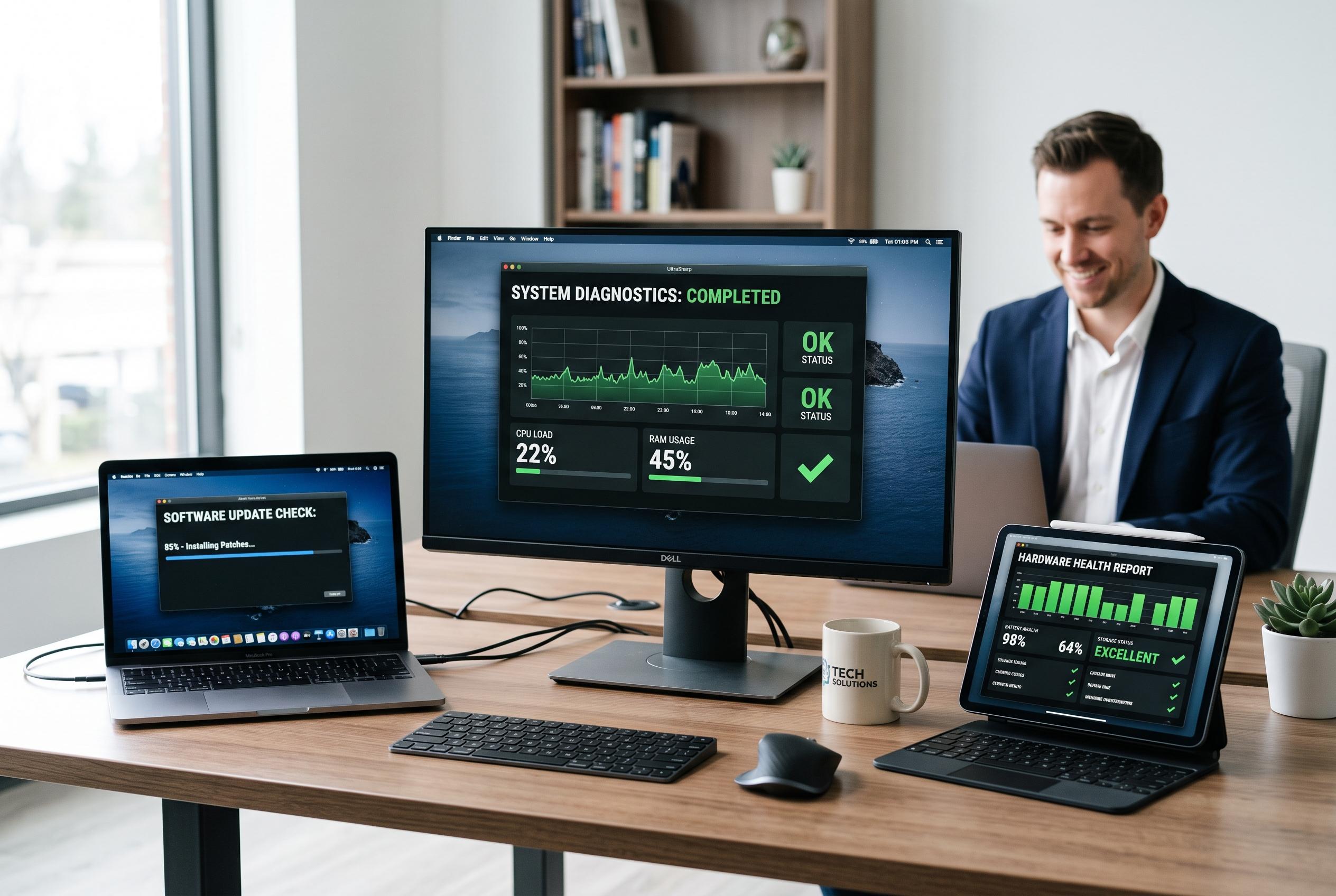

Regular restarts, software checks and hardware diagnostics are key steps in addressing sluggish computers before costly repairs.
A slow computer is not always a sign of failing hardware. In many cases, the cause is more ordinary: too little free storage, too many programmes starting with the system, outdated software or hidden malware consuming memory and processor power. Microsoft and Dell both say users should check those basics first before spending money on repair.
A sensible first step is a restart. Dell recommends doing this regularly, at least once a week, because it clears temporary memory and can stop background services that have become stuck. If the machine is still sluggish after that, Microsoft advises checking for Windows updates, scanning for malware and freeing up disk space, as these are among the most common causes of poor performance.
It is also worth checking whether the problem is software-related or tied to the hardware itself. Dell’s support guidance recommends running built-in diagnostics to test components such as storage, memory and other internal parts. On Dell machines, SupportAssist can help detect failures automatically. That matters because a computer that freezes, boots slowly or opens applications badly may be suffering from a hardware fault rather than a simple software problem.
If the slowdown began after a new app or system change, System Restore can roll Windows back to an earlier state when the computer was working properly. That can undo recent changes without wiping personal files, although it will not remove malware. Microsoft also notes that startup apps can quietly drag down performance, so disabling unnecessary ones in Task Manager can make a noticeable difference.
When software fixes are not enough, the next question is physical capacity. A machine with too little RAM will struggle with modern multitasking, and a traditional hard disk drive can become a bottleneck on older systems. Dell and Microsoft both say that moving from an HDD to a solid-state drive can produce one of the biggest speed gains, especially on ageing computers. If none of these measures helps, the slowdown may be beyond routine maintenance and a technician’s assessment becomes the more practical next step.
Disclaimer: This content is intended for informational purposes only. Readers are advised to exercise their own judgement, conduct due diligence, or consult a qualified expert before acting on any information provided.



